ZRO Wallet
LayerZero (ZRO) Wallet for Free – ZRO Token Wallet Online by CEX.IO
Searching for a place to hold your ZRO? We put together a free wallet that opens on mobile and desktop, keeping your tokens one login away. This page explains the wallet, the registration process, and how ZRO purchases work here.

Read our easy guide and create your LayerZero wallet today!
ZRO Wallet for All Devices
LayerZero wallet works from iOS, Android, desktop computers, and a browser window. Hundreds of assets live in the same account, so your ZRO position appears alongside everything else you own. Each function gets its own section below.
Types of ZRO Wallets
Three wallet formats cover the devices people actually use, and each one handles the same set of functions.
- Online crypto wallet. Made for browsers on desktop and laptop computers. No installation and no upfront cost, with our platform holding the private keys so that responsibility stays off your plate.
- Android crypto wallet. Distributed through the Google Play Store for Android phones and tablets. Its layout stays close to the desktop version, keeping buying, selling, and transfers accessible on the move.
- iOS crypto wallet. Published on the Apple App Store for iPhone and iPad users. The Android feature list carries over intact, with biometric login and live market updates included.
What is LayerZero?
LayerZero is a protocol that lets separate blockchains send messages to each other. Standard bridges wrap assets and hold them in custody, which creates a single point of failure. LayerZero passes lightweight proof data between fixed contracts deployed on each connected network, so applications reach across chains without a wrapped asset in between.
Developers building with LayerZero select which verifier networks confirm their messages and which executors deliver them. The protocol links a wide set of blockchains including Ethereum, Solana, Arbitrum, Base, and BNB Chain. ZRO has a fixed supply of one billion tokens, and holders periodically vote on whether the protocol collects fees.
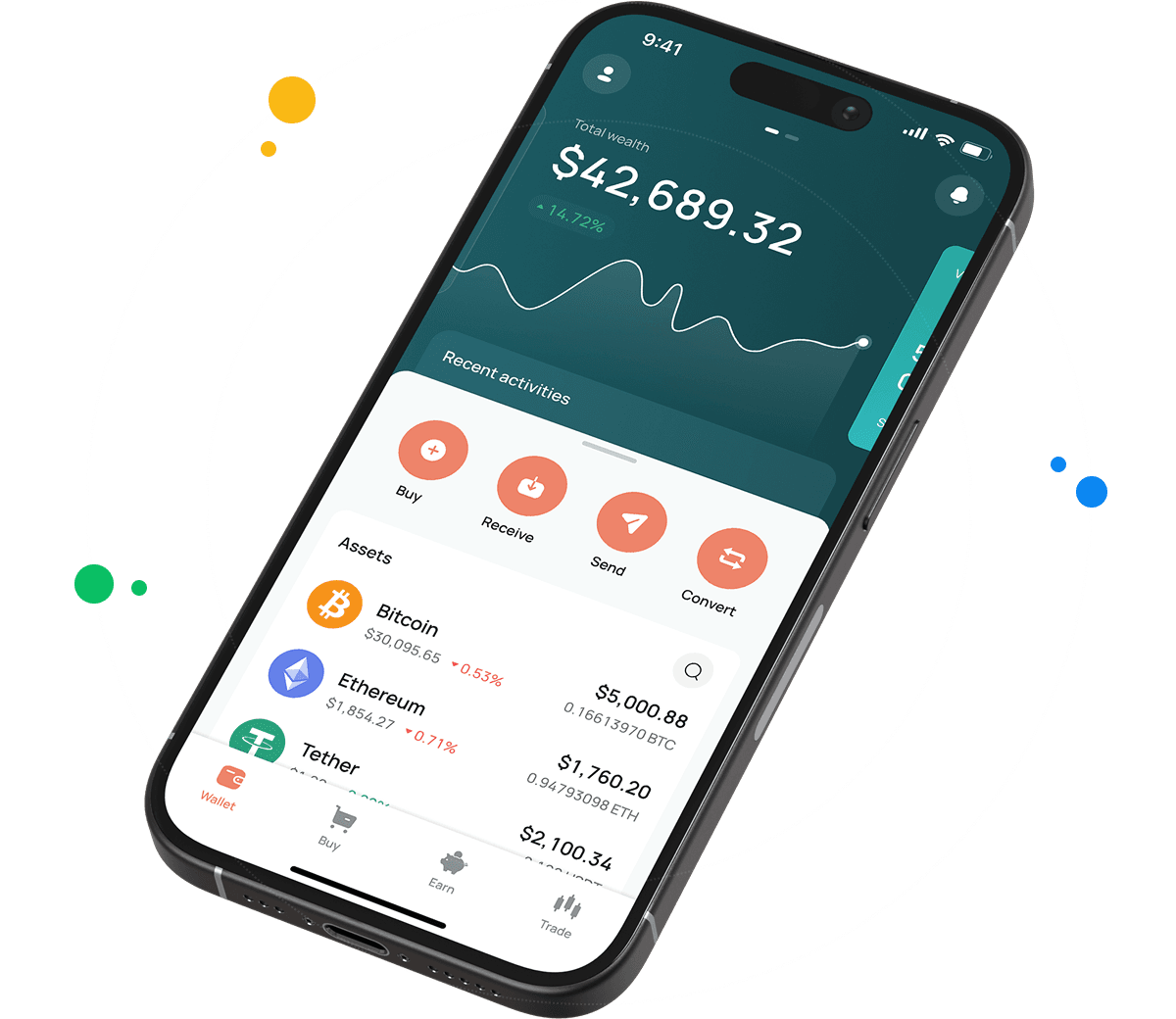
CEX.IO ZRO Wallet
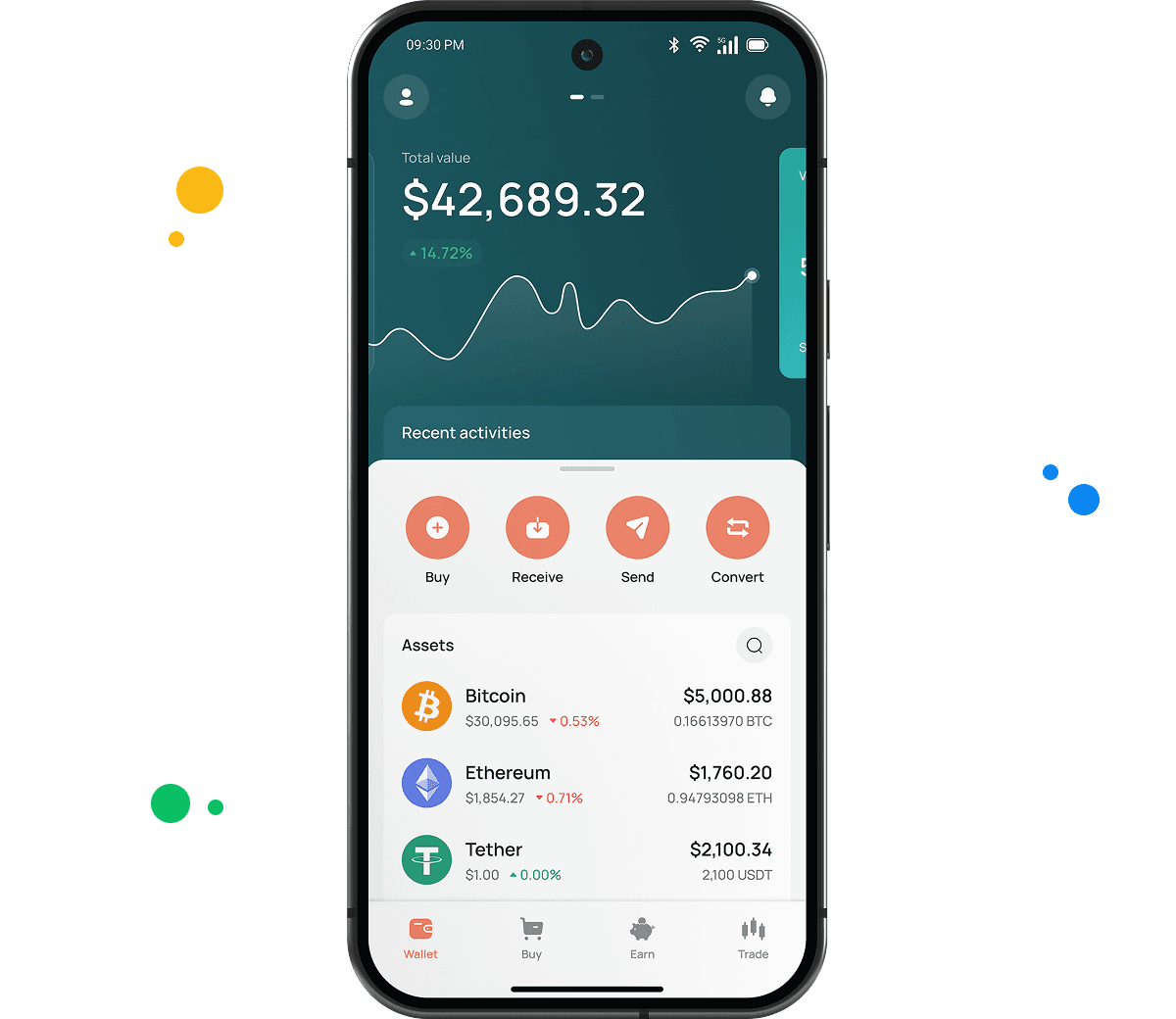
The CEX.IO Wallet holds ZRO along with BTC, ETH, and hundreds of other digital currencies inside one account.
Network specific wallets normally handle storage and transfers only. Ours brings fiat into the picture, letting you buy ZRO by card, sell it with proceeds reaching your card or bank account, and convert between assets without opening another application.
The interface earns most of the positive feedback. Locating a function takes seconds, and your portfolio value stays visible while you work through anything else.

How to Set Up a ZRO Wallet for Mobile and Desktop
Desktop and laptop users can follow this order.
- Go to our official website.
- Open the Products tab from the navigation bar and pick Wallet.
- Scroll down until Create Your Wallet comes into view.
- Supply your details and set a password that shuts out third parties.
- Complete identity verification under our KYC and AML policies to unlock all CEX.IO features and services.
- Your wallet becomes available in the user profile.
The mobile path is shorter.
- Open your mobile store and download the CEX.IO app.
- Install it on your device.
- Create an account by following the in app instructions.
- Your ZRO wallet appears under the user profile.

How to deposit money at CEX.IO wallet
- Open the Wallet menu and choose which currency to deposit.
- Tap Receive, enter your amount, select a payment method, and tap Deposit.
- Review the payment details for accuracy, then tap Confirm Deposit.
- The deposit appears in your wallet once processing completes.
Having funds ready simplifies buying ZRO or any other supported token. Depositing crypto instead leaves those assets available for storage, sale, or exchange whenever you choose.

How to buy digital currency at CEX.IO wallet
- From the main page, tap Buy on the toolbar.
- Press Select Coin and find ZRO among the available assets.
- Enter the amount of USD, EUR, or another accessible currency to spend.
- Select your payment option and tap Buy. The screen displays the resulting ZRO amount.
- Confirm everything looks correct and tap Buy Now. Your ZRO balance updates accordingly.
How to sell crypto at CEX.IO Wallet
Following rates on our crypto prices page helps you choose when to sell. The sequence looks like this.
- Select Sell from the toolbar on the main page.
- Type the amount of fiat currency you wish to receive.
- Choose where the money lands, a card or a bank account, and check the details displayed.
- Press Sell Now. Your ZRO leaves the wallet and the funds travel to your chosen account.
Guide & FAQ
How to Send and Receive ZRO?
Bringing ZRO in from another wallet works through these steps.
- Reach your wallet from the user menu and select ZRO as the cryptocurrency to receive.
- Open the Add Funds section, where your ZRO deposit address appears.
- Copy that address into your other wallet. Multiple senders can use it at once.
Anyone with no ZRO can obtain some through Instant Buy or Spot Trading after funding the account. Sending ZRO out runs as follows.
- Open your wallet and pick ZRO as the asset to transfer.
- Select Withdraw.
- State how much ZRO should leave your balance.
- Enter the recipient address, or scan the QR code provided.
- Complete the transfer through the remaining prompts.
How can I track the value of my ZRO?
Our cryptocurrency price page carries ZRO with current data, showing the present value, the movement across the last twenty four hours, and the market capitalization. Checking requires no account.
Which wallet is best for ZRO?
It depends where you spend your time. The browser wallet suits desktop and laptop users, since opening it involves no installation while our platform manages storage.
Mobile apps serve people handling crypto between other activities. Android and iOS versions both include clean navigation, biometric sign in, live market prices, and instant notifications when transactions settle.
Can I store other cryptocurrencies at CEX.IO?
Yes, both desktop and mobile wallets support more than 200 assets. ZRO sits with BTC, ETH, USDT, SOL, and the broader list, requiring no separate software and adding no fees per asset.
How to send crypto from CEX.IO wallet
Open the Wallet app, choose ZRO, and tap Send. Enter the amount and recipient address, or select a saved address from an earlier withdrawal. Check the network setting, review the details, and press Confirm Sending. CEX.IO Pay moves funds between platform users instantly with no blockchain fee.
Which is the best mobile ZRO wallet to use?
The CEX.IO App manages ZRO fully on iOS and Android. Buying, selling, converting, and sending share one interface, and the wallet ties to your account so the balance works across the platform.
What are the payment methods at CEX.IO Wallet?
You can use debit and credit cards, SEPA transfers, Faster Payments if you bank in the UK, and Domestic Wire for US accounts. Over 80 cryptocurrencies also work for deposits. Options vary with your country of residence.
Should I use a crypto wallet by CEX.IO?
Our wallet stores ZRO while linking it to fiat payments, quick conversions, and reasonable withdrawal costs. Local regulations in the U.S., Europe, and other markets guide how CEX.IO operates.