COMP Wallet
Compound Wallet on CEX.IO : For iOS, Android, and Desktop Users
Compound helped define how lending works across decentralized finance, and COMP is the token that governs it. Our free wallet keeps COMP within reach on phones and computers, handling storage, purchases, and transfers from a single login.
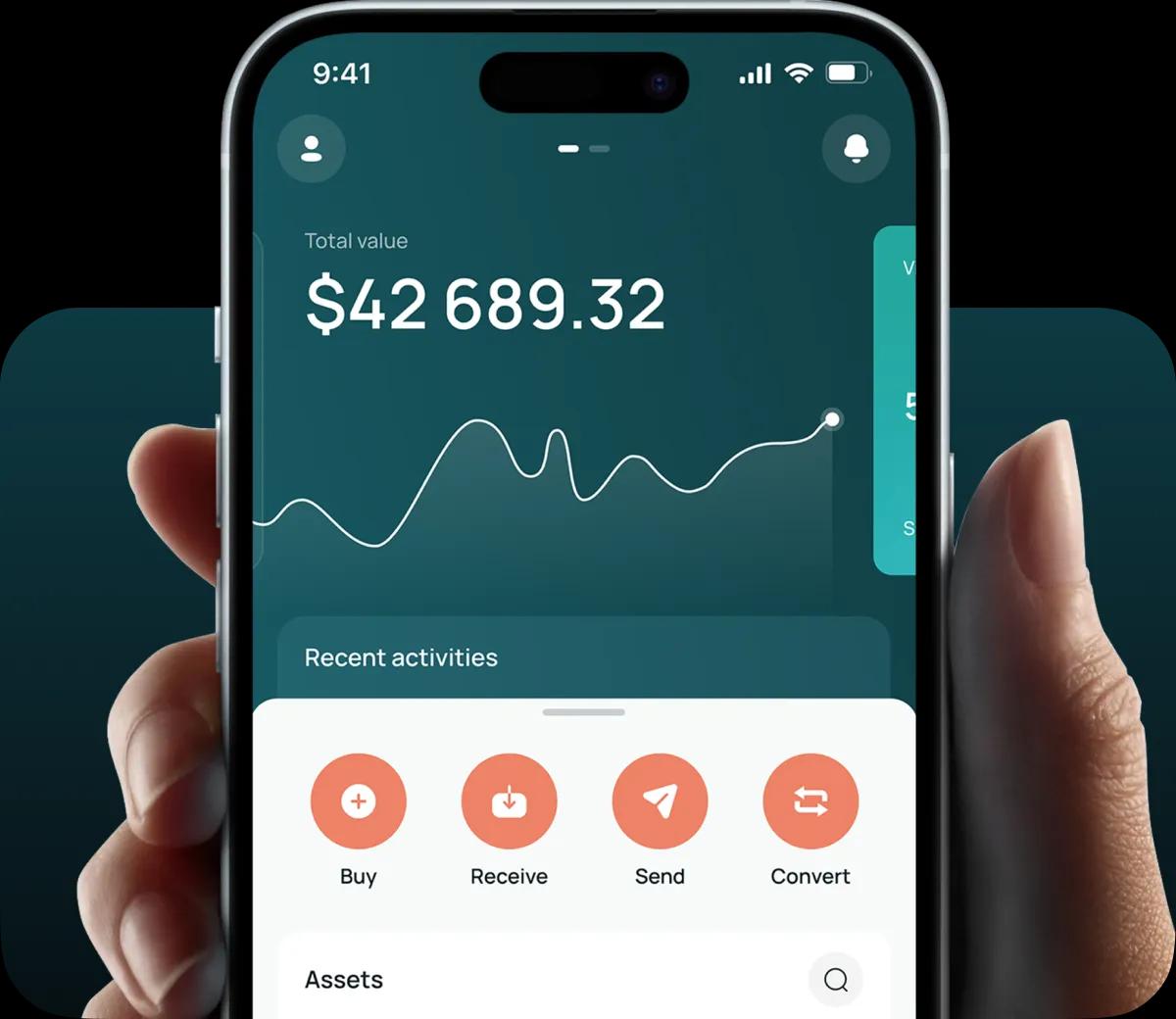
Read our easy guide and create your Compound wallet today!
COMP Wallet for All Devices
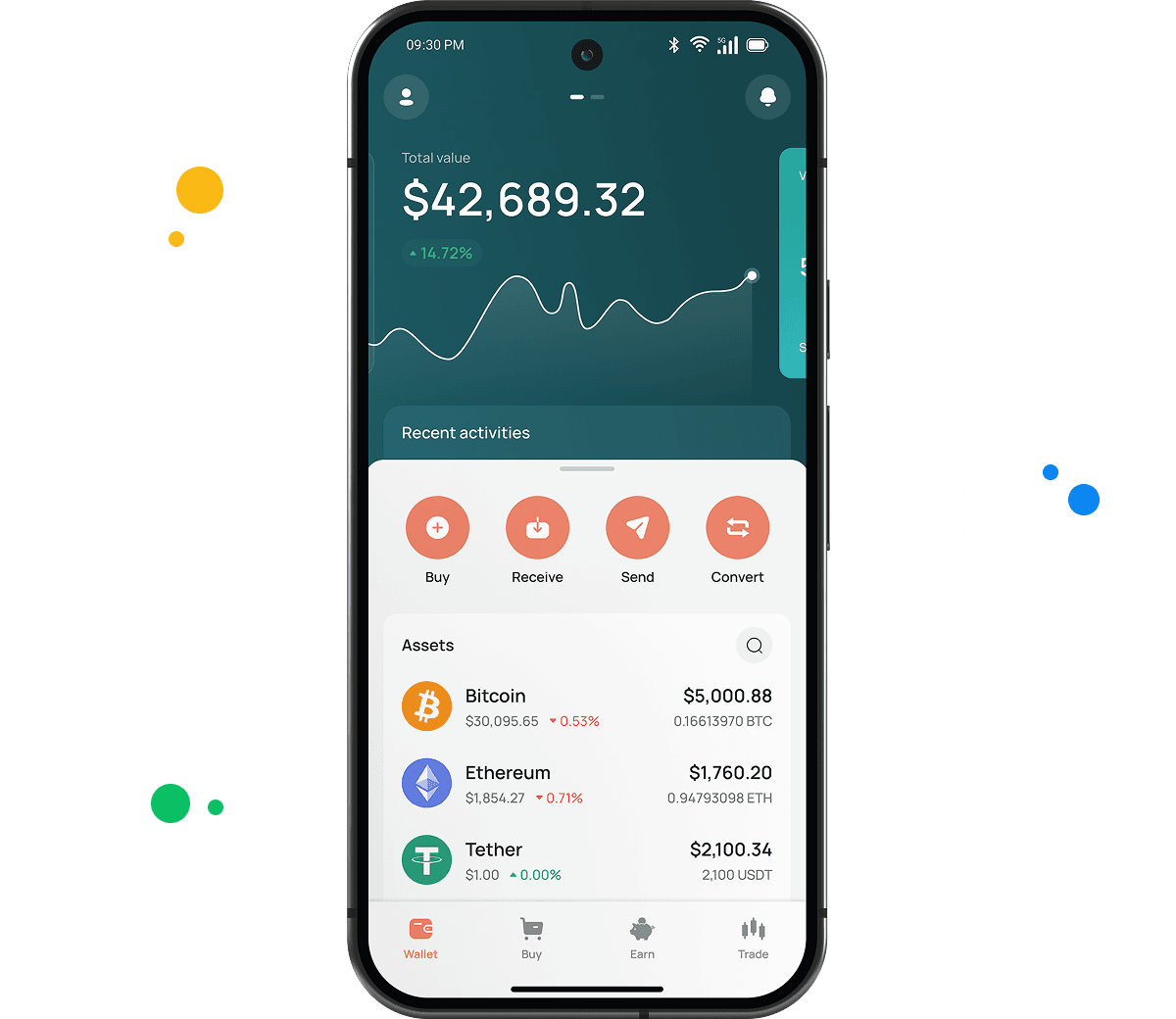
A free COMP wallet from CEX.IO opens on iOS, Android, desktop, and any browser. The same account carries hundreds of other tokens, so your full position appears on one screen. Each function below gets its own walkthrough.
Types of COMP Wallets
We built three wallet formats so managing COMP stays convenient on any device. Every option covers the same core actions with a layout suited to its platform.
- Online crypto wallet. Made for desktop and laptop users, this version runs inside your browser with nothing to download and no upfront cost. An internet connection gets you in, and our platform holds the private keys so that part never lands on you.
- Android crypto wallet. Built for Android phones and tablets and delivered through the Google Play Store. The layout tracks the desktop version closely, letting you buy, sell, and move COMP away from your computer.
- iOS crypto wallet. Made for iPhone and iPad and published on the Apple App Store. It matches the Android app feature for feature, adding biometric sign in and live market data.
CEX.IO COMP Wallet
Our wallet keeps COMP together with BTC, ETH, and hundreds of other digital currencies inside one account.
Wallets built for one blockchain usually stop at holding and sending. Ours reaches into fiat. Buying COMP runs through a card, selling drops cash onto your card or bank account, and swapping COMP for another asset stays in the same window.
The clean interface earns most of the praise. Whatever action you want sits close at hand, and portfolio value refreshes on its own while you handle other things.
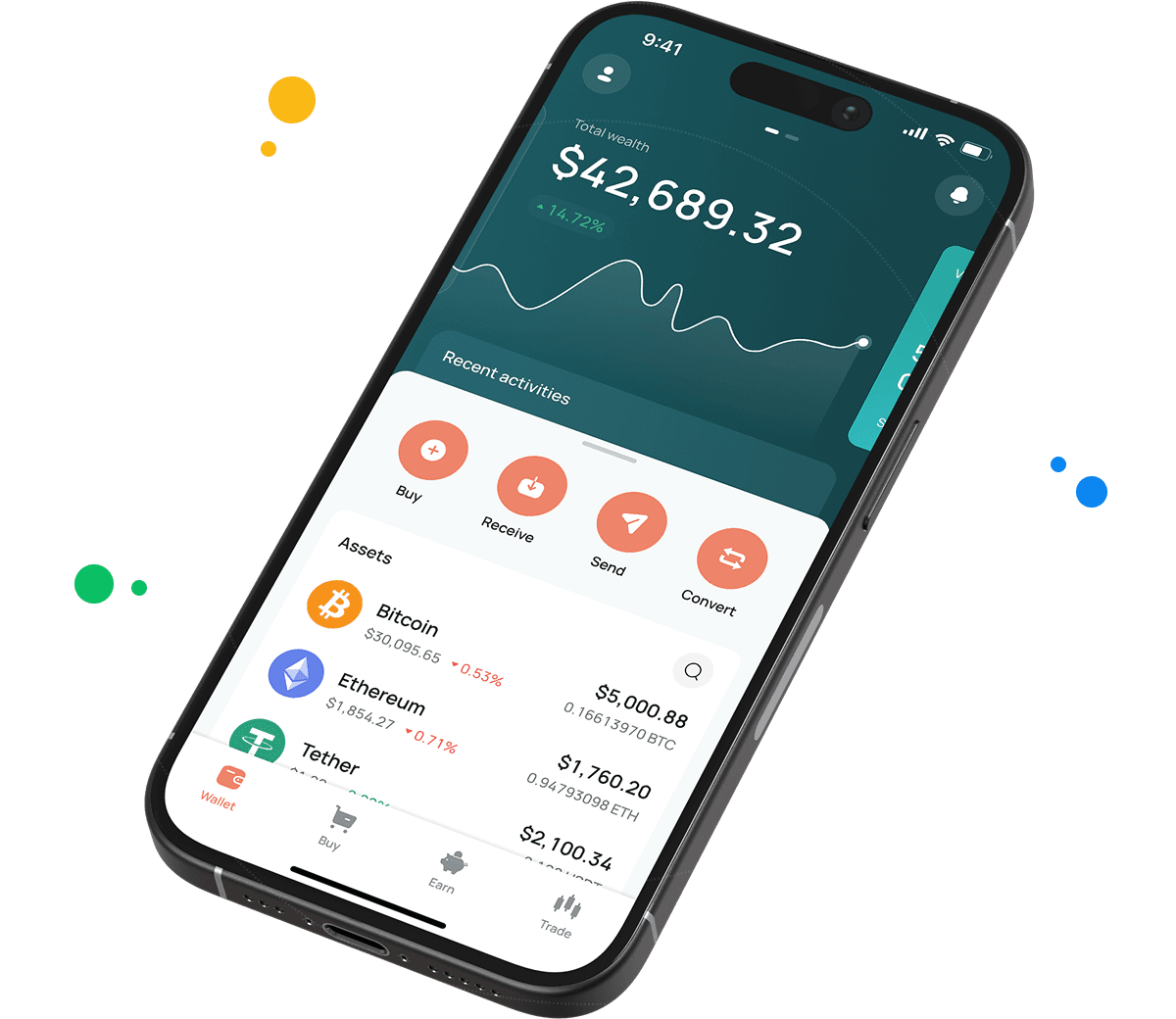
How to Set Up a COMP Wallet for Mobile and Desktop
Opening a wallet on CEX.IO takes only a few minutes. Desktop and laptop users can work through these steps.
- Open our official website in your browser.
- Find the Products tab in the navigation bar and choose Wallet.
- Scroll down a little until you reach Create Your Wallet.
- Enter your details and set a password that keeps the account out of reach of others.
- Verify your identity under our KYC and AML policies to open the full range of CEX.IO features.
- Your wallet becomes available from the user profile once verification clears.
Mobile users follow a slightly different path.
- Go to your mobile store and download the CEX.IO app.
- Install it.
- Create an account by following the in app prompts.
- Your COMP wallet appears through the user profile.
How to Send and Receive COMP?
A CEX.IO wallet moves COMP in both directions. If you already hold COMP elsewhere, bringing it over works like this.
- Open your wallet from the user menu and pick COMP as the cryptocurrency you want to receive.
- Move to the Add Funds section to find your COMP deposit address.
- Copy that address and paste it into your other wallet. You can share the same address with several senders at once.
Anyone starting without COMP can acquire it through Instant Buy or Spot Trading. Sending COMP out follows these steps.
- Go to your wallet and select COMP as the asset you want to transfer.
- Click Withdraw.
- State how much COMP should leave your balance.
- Enter the recipient address, or scan the QR code.
- Finish your COMP transfer by following the on page prompts.
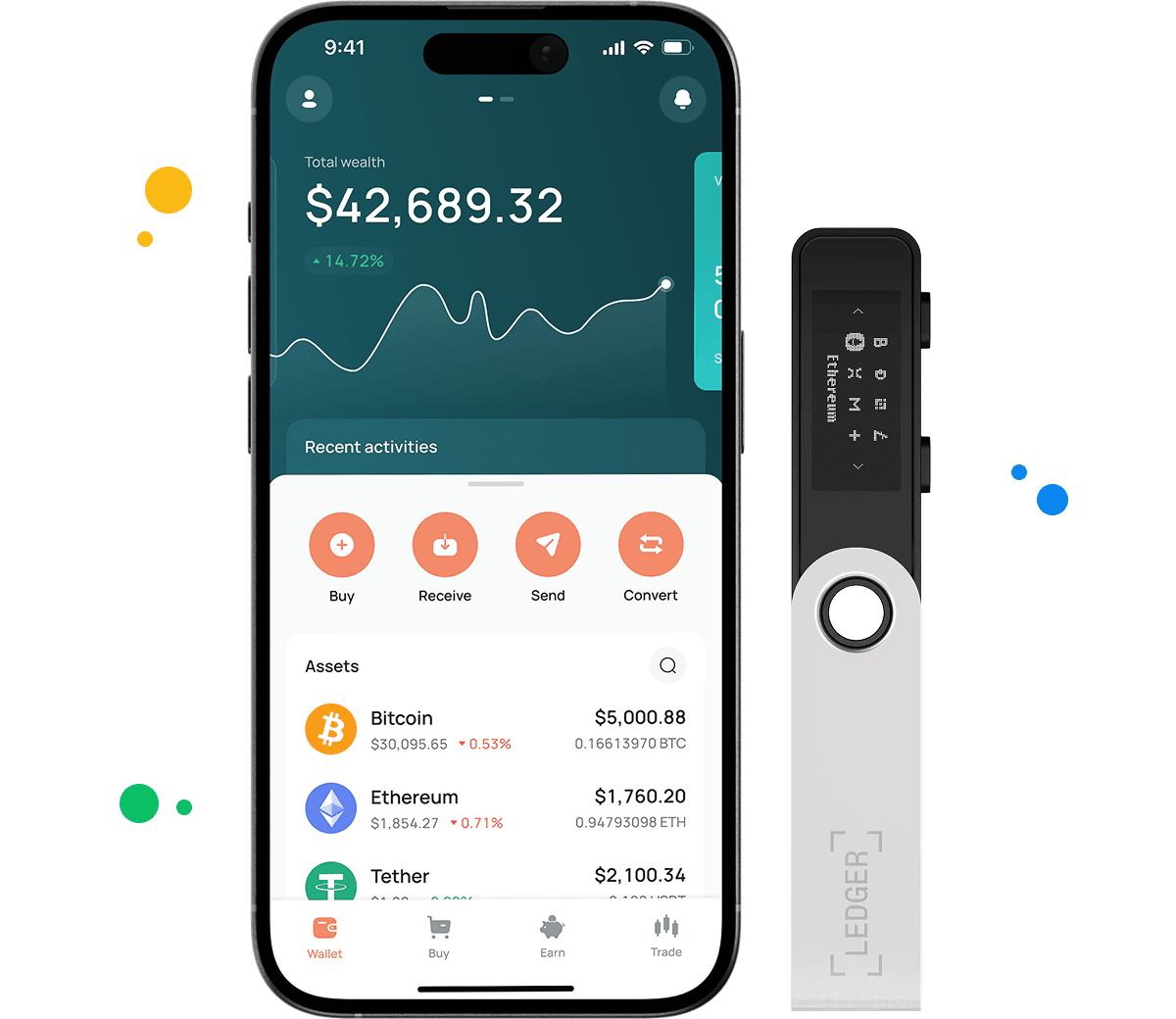
How to buy digital currency at CEX.IO wallet
Buying COMP inside your wallet works with a card or a bank transfer, and no outside tools come into it.
- On the main page, tap Buy in the toolbar.
- Press Select Coin and pick COMP from the asset list.
- Type how much USD, EUR, or another available currency you want to spend.
- Choose your payment method and tap Buy. The screen shows how much COMP the purchase produces.
- Review the details once more and press Buy Now. Your COMP balance updates right after.

How to sell crypto at CEX.IO Wallet
Checking our crypto prices page first helps you pick a moment that suits you. Selling then works like this.
- Choose Sell from the toolbar on the main page.
- Enter the amount you want to receive after the sale.
- Pick where the money should go, either a card or a bank account, and review the details that appear.
- Press Sell Now. The COMP leaves your wallet and the money follows to your chosen destination.
How to use the Exchange option at CEX.IO Wallet?
To trade assets already sitting in your wallet, select Exchange from the toolbar. Pick the currencies you want to convert between using the dropdown lists. Enter how many tokens you plan to exchange and the screen shows what you receive. Click Exchange and confirm once the numbers look right. Your balance adjusts immediately.
FAQ
What is COMP?
COMP is the governance token of Compound, a decentralized lending protocol on Ethereum that launched in 2020. Holders propose and vote on protocol rules, from which assets the market supports to how interest models behave. The token has a maximum supply of 10 million.
How can I track the value of my COMP?
Our cryptocurrency price page lists COMP with live figures. You will see the current value, the change over the last day, and the market capitalization. Registered users and visitors without accounts can both read it.
Which wallet is best for COMP?
Desktop users often reach for the web wallet, since it needs no installation and our platform handles storage. A larger screen also makes reading transaction history simpler.
The mobile apps suit people managing crypto between other tasks. Android and iOS versions carry clear navigation, biometric sign in, live prices, and alerts as transactions land.
Can I store other cryptocurrencies at CEX.IO?
Yes. Our desktop and smartphone wallets support over 200 assets, so COMP shares the account with BTC, ETH, USDT, and many others. No extra software and no additional fees apply.
How to send crypto from CEX.IO wallet
Open the wallet, choose COMP, and tap Send. Enter the amount and the recipient address, or select a saved address if you have withdrawn before. Confirm the network reads Ethereum, check the details, and press Confirm Sending. Transfers between CEX.IO users through CEX.IO Pay complete instantly with no blockchain fee.
What are the payment methods at CEX.IO Wallet?
You can pay with a debit or credit card, or move money through SEPA transfers, Faster Payments if you bank in the UK, and Domestic Wire for US accounts. Over 80 cryptocurrencies also work for funding. Your country determines which ones appear.
Where to find the safest crypto wallet?
Start with the provider and their security features. Two factor authentication should be available at minimum. CEX.IO has operated since 2013 and serves more than 15 million registered users, and no security breach in that period led to a loss of customer funds.
Should I use a crypto wallet by CEX.IO?
The CEX.IO Wallet holds COMP and connects it to fiat payments, quick conversions, and low withdrawal costs. CEX.IO follows the local regulations in the countries where it operates.