PayPal Crypto Wallet
Crypto Wallet With PayPal on CEX.IO : For iOS, Android, and Desktop Users
A crypto wallet with PayPal is a wallet that accepts PayPal as a way to pay for crypto and to receive fiat. The CEX.IO Wallet supports PayPal for verified US residents. You link your PayPal account once, and it then appears among your payment methods.
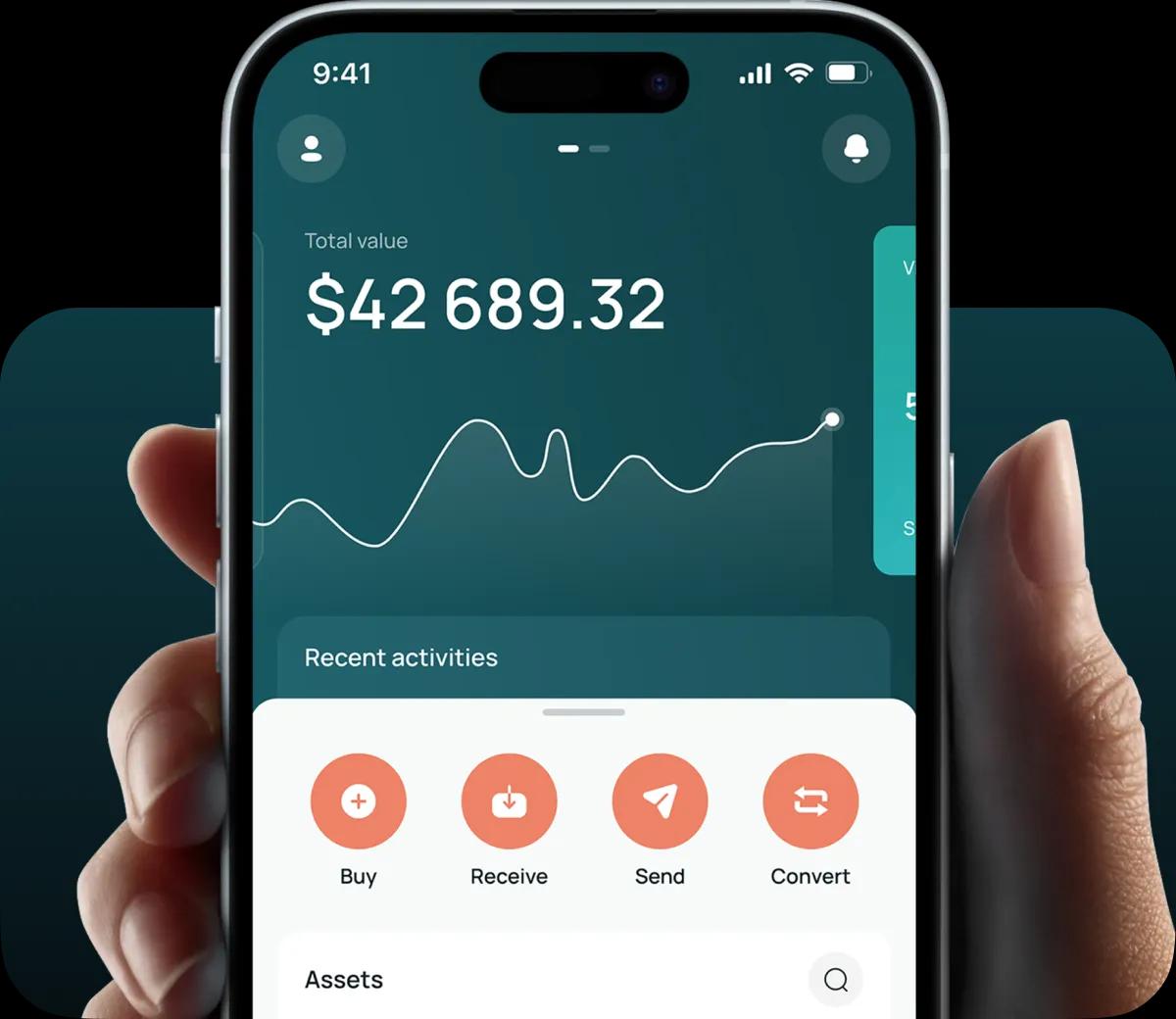
Read our easy guide and create your Crypto wallet today!
Crypto Wallet That Accepts PayPal for All Devices
Many US shoppers already pay online through PayPal. Linking it to a crypto wallet lets them use the same account for crypto purchases, with no card details to type in. The payment runs through PayPal, and the crypto lands in the CEX.IO Wallet. The wallet has a web version and a mobile version inside the CEX.IO App for iOS and Android. The PayPal link belongs to your CEX.IO account, so it carries over to every device you sign in on.
Who Can Use PayPal in the CEX.IO Wallet
PayPal funding at CEX.IO covers US residents and works in USD. Three conditions apply.
- You live in the United States.
- You have completed identity verification on CEX.IO.
- The name on your PayPal account matches the name on your CEX.IO account.
Users in other countries fund the wallet through other methods, and the last section of this page lists them.
How a PayPal Crypto Wallet Works
The connection between the two accounts runs through the PayPal login. You sign in to PayPal from the CEX.IO Wallet and allow it to share the required information. From then on, PayPal shows up as a payment option when you buy. Only one PayPal account can stay linked at a time, and the support team handles unlinking through live chat.
Money moves in both directions. A purchase draws USD from PayPal and adds crypto to your wallet. A sale turns crypto into USD, and a withdrawal sends that USD back to PayPal.
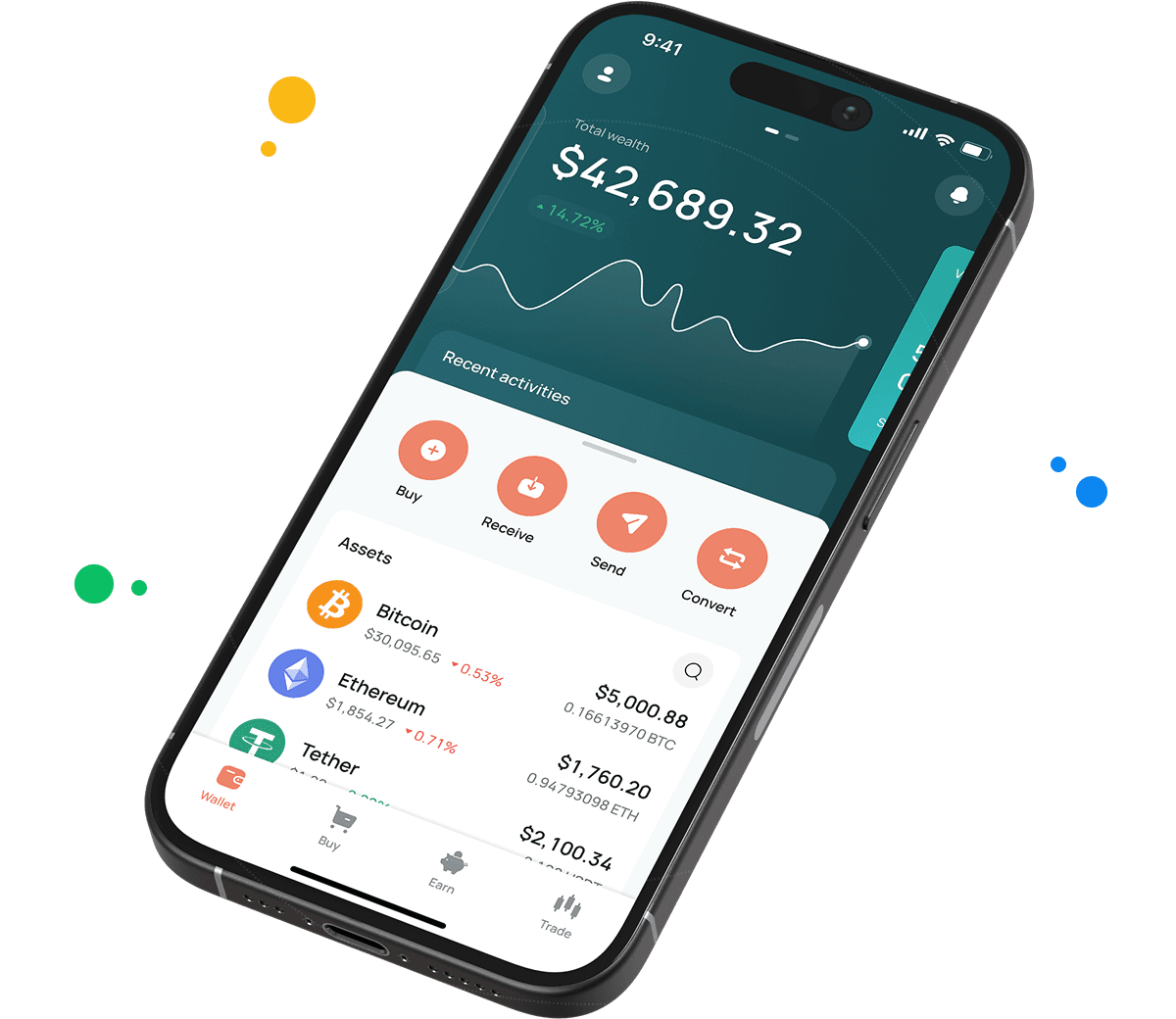
How to Register a CEX.IO Wallet
A CEX.IO account comes with the wallet, and registration takes these steps.
- Visit wallet.cex.io and press the Create your wallet button.
- Type in your email, choose a password, and pick your home country from the list.
- Read the Terms of Use and the Privacy Policy, then give your consent to both.
- Confirm the email with the passcode CEX.IO sends you.
- Fill in your legal name and date of birth. Use the same name that appears on your PayPal account, because the link checks it.
- Pass identity verification, which every PayPal payment requires.
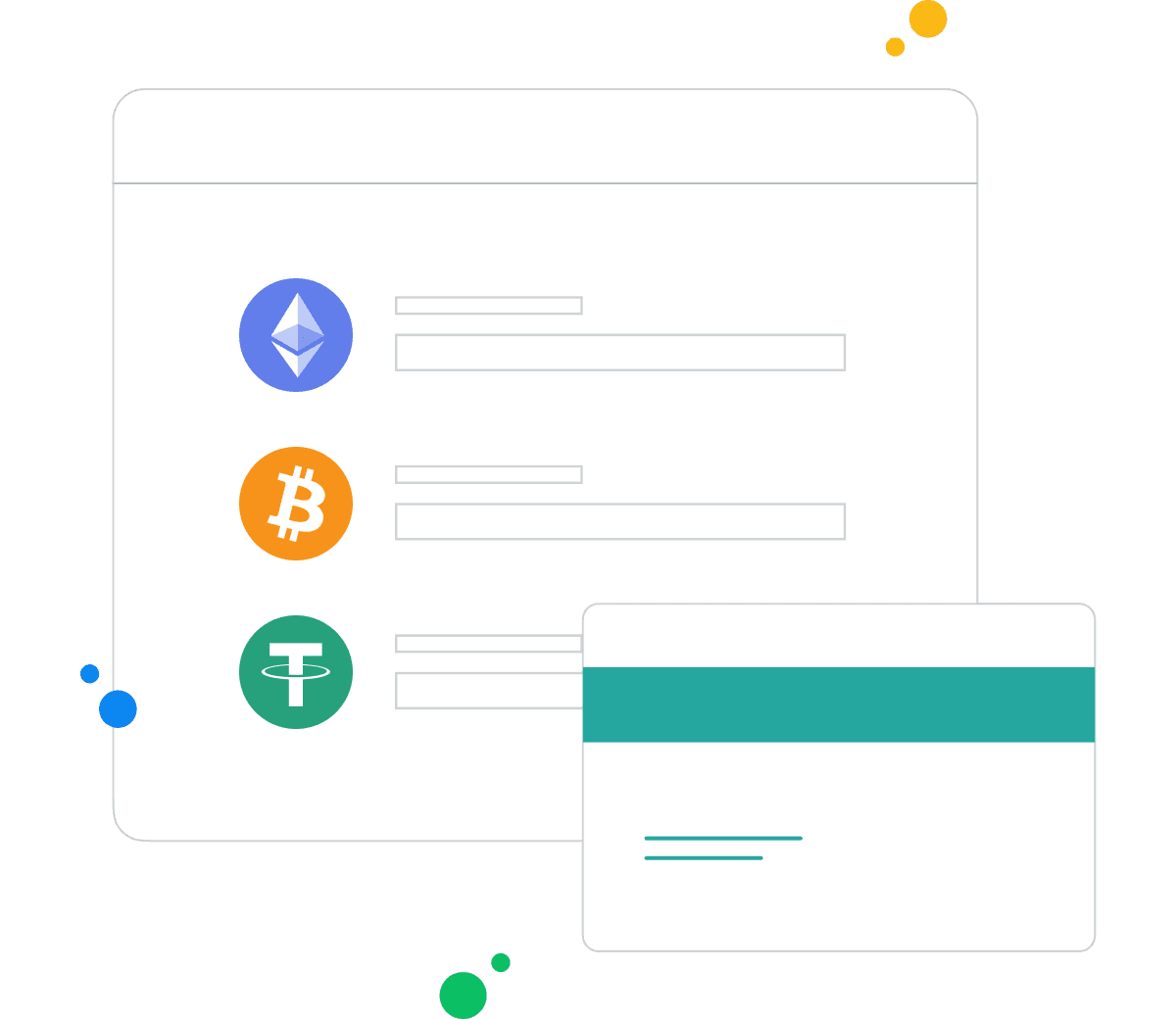
How to Link PayPal to Your Crypto Wallet
The CEX.IO App handles the link from your profile.
- Tap the profile icon in the top right corner and open Payment methods.
- Select PayPal to start the linking.
- Allow CEX.IO Wallet to share the information and tap Continue.
- Sign in to PayPal to finish.
The web version of the wallet uses a separate path.
- Open the Wallet dashboard on the CEX.IO website.
- Switch to the Account Manager tab and click PayPal.
- Log in to PayPal to complete the link.
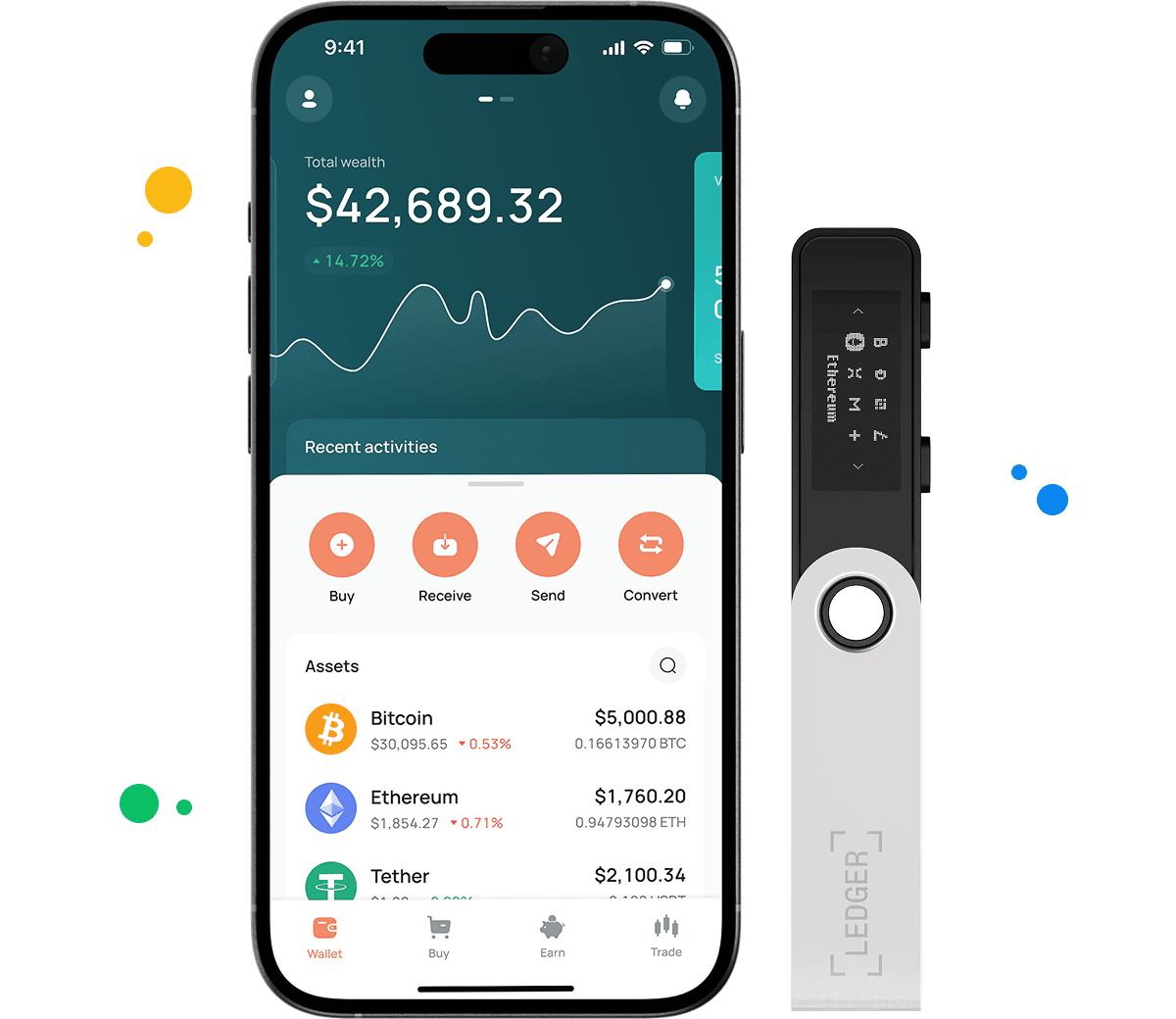
How to Buy Crypto With PayPal
With PayPal linked, a purchase in the CEX.IO App runs like this.
- Pick an Express Buy pack, or tap Add Funds.
- Choose the crypto you want.
- Enter the amount in USD or in the crypto itself.
- Select PayPal as the payment method.
- Tap Buy to finish the order.
The purchased crypto appears in the Wallet menu once processing ends. It stays there until you decide to hold, send, or sell it.
How to Withdraw Crypto to PayPal
Cashing out to PayPal takes two moves. You sell crypto for USD first, and then you withdraw that USD.
- Sell the crypto for USD in the Sell section.
- Open the withdrawal screen and choose PayPal.
- Type the USD amount and look over the fee.
- Confirm with two factor authentication.
PayPal Limits and Fees
PayPal deposits range from $20 to $1,000 per day. Withdrawals to PayPal range from $20 to $10,000 per day. Each direction carries a fee of 3.99% plus $5. The Limits and Commissions page keeps these figures current.
A declined payment usually traces back to one of a few causes. The amount can fall outside the limits, the PayPal account can lack funds, or the card behind PayPal can fail to cover the charge. A retry from another source linked to PayPal, or from the other version of the wallet, often clears the issue.
Other Ways to Fund the Wallet Outside the US
PayPal stays limited to US residents at CEX.IO. Users elsewhere pay with Visa or Mastercard cards, Apple Pay, or Google Pay in supported countries. SEPA transfers serve Europe, and Faster Payments serve UK bank accounts. The payment screen shows the methods that apply to your country.
FAQ
Can I buy crypto with PayPal in the CEX.IO Wallet?
Yes, if you are a verified US resident. PayPal appears as a payment option in the buy flow of the CEX.IO App once you link your account.
Is PayPal available outside the United States?
No. At CEX.IO, PayPal payments cover USD transactions for US residents only.
Do I need identity verification to use PayPal?
Yes. CEX.IO requires identity verification before any PayPal transaction.
Can I link more than one PayPal account?
No. The wallet supports a single linked PayPal account. To replace it, contact the support team through live chat.
Can I sell crypto and receive money in PayPal?
Yes. Convert the crypto into USD through the Sell section, then pick PayPal as the withdrawal method.
Why do the names on both accounts need to match?
CEX.IO checks that the PayPal account belongs to the same person as the CEX.IO account. A different name on either side stops the link or the transfer.
Which cryptocurrencies can I buy with PayPal?
The asset list in the Buy section shows every coin you can purchase, BTC and ETH among them.
How much does a PayPal payment cost?
CEX.IO charges 3.99% plus $5 on PayPal deposits and on PayPal withdrawals.