Android Wallet
Crypto & Bitcoin Wallet App for Android in the UK
Choosing a UK Android crypto wallet starts with a few questions: who holds the private keys, which assets the app supports, and which payment methods it offers. This page answers them for the CEX.IO app on Android, a custodial wallet for Bitcoin and other listed cryptoassets, and walks through setup, buying, selling, sending and converting.
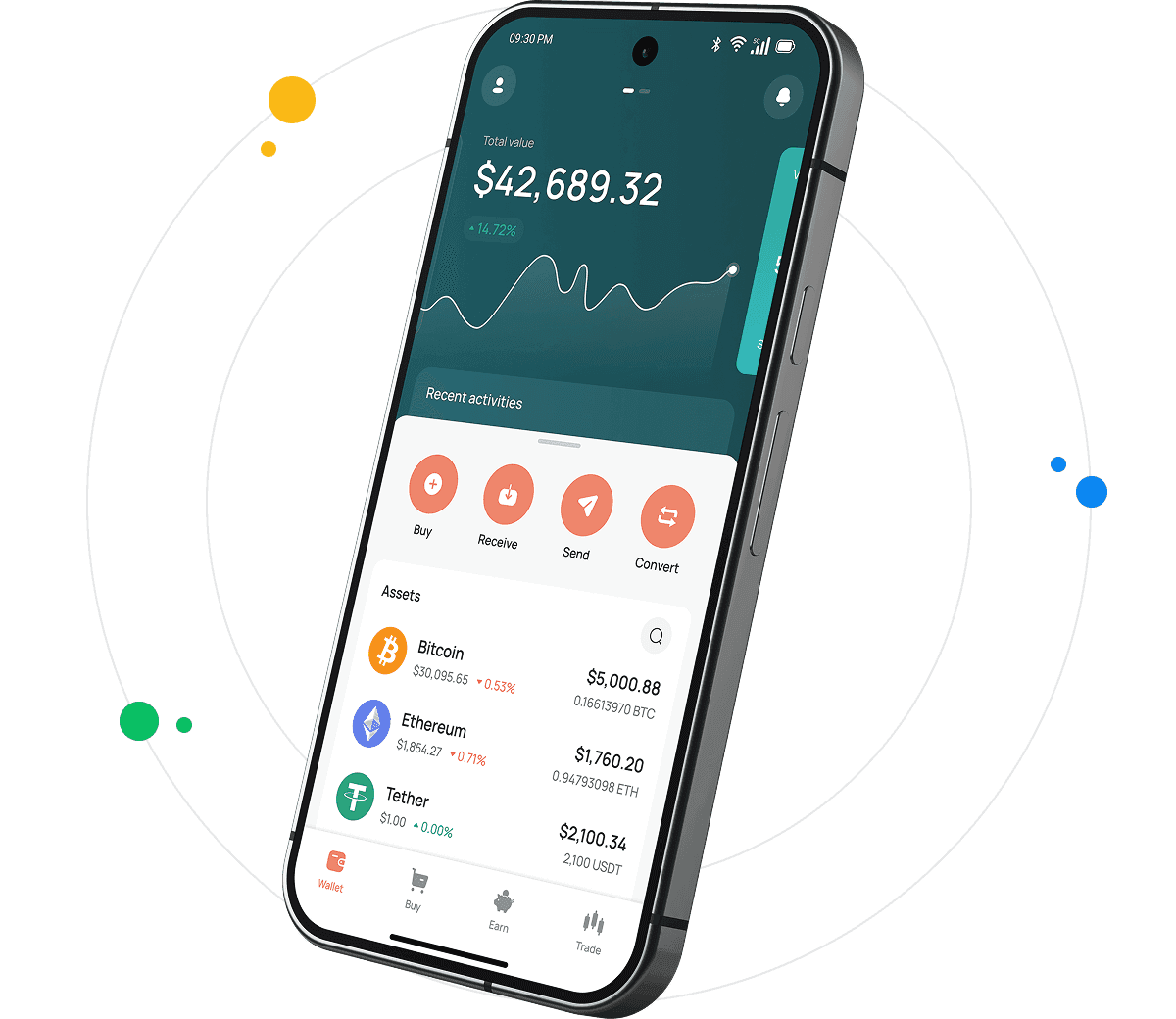
Read the step-by-step guide below
Android Crypto & Bitcoin Wallet for All Devices in the UK
Crypto wallets differ in what they do. Some only store, send and receive cryptoassets. Others connect to a trading platform and add fiat payments, buying, selling and conversion. When people compare Android wallets, they often weigh day-to-day access against who controls the keys and which account controls the wallet offers.
The CEX.IO app for Android belongs to the second group. It runs the same custodial account as the CEX.IO Wallet on the web, so a UK customer sees the same balances and history on a phone and in a desktop browser. CEX.IO holds the private keys, and the customer does not keep a seed phrase.
Multiple cryptocurrencies and payment options available in the UK
A wallet that supports only a few coins limits what you can hold in it. The CEX.IO Wallet holds Bitcoin, Ethereum and other assets listed on CEX.IO, and the assets available depend on your region.
The same account handles fiat. A UK customer can buy crypto, for example to buy Ethereum [LINK: buy Ethereum], sell it for fiat, or convert one listed asset into another. Payment and payout methods can include cards and other methods, and the methods you see depend on your region and verification level. Any fee appears before you confirm, and the Limits and Commissions page publishes the full schedule.
How to use Android crypto wallets like CEX.IO Wallet in the UK?
How you use an Android crypto wallet depends on its features. The CEX.IO Wallet stores, sends and receives cryptoassets, and it also supports fiat payments, buying, selling and conversion.
Here are two examples of how a UK customer might use it.
Say you have an Android phone and want to buy Bitcoin. You install the CEX.IO app, sign in with an existing verified CEX.IO account or create a new one, and complete the UK checks. You can then buy BTC with a payment card. If this is your first cryptoasset purchase, a 24-hour cooling-off period applies first.
Or say you hold Bitcoin and want fiat. You can sell bitcoin in the CEX.IO Wallet [LINK: sell bitcoin], keep the fiat in the account, or withdraw it through a payout method available to you. CEX.IO Convert can also change BTC into another listed asset where available, as described on the BTC to GBP page.
Frequently asked questions about CEX.IO Wallet in the UK
How to create an account with CEX.IO Wallet?
To create an account in the CEX.IO app for Android:
1. Download the CEX.IO app from Google Play, or start on the CEX.IO website.
2. Enter your email address and a password, and pick the United Kingdom from the country list.
3. Read the Terms of Use and accept them to continue.
4. Confirm your email address through the message CEX.IO sends.
5. Turn on two-factor authentication and biometric sign-in.
6. Pass identity verification, which CEX.IO runs under its KYC and AML policies, then the UK appropriateness assessment. A 24-hour cooling-off period applies before your first cryptoasset purchase.
If you already have a verified CEX.IO account, you can sign in to the app with it instead of creating a new profile.
Can I buy Bitcoin in the UK with the Android wallet?
Yes. After the UK checks, which are identity verification and the appropriateness assessment, an Android user can buy BTC in the CEX.IO app. A 24-hour cooling-off period applies before your first cryptoasset purchase, and your region and verification level decide which payment methods appear.
How to receive cryptocurrencies?
To receive or deposit crypto to the CEX.IO Wallet, select the asset on the main screen and select Receive. The app shows your deposit address, which you enter in the sending wallet. Before you copy the address or use the QR code, check that you selected the right network and an address format the sending wallet supports. Some assets also need a second field, usually a memo ID or a destination tag. Check every detail in the sending wallet before you confirm the transfer.
How to send crypto?
Sending, or withdrawing, works like depositing in reverse. Choose the asset and select Send. Enter a destination address, either a new one or one you saved from an earlier transfer. Check that the network and the address format match what the receiving wallet supports, and add a memo ID or destination tag if the destination needs one. Blockchain transactions cannot be reversed, so confirm only when every detail is correct.
How to buy and sell crypto via CEX.IO Wallet in UK?
To buy crypto with the CEX.IO Wallet [LINK: buying crypto], select Buy on the main screen, choose the asset and enter the amount. Choose a payment method from the ones available in your account. Before you confirm, check the amount you would receive and the fee shown. Your balance updates once the purchase completes.
Selling mirrors buying, from the Sell section: choose the asset, enter the amount, pick one of your payout methods and confirm. Current prices for each asset are listed on the CEX.IO prices page.
How to use the Exchange option in the Android wallet in UK?
In the Android app, Exchange opens CEX.IO Convert, where available. Select the asset to give and the asset to get, then enter an amount. A confirmation screen lists the rate and the amount you would receive, and the conversion goes ahead only when you approve it.
What is the Android crypto wallet, its pros, and cons?
An Android crypto wallet is an app that holds cryptoassets on an Android phone. It gives access to crypto from the phone, and a customer can check holdings or make a transfer on the move. Mobile wallets are hot wallets, which means they stay connected to the internet. That connection carries online risks that an offline cold wallet does not face.
There are two main types of mobile wallet, custodial and non-custodial. With a custodial wallet, such as the CEX.IO Wallet, a provider holds the private keys and you reach your assets through an account. Cryptoassets are not covered by the Financial Services Compensation Scheme. With a non-custodial wallet, the private key sits on your own device. If that phone is lost, broken or stolen and you have no backup of the recovery phrase, you lose access to the funds.
Whichever type you choose, switch on the controls the wallet offers. Back up a non-custodial wallet's recovery phrase, and turn on two-factor authentication where the wallet supports it.
How to choose a cryptocurrency wallet for Android in the UK?
Whether you pick a custodial or a non-custodial wallet, the features decide how well it fits your use, and that choice rests with you. Two points apply to most Android crypto wallets.
User interface
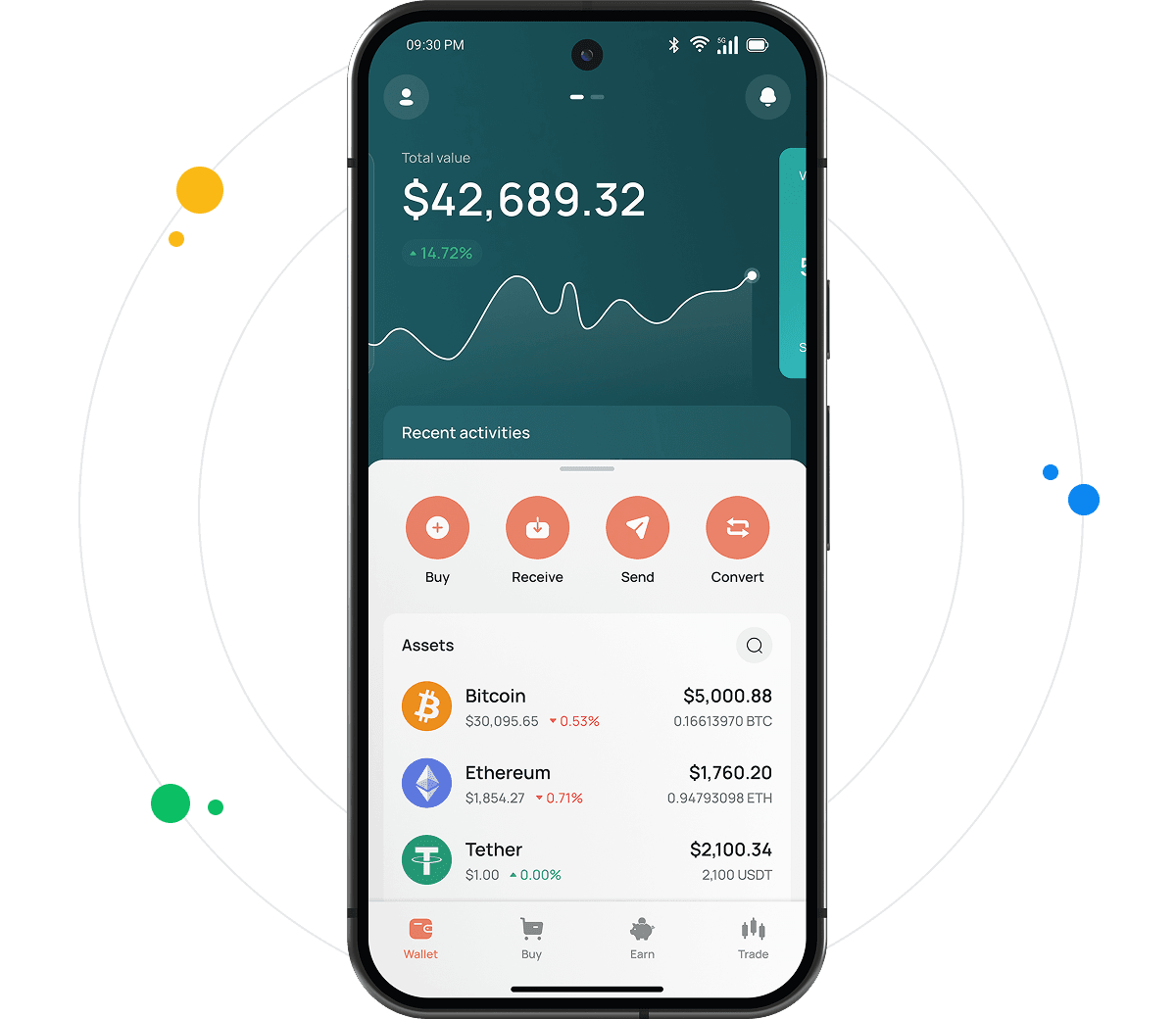
The interface affects how clearly you can see what you are doing. A confusing layout can lead to mistakes, such as sending to the wrong network. The CEX.IO app for Android shows holdings and transaction history on its main screen, and Buy, Sell, Send, Receive and Convert open from that screen.
Security
Checking the controls a wallet offers is worth doing before you install it. Some wallets offer a seed phrase backup, others multi-signature approval, and many offer two-factor authentication. The CEX.IO Wallet supports two-factor authentication and biometric sign-in, and switching on two-factor authentication for your CEX.IO account reduces the risk of unauthorised access.
This financial promotion was approved by CEX.IO Markets UK Limited (FRN1007192) on 21st October 2026.