PEPE Wallet
Pepe Wallet in the UK: For iOS, Android, and Desktop Users
Pepe (PEPE) is an ERC-20 token on Ethereum. The Pepe project describes it as a meme coin with no intrinsic value or expectation of financial return. The CEX.IO Wallet keeps PEPE across a mobile app and a desktop browser under a single account. CEX.IO holds the private keys to that account, so the customer does not record a seed phrase.
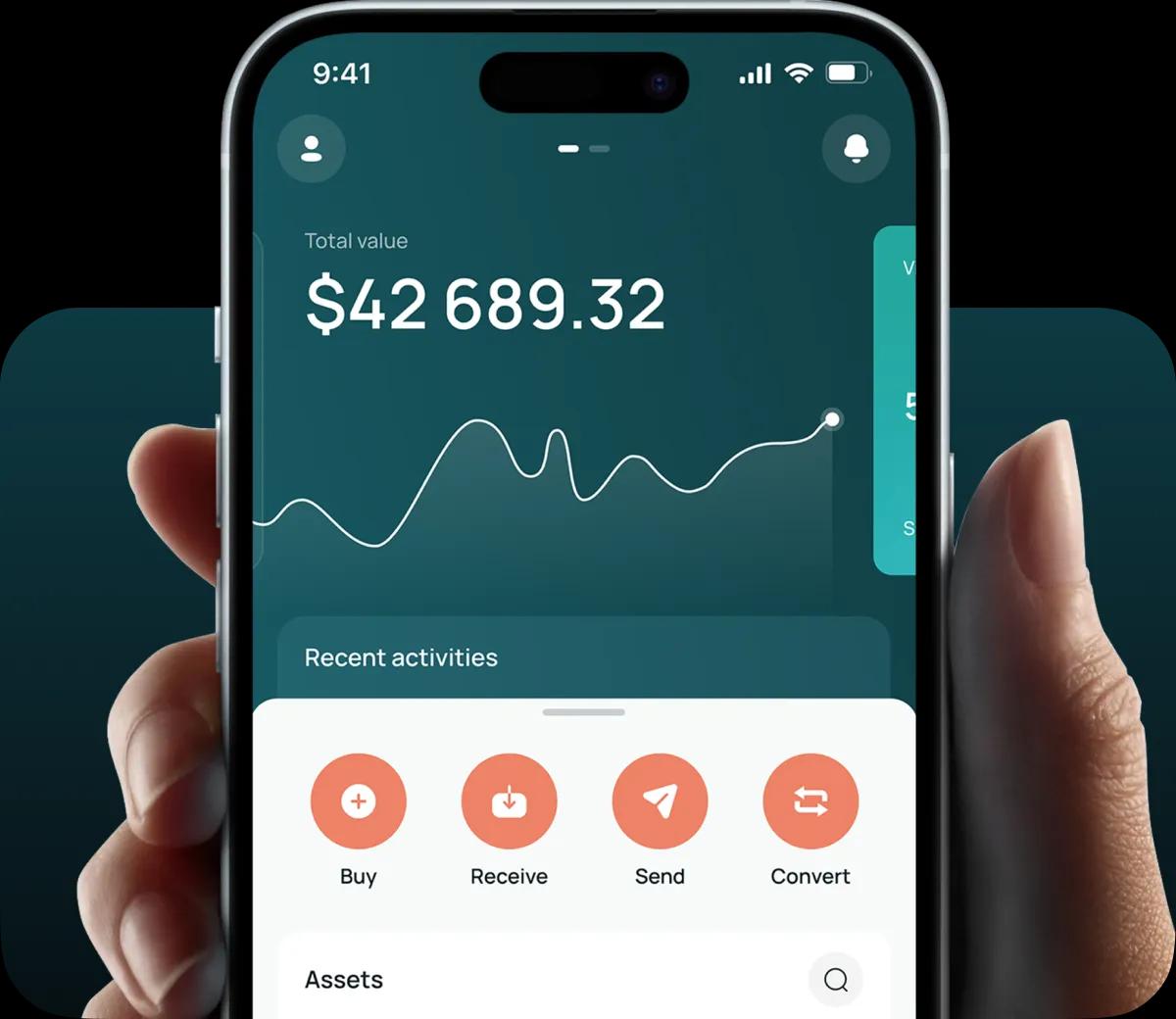
Read the step-by-step guide below
PEPE Wallet for All Devices
The Pepe project also states that the token has no formal team or roadmap. PEPE has no governance role and no fee role on Ethereum, so holding it gives no vote and no service. Before sending or receiving PEPE outside CEX.IO, check the token's contract details on the project's official channels or a blockchain explorer.
A Pepe holder can access the CEX.IO Wallet in a desktop browser, a mobile browser, and the CEX.IO app for iOS and Android. The same account can hold other listed assets next to PEPE, such as Bitcoin and Ether, and connects to Instant Buy, Spot Trading and CEX.IO Convert, subject to availability in your region. Any fees that apply are shown before you confirm a transaction, and the Limits and Commissions page publishes the fee schedule.
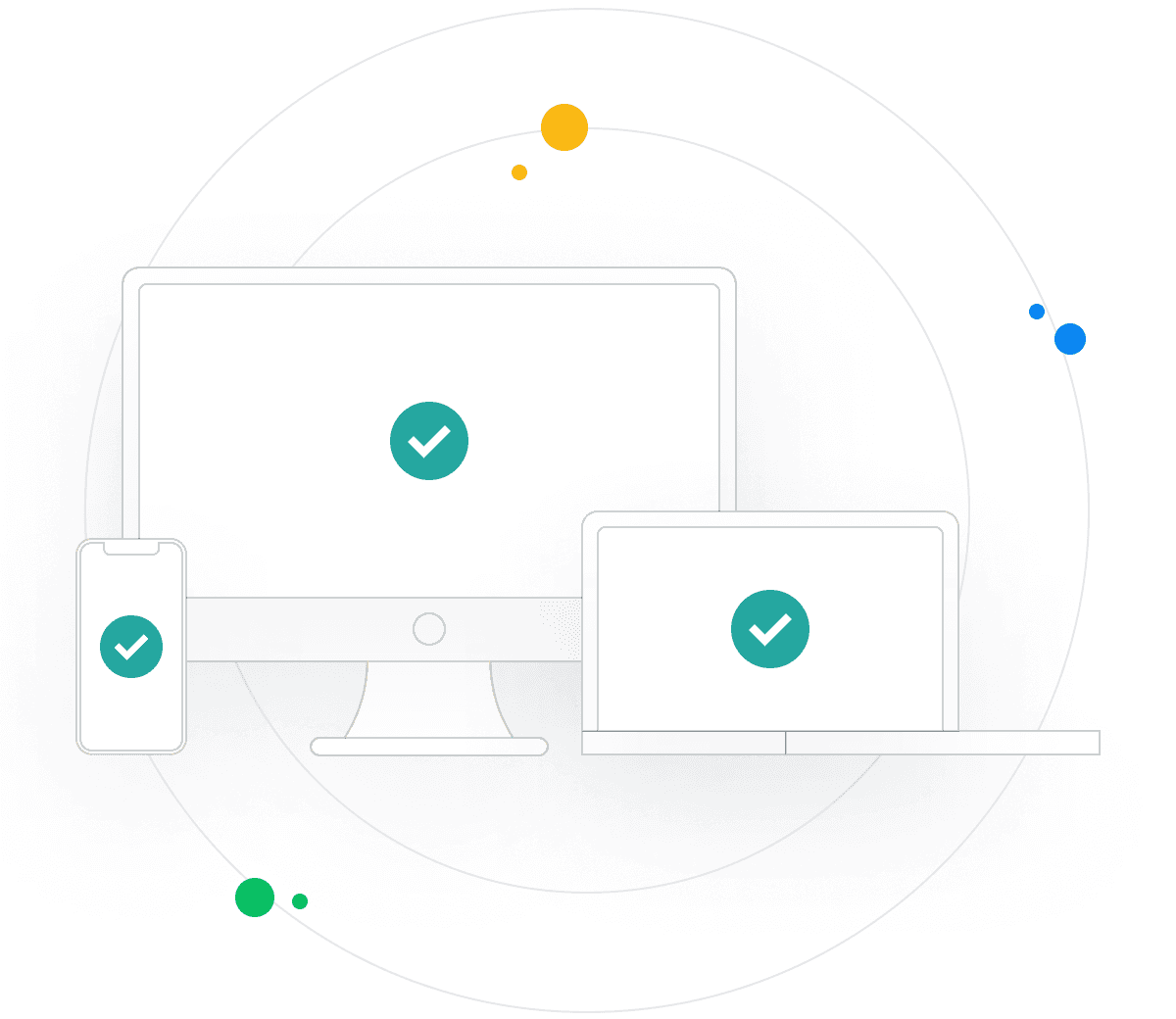
Types of PEPE Wallets
- Browser wallet: this Pepe wallet opens in a desktop or mobile browser with no installation required, and CEX.IO holds the private keys.
- Android app: the CEX.IO app from Google Play runs the account on an Android phone with biometric sign-in, and CEX.IO holds the private keys.
- iOS app: the CEX.IO app from the App Store runs the account on an iPhone with biometric sign-in, and CEX.IO holds the private keys.

CEX.IO PEPE Wallet
A customer in the UK can buy PEPE with a debit card or another payment method available in their account. A customer can also sell PEPE and receive the proceeds through a payout method available to them. CEX.IO Convert changes PEPE into another listed asset. The routes available depend on your region and verification level.

How to Set Up a PEPE Wallet for Mobile and Desktop
Desktop setup:
1. Register on the CEX.IO website in a desktop browser with an email address, a password, and a country of residence, and accept the Terms of Use.
2. Confirm the email through the message CEX.IO sends, then turn on two-factor authentication.
3. Complete identity verification under the KYC and AML policies: an address, a mobile number, a liveness check, and a government-issued identity document.
4. Complete the appropriateness assessment that every UK customer takes. A 24-hour cooling-off period applies before your first cryptoasset purchase.
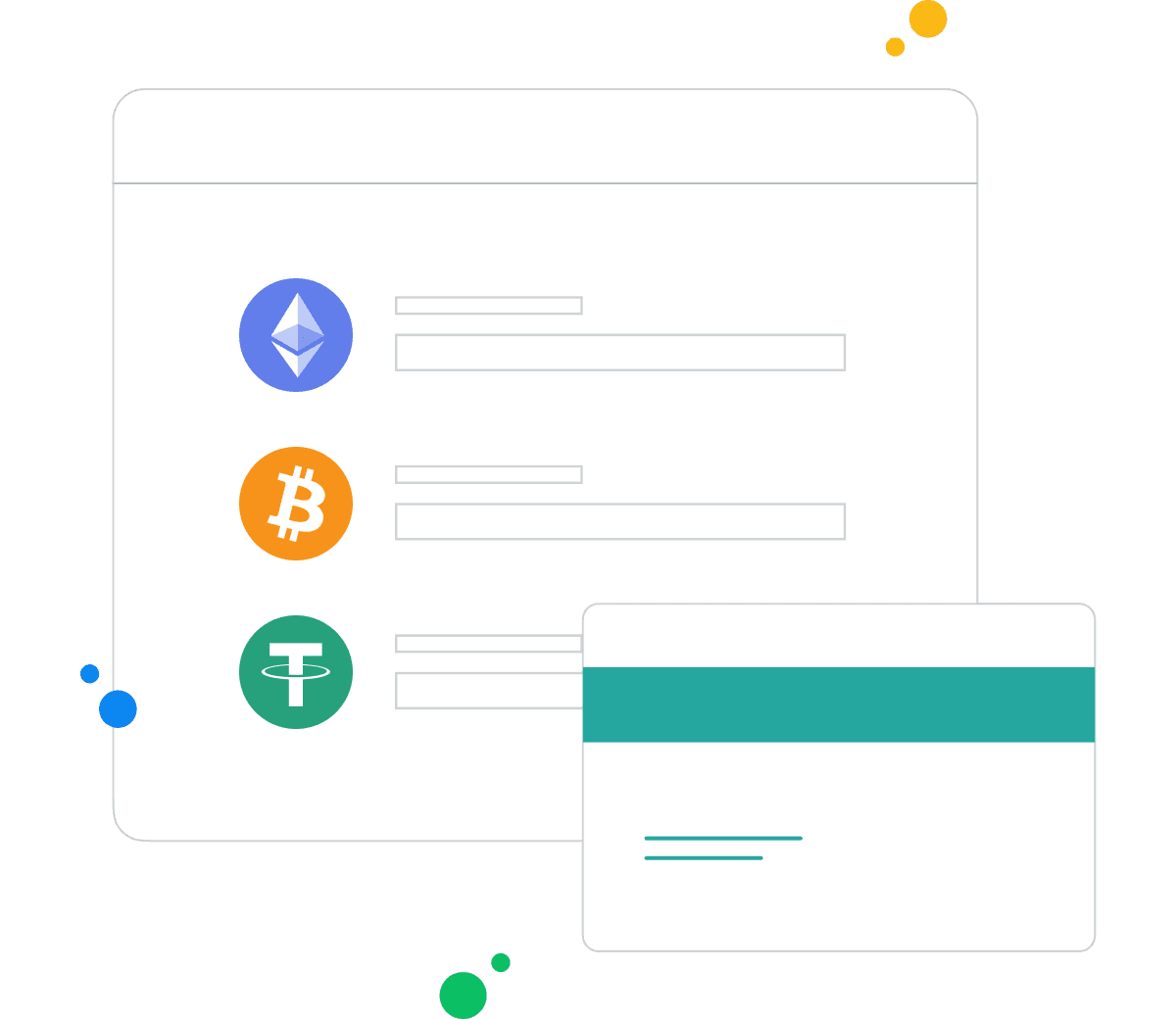
How to Send and Receive PEPE in the UK?
To receive PEPE, select Receive, then copy the deposit address or scan its QR code. One address can take funds from several senders, and each deposit appears once the network confirms it.
To send PEPE, select Send, paste the destination address, and choose the network shown in your account. The network has to match the receiving address, as a network mismatch can lead to a loss of funds. Enter the amount, review the fee and confirm, and the withdrawal is processed once the account checks pass. Transactions on a blockchain cannot be reversed, so check the address and network before you confirm. PEPE units are small, so check the number of digits in the amount before you confirm.
How to buy digital currency in the UK with CEX.IO wallet
To buy PEPE, sign in, select Buy, and choose PEPE. Choose the currency and a payment method available in your account. Enter the amount, review the total shown, which includes the fee, and confirm. Your balance updates once the purchase completes.

How to sell crypto in the UK with CEX.IO Wallet
To sell PEPE, sign in, select Sell, and choose PEPE. Choose a payout method available in your account, enter the amount, review the total shown, and confirm. The CEX.IO prices page shows current prices.
How to use the Exchange option in UK at CEX.IO Wallet?
CEX.IO Convert changes one listed asset into another inside the same account. A customer picks PEPE, picks the asset to receive, and enters an amount. The screen shows the rate and the amount before anything moves, and the conversion runs after the customer confirms it.

FAQ
What is PEPE?
PEPE is an ERC-20 token on Ethereum. The Pepe project describes it as a meme coin with no intrinsic value, no expectation of financial return, and no formal team or roadmap.
Can I buy Pepe in the UK?
Yes, where PEPE is available to your account. UK customers can buy PEPE on CEX.IO after completing identity verification and an appropriateness assessment, and a 24-hour cooling-off period applies before your first cryptoasset purchase. The payment methods available depend on your region and verification level.
How can I track the value of my PEPE?
The CEX.IO prices page lists the current price of PEPE. The unit price is very small, so check the decimal places carefully.
How do I choose a PEPE wallet?
A custodial wallet holds the private keys for the customer, so the provider controls access and the customer signs in. A self-custody wallet puts the keys in the customer's hands, so the customer also backs them up. Losing the recovery phrase of a self-custody wallet can mean losing the tokens. The CEX.IO browser wallet runs in a web browser, and the app adds biometric sign-in.
Can I store other cryptocurrencies in the UK with CEX.IO?
Yes. The same account can hold other assets listed on CEX.IO alongside PEPE, such as Bitcoin and Ether. The assets available depend on your region.
How to send crypto from CEX.IO wallet
To send PEPE from the wallet, select Send, paste the destination address, confirm the network, and confirm the amount. Check the details before you confirm, as blockchain transactions cannot be reversed.
What should I look at in a mobile PEPE wallet?
The CEX.IO app offers biometric sign-in, notifications on account activity, market data, and the same account the customer uses in the browser.
What are the payment methods at CEX.IO Wallet?
Your account shows the payment methods available to you. They depend on your location and verification level, and the Limits and Commissions page lists the fees for each.
What should I check before choosing a crypto wallet provider?
Points worth checking before picking a provider: who holds the private keys, which authentication controls exist such as two-factor authentication, which jurisdiction the provider operates under, and what it publishes about asset storage. CEX.IO Markets UK Limited holds registration with the Financial Conduct Authority under the Money Laundering Regulations 2017 for anti-money laundering supervision only, and this is not FCA authorisation or approval of any product.
Should I use a crypto wallet by CEX.IO?
A CEX.IO wallet holds PEPE and other listed assets and connects to Instant Buy, Spot Trading and CEX.IO Convert, subject to availability in your region. Because it is custodial, CEX.IO holds the private keys, so the customer hands control of those keys to the provider. The choice between a custodial account and self-custody rests with the customer.
Is it necessary to have a wallet to trade crypto?
Yes. An account holds the assets and funds a customer trades with, so it is the base for Instant Buy, CEX.IO Convert, and Spot Trading. A customer can turn on two-factor authentication on the account.
What types of crypto wallets exist?
Crypto wallets fall into two groups: hot storage that stays connected to the internet, and cold storage that holds the keys offline.
Hot wallet
A hot wallet stays connected to the internet, as a desktop program, a mobile app, or a web browser wallet, and the CEX.IO Wallet runs as the last two. A strong password, transaction notifications, and avoiding public Wi-Fi reduce the risk of unauthorised access.
Cold wallet
A cold wallet holds the private keys offline, often on a dedicated hardware device, so a transfer needs the device on hand. A hardware device costs money, may support a narrower range of assets, and prices vary by model.a