XRP Wallet
XRP Wallet in the UK: For iOS, Android, and Desktop Users
XRP (XRP) is the native digital asset of the XRP Ledger, a public blockchain. XRP does not use a separate token standard, because the ledger itself creates and tracks it. The CEX.IO Wallet keeps XRP across a mobile app and a desktop browser under a single account. CEX.IO holds the private keys to that account, so the customer does not record a seed phrase.

Read the step-by-step guide below
XRP Wallet for All Devices
One feature of the XRP Ledger shapes how an exchange wallet works. A destination tag is a number attached to a payment that tells the receiving business which customer to credit, so one exchange address can serve many customers. If a deposit screen shows a destination tag for XRP, a payment sent without it may not reach the right account without manual checks.
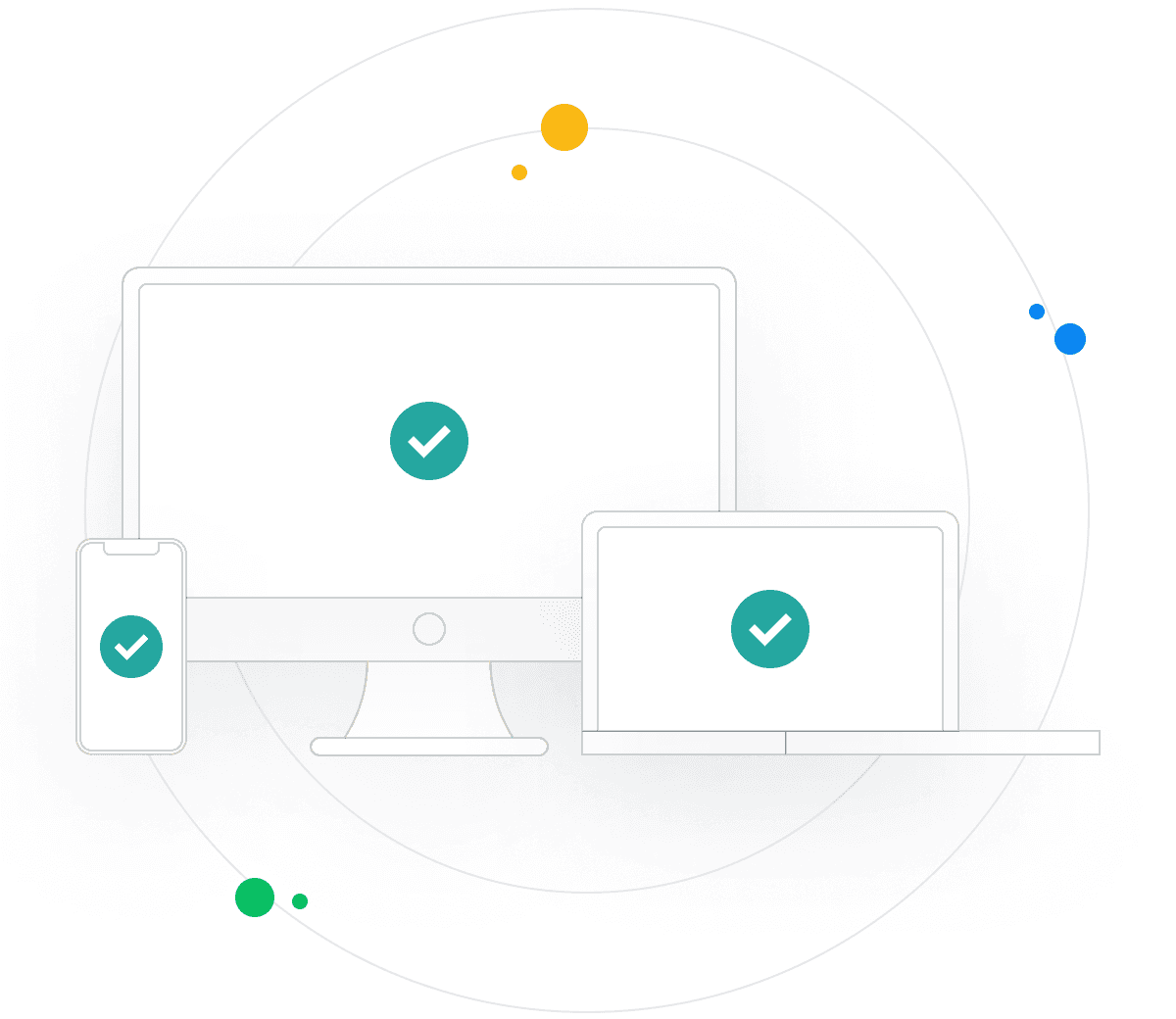
A XRP holder can access the CEX.IO Wallet in a desktop browser, a mobile browser, and the CEX.IO app for iOS and Android. The same account can hold other listed assets next to XRP, such as Bitcoin and Ether, and connects to Instant Buy, Spot Trading and CEX.IO Convert, subject to availability in your region. Any fees that apply are shown before you confirm a transaction, and the Limits and Commissions page publishes the fee schedule.
Types of XRP Wallets
- Browser wallet: this XRP wallet opens in a desktop or mobile browser with no installation required, and CEX.IO holds the private keys.
- Android app: the CEX.IO app from Google Play runs the account on an Android phone with biometric sign-in, and CEX.IO holds the private keys.
- iOS app: the CEX.IO app from the App Store runs the account on an iPhone with biometric sign-in, and CEX.IO holds the private keys.

CEX.IO XRP Wallet
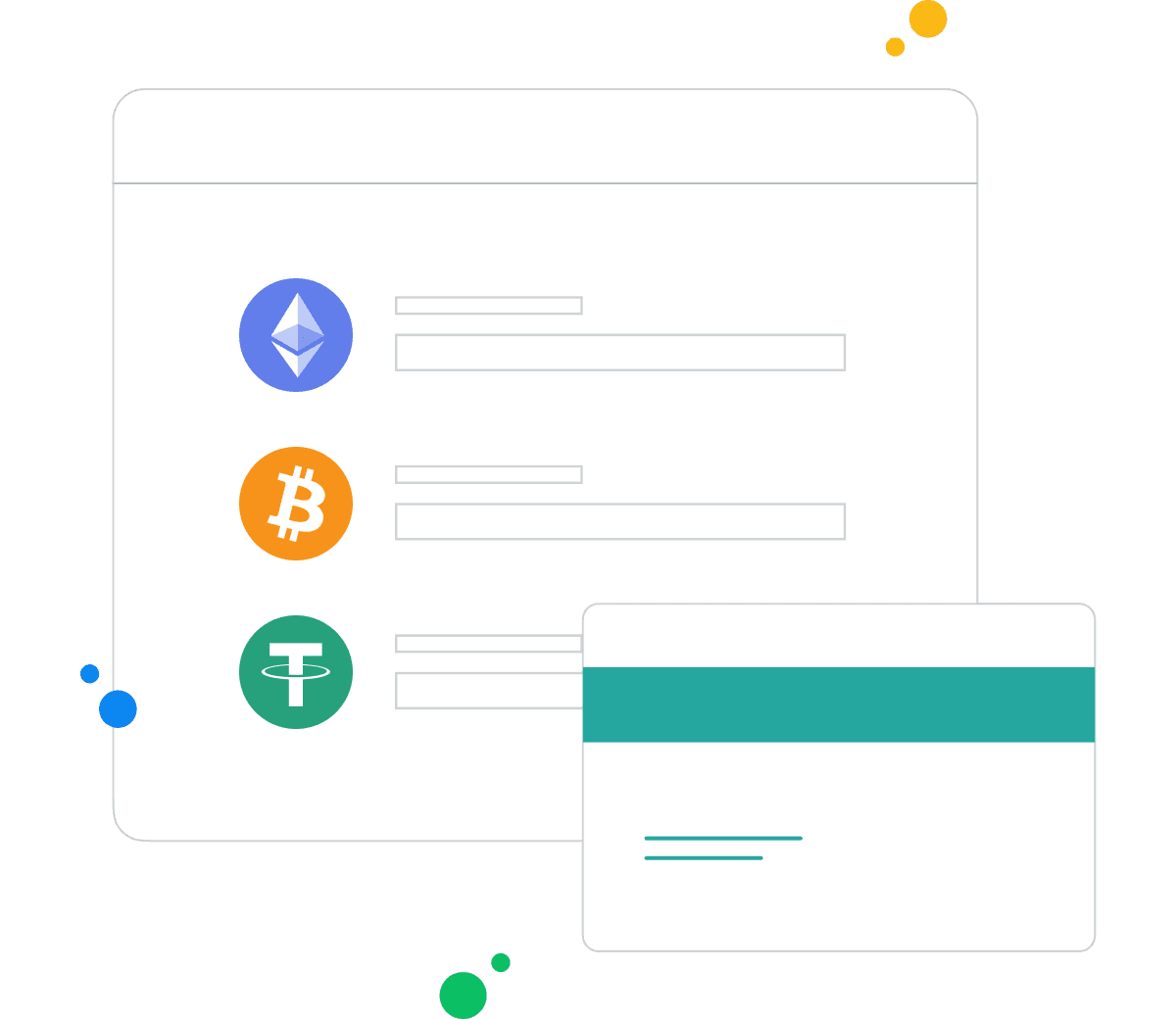
A customer in the UK can buy XRP with a debit card or another payment method available in their account. A customer can also sell XRP and receive the proceeds through a payout method available to them. CEX.IO Convert changes XRP into another listed asset. The routes available depend on your region and verification level.
How to Set Up an XRP Wallet for Mobile and Desktop
Desktop setup:
1. Register on the CEX.IO website in a desktop browser with an email address, a password, and a country of residence, and accept the Terms of Use.
2. Confirm the email through the message CEX.IO sends, then turn on two-factor authentication.
3. Complete identity verification under the KYC and AML policies: an address, a mobile number, a liveness check, and a government-issued identity document.
4. Complete the appropriateness assessment that every UK customer takes. A 24-hour cooling-off period applies before your first cryptoasset purchase.
Mobile setup:
1. Install the CEX.IO app from the App Store or Google Play, then register or sign in.
2. Turn on biometric sign-in and two-factor authentication.
3. Complete the same identity verification and appropriateness assessment. A 24-hour cooling-off period applies before your first cryptoasset purchase.

How to Send and Receive XRP in the UK?
To receive XRP, select Receive, then copy the XRP address and the destination tag, if the screen shows one, and give both to the sender. A deposit appears once the XRP Ledger confirms it.
To send XRP, select Send, paste the receiving address, and add the destination tag if the receiving service asks for one. Confirm the network shown in your account, enter the amount, review the fee and confirm. Transactions on the XRP Ledger cannot be reversed, so check the address and the tag before you confirm.
How to buy digital currency in the UK with CEX.IO wallet
To buy XRP, sign in, select Buy, and choose XRP. Choose the currency and a payment method available in your account. Enter the amount, review the total shown, which includes the fee, and confirm. Your balance updates once the purchase completes.
How to sell crypto in the UK with CEX.IO Wallet
To sell XRP, sign in, select Sell, and choose XRP. Choose a payout method available in your account, enter the amount, review the total shown, and confirm. The CEX.IO prices page shows current prices.
How to use the Exchange option in UK at CEX.IO Wallet?
CEX.IO Convert changes one listed asset into another inside the same account. A customer picks XRP, picks the asset to receive, and enters an amount. The screen shows the rate and the amount before anything moves, and the conversion runs after the customer confirms it.
Guide & FAQ
What is XRP?
Launched in 2014, XRP is the lifeblood of Ripple Lab’s payment protocol, XRP Ledger, formerly Ripple. Along with sporting 3-5 second settlement and 1,500 transactions per second, its energy consumption relative to more resource intensive networks, like proof of work, is sustainable by comparison. As a store of value, XRP has been listed on popular crypto exchanges ever since it became widely available, and remains among the top ten digital assets with the highest market capitalization.
Over the course of its existence, XRP has fluctuated in value from an all time high of $3.84 and all time low of $0.0028. While this implies some wild turbulence for token holders, its cruising altitude of around $0.50 places its net growth at over 17000% for cumulative value, a truly striking figure. Throughout this period, numerous high profile financial clients integrated with Ripple/XRP to build bridges between traditional and decentralized entities. This led to some uncomfortable questions regarding who ultimately has control over the machinations of XRP’s tokenomics, the fallout of which led to the severance of Ripple Labs and XRP, despite their symbiotic relationship.
How to Set-up a XRP Wallet - A Step by Step Guide
While there are many reasons one might explore XRP, the first step to doing so is to acquire a proper digital asset wallet to store these tokens. One such platform, CEX.IO, which happens to be listed on XRP’s official website as a trusted provider of the asset, has also been a figurehead in the industry for over a decade, and continues to offer time-tested access to exchange crypto in the digital economy.
Those looking to discover CEX.IO services such as how to buy XRP with a credit or debit card can complete the following steps to begin their journey:
- Create or Log In to their existing CEX.IO account.
- Complete verification to meet essential platform KYC/AML procedures.
- Access CEX.IO’s wallet services via a preferred web browser by navigating to the Products tab on the home screen.
- Or Download the CEX.IO App for on-the-go crypto access.
Types of XRP Wallets
As mentioned briefly above, CEX.IO offers custodial wallet services for a range of vetted crypto assets, including XRP. By becoming a CEX.IO user, digital assets held in a CEX.IO account are in reality stored offline, also known as a cold wallet, for maximum security. Hot wallets, or those with direct internet access, can be digital software applications, or hardware resembling USB thumb drives, or related data storage devices. This menu of choices can perhaps most succinctly boil down to whether direct control over crypto’s defining characteristics, public and private keys, are held by users or a third party, like an exchange. In truth, this topic requires extensive research, as well as a personal risk assessment and honest reflection of one’s technical aptitude before attempting crypto transactions without the aid of a trusted guide.
To that end, let’s explore how to transfer XRP using a variety of approaches across CEX.IO’s product ecosystem.
How to Send and Receive XRP
For active crypto participants, digital wallets are critical tools that help facilitate a range of crypto transactions. As one might imagine, it’s important to know how to execute these critical steps to best encourage harmonious exchange. To buy XRP with CEX.IO Wallet via a preferred desktop browser:
- Log into CEX.IO, or create an account and pass KYC/AML verification.
- Hover over the Products tab on the homepage, then click on Wallet.
- From the Wallet dashboard, select XRP from the list of available digital assets.
- Click Add funds to make a deposit.
- Alternatively, Convert will prompt assets held in one’s portfolio to be swapped for XRP.
- From there, determine the amount of XRP to purchase with the deposited funds.
- Once all exchange parameters are met, carefully confirm the transaction.
To receive XRP, select Get Address from the Wallet dashboard, and follow the instructions to complete the transaction. These guardrails can help protect digital portfolios by guiding participants toward secure transactions and prompt execution.
For a mobile experience, eligible participants can choose CEX.IO App and complete the following actions to acquire XRP:
- Open CEX.IO App (or download, install, and pass verification).
- Navigate to the Wallet tab.
- Click Buy, then select XRP from the list of available cryptocurrencies.
- Select a preferred payment method.
- Choose between a preselected amount, or enter a personalized total under You Pay.
- After conducting a clear-eyed risk assessment, follow the instructions to complete the transaction.
Eligible participants in the European Economic Area (EEA) can apply for CEX.IO’s crypto card to deploy crypto assets online and at physical locations wherever Mastercard payments are accepted. Additionally, to receive XRP with CEX.IO App, click Receive under the Wallet tab, select XRP from the list, and carefully follow instructions to help ensure the desired transaction.
What is a XRP Wallet?
XRP Wallets allow crypto participants to hold and interact with XRP via desktop access, mobile applications, or hardware devices. Oftentimes, digital asset enthusiasts will determine the course of action that best meets their current needs, while remaining flexible to best accommodate the fast-moving climate of the crypto industry. To help mitigate price fluctuations and turbulence, it’s always recommended to never risk more funds than one can afford to lose, and to continue researching possible strategies to help promote thoughtful market actions. With CEX.IO, users can choose between an Android crypto wallet, or iOS crypto wallet to store their XRP and other seamlessly integrated digital assets.
What is the safest way to keep XRP?
Regardless of whether participants choose to store XRP offline or on a crypto web wallet, the best technique for ensuring control over one’s holdings is to never share public/private keys or platform credentials with anyone. This behavior not only limits the points of access from which others may exploit a digital wallet, but it can help encourage more unique passwords bolstered by private, personal knowledge.
What other services does CEX.IO offer for XRP?
In addition to participating in crypto savings to possibly receive rewards for holding select assets in their CEX.IO wallet, eligible users can explore additional avenues to continue interacting with their digital assets. Learning how to sell XRP at CEX.IO university, or pouring over the XRP price chart at CEX.IO Spot Trading can help boost industry knowledge and trading acumen to potentially facilitate the achievement of one’s crypto goals.