FET Wallet
Artificial Superintelligence Alliance Wallet on CEX.IO : For iOS, Android, and Desktop Users
Want a solid wallet for your FET tokens? CEX.IO offers one at no cost, and it opens on phones, laptops, and browsers alike. This guide takes you through account creation, adding funds, and buying FET on the platform.

Read our easy guide and create your Artificial Superintelligence Alliance wallet today!
FET Wallet for All Devices
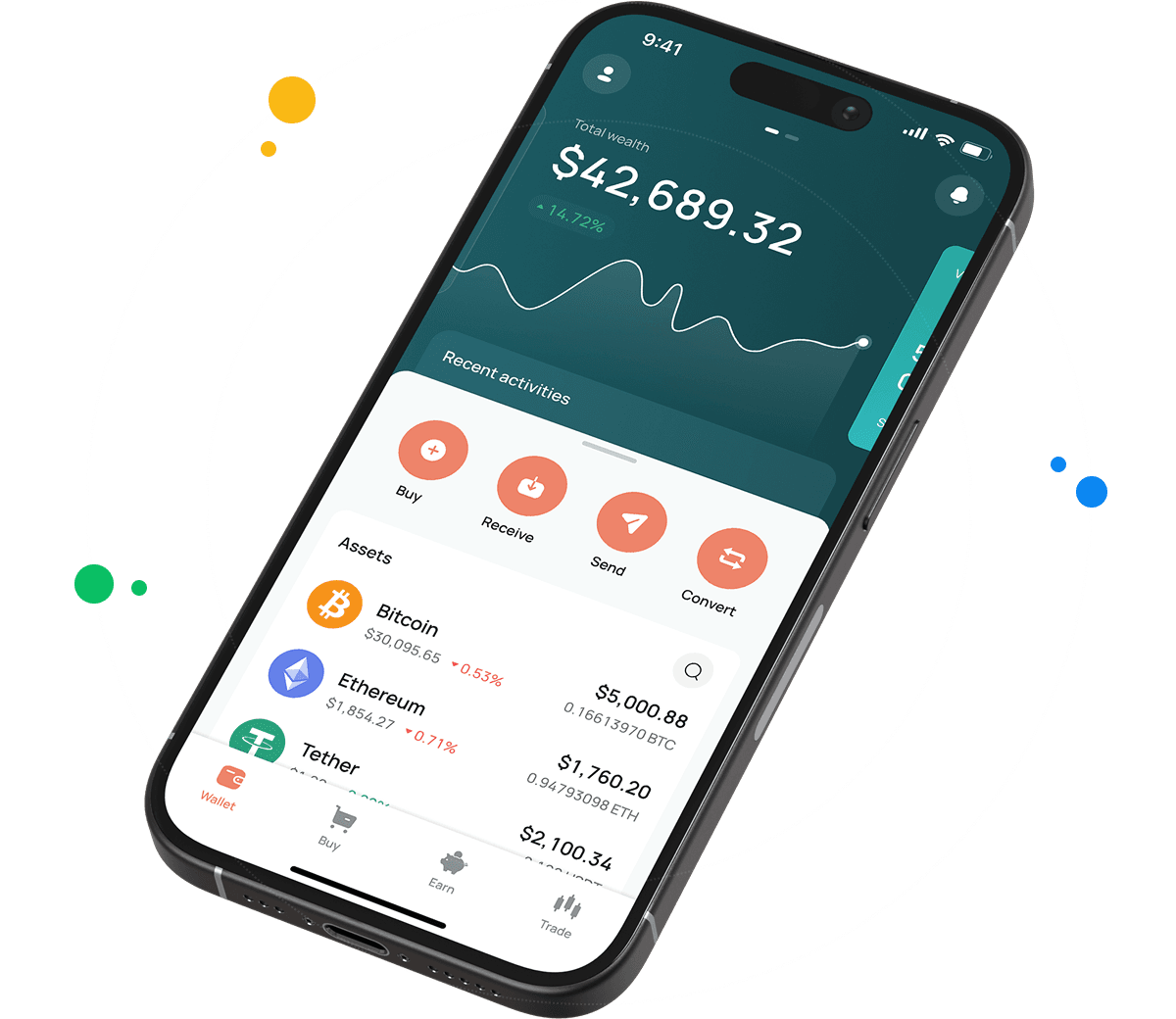
Your free FET wallet from CEX.IO runs on iOS, Android, desktop, and the web. It sits in an account that also holds hundreds of other digital assets, giving you one view of your portfolio and one place to move money. The steps for getting started follow below.
Types of wallets for keeping digital assets
Crypto wallets guard private keys. Your tokens are recorded on a blockchain, and the keys give you the authority to spend or transfer them. That relationship never changes regardless of which wallet you pick.
The formats vary quite a bit. Mobile wallets travel with you. Desktop wallets tie to one machine. Exchange wallets sit behind a login and bring trading tools along. Hardware wallets store keys on a device that spends most of its life disconnected.
CEX.IO handles key custody so you do not have to. Access comes through your email and password. Non custodial wallets take the opposite approach and give you sole possession of the keys, which means a lost recovery phrase permanently locks you out of your own tokens.
What is FET?
FET is the token of the Artificial Superintelligence Alliance, a group of AI focused crypto projects that merged their tokens into one in June 2024. Fetch.ai contributed the original FET token that became the shared ticker. You can look up the FET price, buy, sell, or exchange it on CEX.IO.
Creating your FET wallet on CEX.IO
Account creation moves along quickly. Open wallet.cex.io or install the CEX.IO app to start.
- Tap Create Your Account.
- Enter your email address and choose a password used nowhere else.
- Select the country you live in and accept the Terms of Use.
- Find the verification code in your email and submit it.
- Add your legal name and date of birth so identity verification can proceed.
Verification usually finishes within minutes for most users. Afterward, open the Wallet section, search for FET, and choose Receive. The address displayed is where your FET deposits will arrive.

How to buy FET at CEX.IO wallet
You buy FET with a card or bank transfer directly in the wallet, skipping decentralized exchanges entirely.
- Tap Buy at the top of the screen.
- Search the asset list for FET.
- Set the fiat amount you intend to spend.
- Choose a card or bank transfer for payment.
- Go over the order details and confirm.
Card purchases complete quickly and add FET to your balance shortly after. Bank transfers take as long as your bank needs to clear them.

How to keep your FET safe
Enable two factor authentication in your account settings before anything else, because that step prevents password theft alone from compromising your wallet. Save the recovery codes the platform gives you on paper and store that paper away from your devices.
Any message asking for your password or recovery codes is fraudulent, since CEX.IO support has no reason to request them. When you send FET externally, examine the destination address closely. Ethereum finalizes transactions permanently, and funds sent to a wrong address cannot come back.
Depositing FET from another wallet
Transferring FET you already own into CEX.IO takes a copied address and the right network choice.
- Open the Wallet section and select FET.
- Choose Receive to display your deposit address.
- Copy the address or scan the QR code shown.
- Set Ethereum as the network in your sending wallet, because FET is an ERC-20 token.
- Enter your amount and send.
Ethereum confirmation depends on how busy the network is, so allow a few minutes for the deposit to register.

How to sell FET at CEX.IO Wallet
Selling FET delivers fiat currency to whichever card or bank account you nominate.
- Choose Sell on the toolbar.
- Select FET and enter the amount you want to sell.
- Set your payout destination.
- Review the details and tap Sell Now.
Your FET balance reduces immediately after confirmation, and the money follows based on your payout route.
How to use the Exchange option at CEX.IO Wallet
Exchange swaps assets inside your wallet without a separate sale. Open Exchange from the toolbar, set FET as the token going out, then choose what comes in. Enter the amount, review the rate, and confirm. Your balances adjust immediately after the swap.
FAQ
How to send FET from CEX.IO wallet
Open Wallet, select FET, and tap Send. Fill in the recipient's Ethereum address and your amount, then check that Ethereum is set as the network. Confirm the transfer after reviewing the details. FET sent to another CEX.IO user through CEX.IO Pay costs nothing and arrives instantly.
Which is the best mobile FET wallet to use?
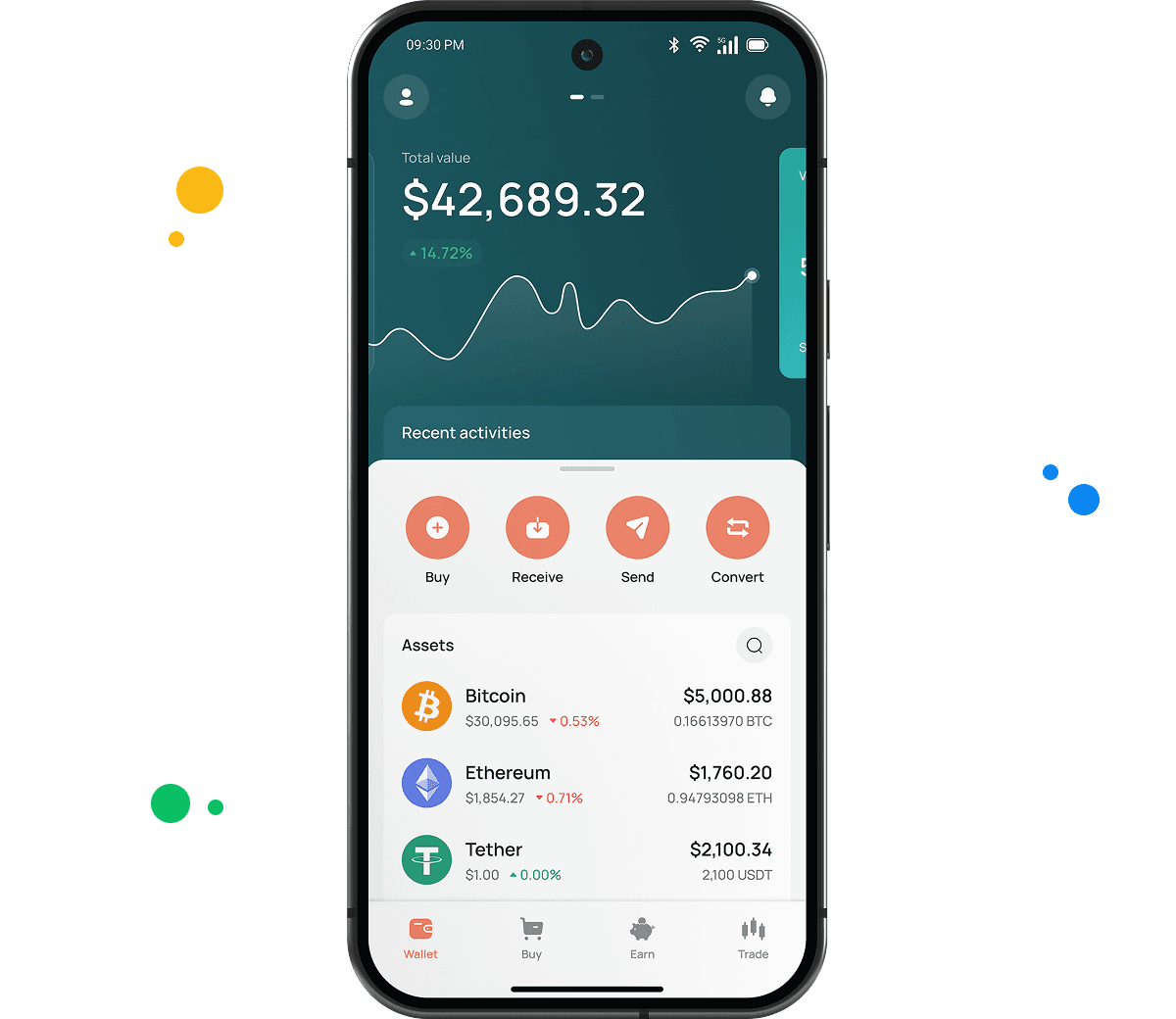
CEX.IO's mobile app handles FET fully on iOS and Android. Buying, selling, sending, and swapping happen in one interface, with your full portfolio always in view.
What is a FET wallet address?
FET runs as an ERC-20 token on Ethereum, so its address is a 42 character string beginning with 0x. The same address stores ETH and any other Ethereum based token. You will find yours under Wallet, FET, Receive.
What are the payment methods at CEX.IO Wallet?
Cards, SEPA transfers, Faster Payments for UK accounts, and Domestic Wire for US accounts all work as funding options. Over 80 cryptocurrencies can also be deposited. What you see available depends on your country of residence.
Where to find the safest crypto wallet?
Consider how long a provider has operated and whether funds stayed safe throughout. CEX.IO began in 2013 and has never lost user funds to a breach. The platform maintains PCI DSS Level 1 certification and offers two factor authentication on all accounts.
Should I use a crypto wallet by CEX.IO?
CEX.IO works well for people who want FET storage plus the ability to buy, sell, and convert from the same account. The platform has operated for more than ten years and follows the local regulations wherever it does business.
Is it necessary to have a wallet to trade crypto?
Yes, because trading needs somewhere for your tokens to sit. Your CEX.IO wallet links directly to Instant Buy, Convert, and Spot Trading, so a single FET balance serves all three.
Are FET wallets free?
Creating your CEX.IO account and holding FET carry no cost. Fees apply only to trading and outgoing withdrawals. External FET transfers require an Ethereum gas fee, and CEX.IO Pay transfers between platform users are free.
What types of crypto wallets exist?
There are hot wallets and cold wallets. Hot wallets keep an internet connection and include exchange wallets, mobile apps, and browser extensions. Cold wallets store keys offline on hardware and suit assets you plan to hold long term. CEX.IO Wallet is a hot wallet with multi factor account protection.