Griffain (GRIFFAIN) Wallet
Griffain (GRIFFAIN) Wallet: Simple Access for iOS, Android, and Desktop Users
With more than a decade of experience in the digital asset market, CEX.IO continues to deliver intuitive and secure tools for managing cryptocurrencies, including Griffain (GRIFFAIN). As a DeFi token built on the Solana ecosystem, GRIFFAIN requires fast, reliable, and transparent storage options — and CEX.IO aims to provide exactly that. Whether you prefer a streamlined web wallet for desktops or a highly functional mobile app, you can easily store, transfer, buy, and monitor Griffain in one place. Below, we break down the available wallet options and explain how to use CEX.IO to keep your GRIFFAIN protected and accessible.
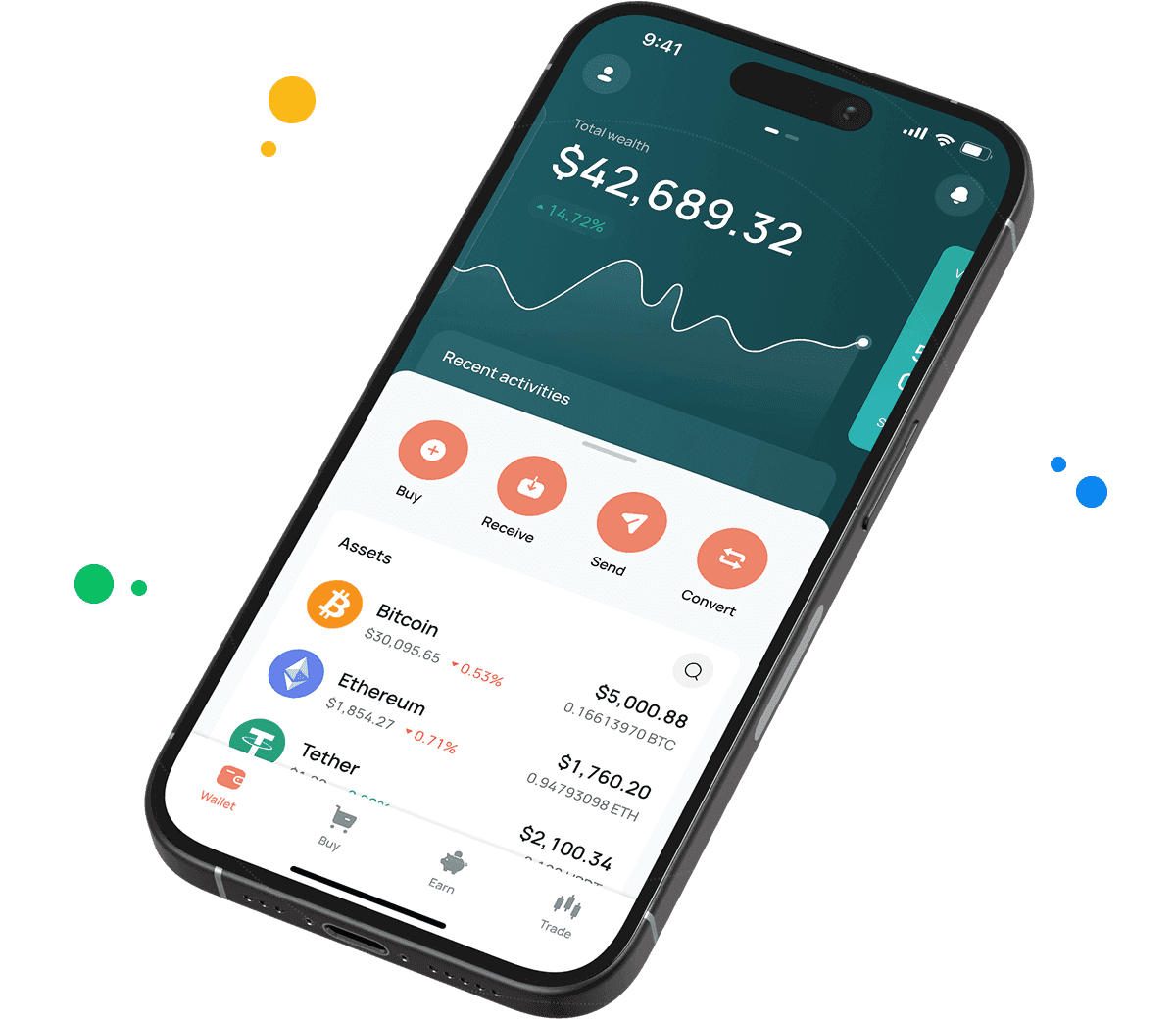
Griffain Wallet for All Devices
Access your Griffain wallet easily from desktop, iOS, or Android. The CEX.IO Wallet is designed to offer a smooth and reliable environment for managing Griffain (GRIFFAIN) and other digital assets across all supported platforms. Whether you prefer working on a laptop or handling your crypto on the go with a smartphone, you receive the same strong security measures and user-focused interface. With industry-grade encryption and multi-layer protection, CEX.IO helps keep your GRIFFAIN holdings safe while giving you uninterrupted access to the Solana-based ecosystem.
What is a Griffain Wallet?
A Griffain wallet is a secure digital tool that allows you to store, send, and receive GRIFFAIN tokens. As your personal access point to the Griffain DeFi ecosystem on Solana, it enables you to manage your balance, initiate transfers, and interact with on-chain features. Wallets are generally divided into hot and cold types: hot wallets remain connected to the internet for quick access, while cold wallets keep assets offline for higher security. For users who buy GRIFFAIN or want an easy way to manage their tokens, the online wallet at CEX.IO offers an accessible and protected environment for everyday operations.

How to Use the Griffain Wallet by CEX.IO?
Using the Griffain wallet on CEX.IO is straightforward, even if you are new to digital assets. After logging into your account, go to the Wallet section and select Griffain (GRIFFAIN) from the available currencies. There you can check your current balance, send GRIFFAIN to another Solana-compatible address, or receive tokens from external wallets and platforms. The clean, intuitive layout makes it simple to find essential actions and execute them with just a few taps or clicks. You can also monitor Griffain price dynamics directly on CEX.IO to better understand how your holdings are performing.
How to Use the Exchange Option at CEX.IO Wallet?
The Exchange feature inside the CEX.IO Wallet lets you convert funds without leaving the wallet interface. You can exchange fiat currencies for GRIFFAIN or swap other cryptocurrencies into Griffain in a few quick steps. This is convenient for users who want to adjust their portfolios on the fly while keeping all activity inside one secure environment. With near-instant processing and transparent rate previews, the Exchange option makes it easier to rebalance your holdings and manage your GRIFFAIN position efficiently.

FAQ
Types of GRIFFAIN Wallets
Wallets for storing Griffain come in several forms, each designed for specific user needs. Mobile wallets are ideal for quick access and everyday operations, allowing convenient management directly from your smartphone. Desktop and web wallets, such as the CEX.IO Wallet, enable a broader interface and additional features suitable for frequent use. Hardware wallets provide offline storage for maximum safety and are commonly used for long-term holding. CEX.IO offers a balanced solution by combining accessibility and multi-layered security, making it a suitable option for anyone who wants to store and operate Griffain efficiently.
How to buy Griffain on CEX.IO?
Buying Griffain on CEX.IO is simple and designed for users with varying levels of experience. By visiting the Buy/Sell section, you can choose Griffain from the supported assets, enter your purchase amount, and select a payment option. The platform automatically calculates the final cost and completes the purchase at the current market rate. For those who prefer active trading, the Spot Trading interface offers more control over pricing. Once the transaction is finalized, your purchased Griffain is immediately credited to your CEX.IO wallet for safe storage and further actions.
Step-by-step guide: How to set Griffain Wallet for Mobile & Desktop
Setting up a Griffain wallet with CEX.IO requires only a few steps. Desktop users can log in through a browser and access their Griffain wallet directly from the Wallet section. Mobile users can download the CEX.IO App for iOS or Android, sign in, and locate Griffain in the asset list. After enabling recommended security layers such as 2FA, you can manage your tokens, track activity, and execute transactions. The wallet syncs seamlessly across devices, ensuring you have uninterrupted control of your Griffain holdings whether you are using a phone, tablet, or computer.
How to Send and Receive Griffain?
Sending Griffain from your CEX.IO wallet involves selecting the token, choosing the Send option, and entering the recipient’s Solana-compatible address. After entering the desired amount and reviewing transaction details, you can confirm the transfer, which will process quickly thanks to Solana’s network efficiency. To receive Griffain, simply open the Receive section and copy your unique wallet address. This address can be shared when receiving tokens from friends, exchanges, or external wallets. CEX.IO provides real-time transaction tracking, allowing you to monitor the status of each transfer until it is completed.
How can I track the value of my Griffain?
CEX.IO offers built-in tracking tools that allow you to monitor Griffain’s price performance in real time. By viewing the Griffain section in your wallet, you can check live values, historical charts, market trends, and percentage changes. These insights help users better understand market movement and evaluate the performance of their holdings. The mobile app also supports price alerts, which notify you when Griffain reaches specific thresholds. Whether you're assessing short-term changes or long-term trends, CEX.IO makes it easy to stay updated.
How do I fund my Griffain wallet on CEX.IO?
There are several ways to fund your Griffain wallet depending on your starting point. If you already hold Griffain in an external Solana-compatible wallet, you can transfer it directly using your CEX.IO Griffain address. If you don’t yet own Griffain, you can deposit supported fiat currencies to your account and purchase the token through Buy/Sell. You can also convert existing crypto balances into Griffain using the Exchange or Spot Trading tools. All deposited or purchased tokens appear instantly in your wallet, ready for use, storage, or transfers.
What payment methods does CEX.IO accept?
CEX.IO offers a broad selection of payment methods to make purchasing Griffain as convenient as possible for users across different regions. You can buy Griffain and other supported cryptocurrencies using major debit and credit cards, including Visa and Mastercard, for fast and straightforward transactions. Bank transfers are also available for those who prefer traditional funding methods, while U.S. customers can take advantage of PayPal as an additional payment options. For mobile-first users, Apple Pay and Google Pay allow quick purchases directly from compatible devices. The platform also supports crypto-to-crypto swaps, enabling you to convert existing digital assets into Griffain instantly. With this variety of payment methods, CEX.IO ensures that you can choose the option that best fits your location, preferences, and needs.