LAB Wallet
LAB Wallet on CEX.IO : For iOS, Android, and Desktop Users
Securely store, send, and receive LAB with the CEX.IO wallet, designed for both mobile and desktop users. Manage your LAB assets with a clean, intuitive interface that gives you seamless access from any device, anytime.

Read our easy guide and create your LAB wallet today!
Lab Wallet for All Devices
LAB is the native token of a multi-chain AI-powered trading terminal built to unify trading across Ethereum, Solana, and BNB Chain from a single interface. As the token gained traction through 2025 and 2026, more users needed a reliable place to store and manage their LAB holdings. CEX.IO gives you a secure custodial wallet that supports LAB alongside hundreds of other digital assets, with buying, selling, and exchange available from the same account.
What is LAB?
LAB is the native utility and governance token of a multi-chain AI-powered trading terminal. The platform lets users execute spot, limit, and perpetual futures trades across Ethereum, Solana, and BNB Chain from a single interface.
LAB holders receive trading fee discounts on the platform and take part in governance decisions that shape how the product develops. The token has a buyback-and-burn mechanism funded by platform revenue: a portion of fee income goes toward purchasing LAB from the open market and removing it from circulation. This ties token supply directly to platform activity.
LAB has a fixed total supply of 1 billion tokens. Its multi-chain design means the token exists in versions compatible with Ethereum (ERC-20), Solana (SPL), and BNB Chain (BEP-20). When you hold LAB, the network version you hold determines which wallets and applications you can use with it.
Types of LAB Wallets
LAB operates across multiple blockchains, and the right wallet type depends on which network version of LAB you hold.
CEX.IO Wallet is a custodial wallet that supports LAB storage. CEX.IO holds the private keys on your behalf. You access your balance through your account credentials without managing keys directly. This suits users who want fast access and prefer not to handle cryptographic key infrastructure themselves.
Non-custodial wallets give you direct control over your private keys. MetaMask supports the Ethereum (ERC-20) version of LAB. Phantom and Solflare support the Solana (SPL) version. Wallets compatible with BNB Chain support the BEP-20 version. With non-custodial wallets, you are fully responsible for your seed phrase. Losing it means permanent loss of access with no way to recover.
Hardware wallets such as Ledger and Trezor offer offline key storage. They suit users who hold LAB long-term and want an extra security layer beyond internet-connected wallets.
CEX.IO LAB Wallet
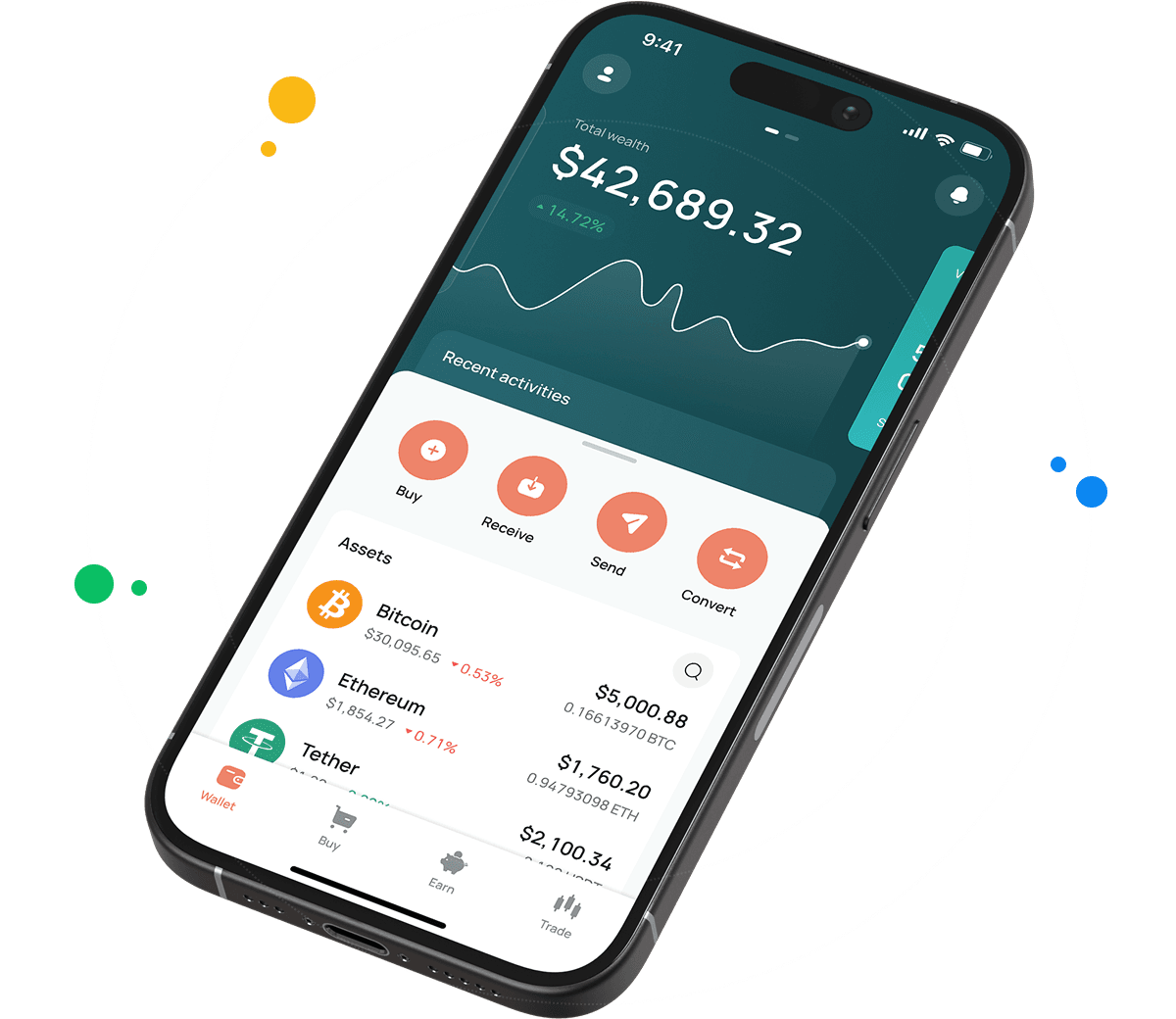
CEX.IO Wallet supports LAB alongside hundreds of other digital assets. You manage your full portfolio and track every token's value from one secure account. The platform secures your holdings with multi-factor authentication, encrypted key storage, and account-level withdrawal controls.
Unlike many standalone wallets, CEX.IO lets you buy LAB with a card or bank transfer, sell it for fiat and receive proceeds on your card or bank account, and convert it into other supported assets without leaving the app. Multi-network support covers Ethereum, Solana, and BNB Chain versions of LAB, so the network you prefer is always available.
CEX.IO has operated since 2013, serves more than 15 million registered users, and holds PCI DSS Level 1 certification. The platform has not suffered a breach resulting in loss of user funds across that history.

How to use LAB wallet by CEX.IO
How to use LAB wallet by CEX.IO
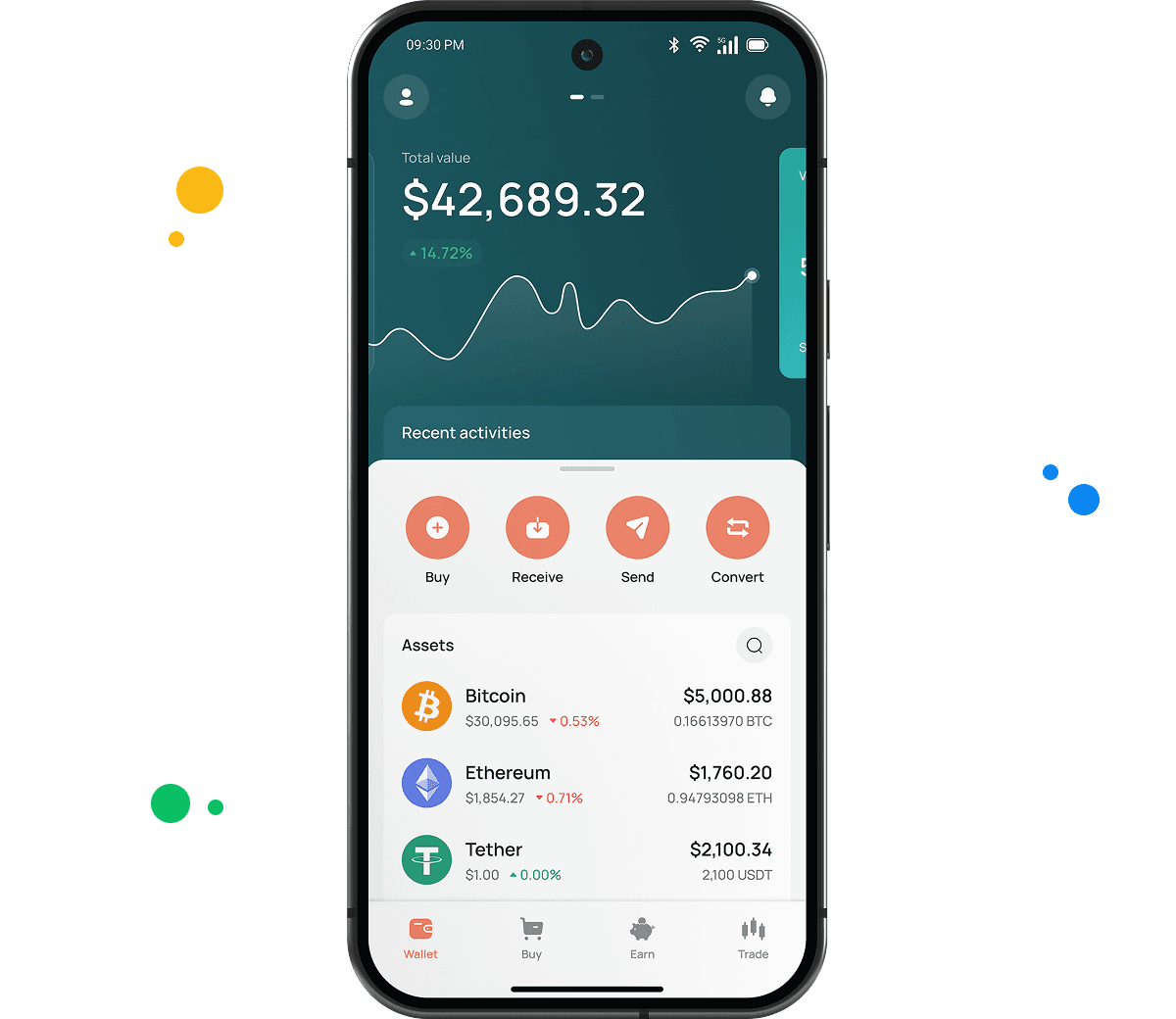
CEX.IO Wallet lets you send and receive LAB with low costs, and buy, sell, or exchange it at any time. The app loads the same experience on iOS, Android, and desktop — you do not need to learn a different interface per device. Internal transfers to other CEX.IO users through CEX.IO Pay go instantly with no blockchain fee.
How to register at CEX.IO wallet
Open wallet.cex.io in your browser or download the CEX.IO app. Tap Create Your Account. Enter your email address, create a strong password, and select your country. Accept the Terms of Use, then confirm your email through the code you receive in your inbox.
Complete identity verification to unlock full wallet functions. CEX.IO follows KYC and AML requirements. Provide your legal name, date of birth, residential address, and a valid identity document. Most users finish verification within minutes. After that you can store, send, receive, buy, sell, and manage LAB from your account.

How to deposit money at CEX.IO wallet
Open the Wallet section and select the currency you want to deposit. Tap Receive and enter the amount. Choose a payment method and tap Deposit. Review the payment details on the next screen and tap Confirm Deposit. Funds appear in your wallet once the transaction settles.
To deposit LAB directly from an external wallet, select LAB in the Wallet section and tap Receive. Choose the network that matches your external wallet — Ethereum, Solana, or BNB Chain. Copy the deposit address and use it as the destination in your external wallet. Always confirm the network matches before you send.
How to buy LAB at CEX.IO wallet
Tap Buy on the main toolbar. Select LAB from the list of supported assets. Enter the amount you want to spend in your preferred fiat currency. Choose your payment method and tap Buy. Review the order details and confirm. Card payments process quickly, so your LAB reaches your CEX.IO Wallet shortly after the purchase clears.

How to sell LAB at CEX.IO Wallet
Select Sell on the toolbar. Enter the amount of LAB you want to sell, or the fiat amount you want to receive. Choose where the proceeds land — your card or bank account. Confirm the details and tap Sell Now. CEX.IO deducts the LAB from your wallet and routes the fiat to your chosen destination.
Track live LAB rates on the CEX.IO prices page before you sell to pick a market moment that suits you.
How to use the Exchange option at CEX.IO Wallet?
CEX.IO Convert turns LAB into another supported cryptocurrency or fiat currency in a few taps, with no trading interface to learn. Open Exchange on the toolbar. Select LAB as the source asset and pick your target currency from the dropdown. Enter the amount, review the conversion rate, and confirm. Your wallet balance updates immediately. Users who want more control can trade LAB against supported pairs on CEX.IO Spot Trading, where real-time prices and advanced tools are available.
Guide & FAQ
How to send LAB from CEX.IO wallet
Open the CEX.IO Wallet, choose LAB, and tap Send. Choose the destination network — Ethereum, Solana, or BNB Chain. Enter the amount and the recipient wallet address. Review the network and withdrawal details, then confirm. Always verify the network matches the recipient's address before confirming. Track the status in your transaction history.
Which is the best mobile LAB wallet to use?
The CEX.IO App ranks among the strongest mobile options for LAB. You buy, sell, convert, and send LAB from iOS or Android, manage your full portfolio, and reach Spot Trading from one app. Multi-network support covers Ethereum, Solana, and BNB Chain. Internal transfers through CEX.IO Pay to other CEX.IO users are instant and carry no blockchain fee.
What are the payment methods at CEX.IO Wallet?
CEX.IO supports debit and credit cards, bank transfers (SEPA, Faster Payments, and Domestic Wire in the US), and over 80 supported cryptocurrencies. Available methods depend on your country of residence.
Where to find the safest crypto wallet?
Check the provider's security record and the protections it offers before you trust a wallet with your funds. CEX.IO has operated since 2013, serves more than 15 million registered users, holds PCI DSS Level 1 certification, and lets you enable two-factor authentication. A long track record and clear compliance signal a wallet you can rely on for LAB.
Should I use a crypto wallet by CEX.IO?
CEX.IO Wallet gives you secure LAB storage with fiat payments, fast conversions, and direct access to CEX.IO trading. A regulated global platform backs it. If you want a single account to hold, trade, and manage LAB with low friction, it is a practical option.
Is it necessary to have a wallet to trade crypto?
Yes. You need a wallet to hold, send, and receive LAB, and to fund any trades. The CEX.IO Wallet links to your account, so the assets you hold work across Instant Buy, Convert, and Spot Trading. Protect the account with a strong password and two-factor authentication.