Chainlink Wallet
Chainlink (LINK) Wallet for Desktop and Mobile (iOS & Android)
The CEX.IO Wallet is a reliable tool for managing Chainlink (LINK) across all platforms, including web, iOS, and Android. Whether you’re sending tokens to a friend, receiving LINK from an exchange, or simply monitoring your holdings, the wallet makes it straightforward.
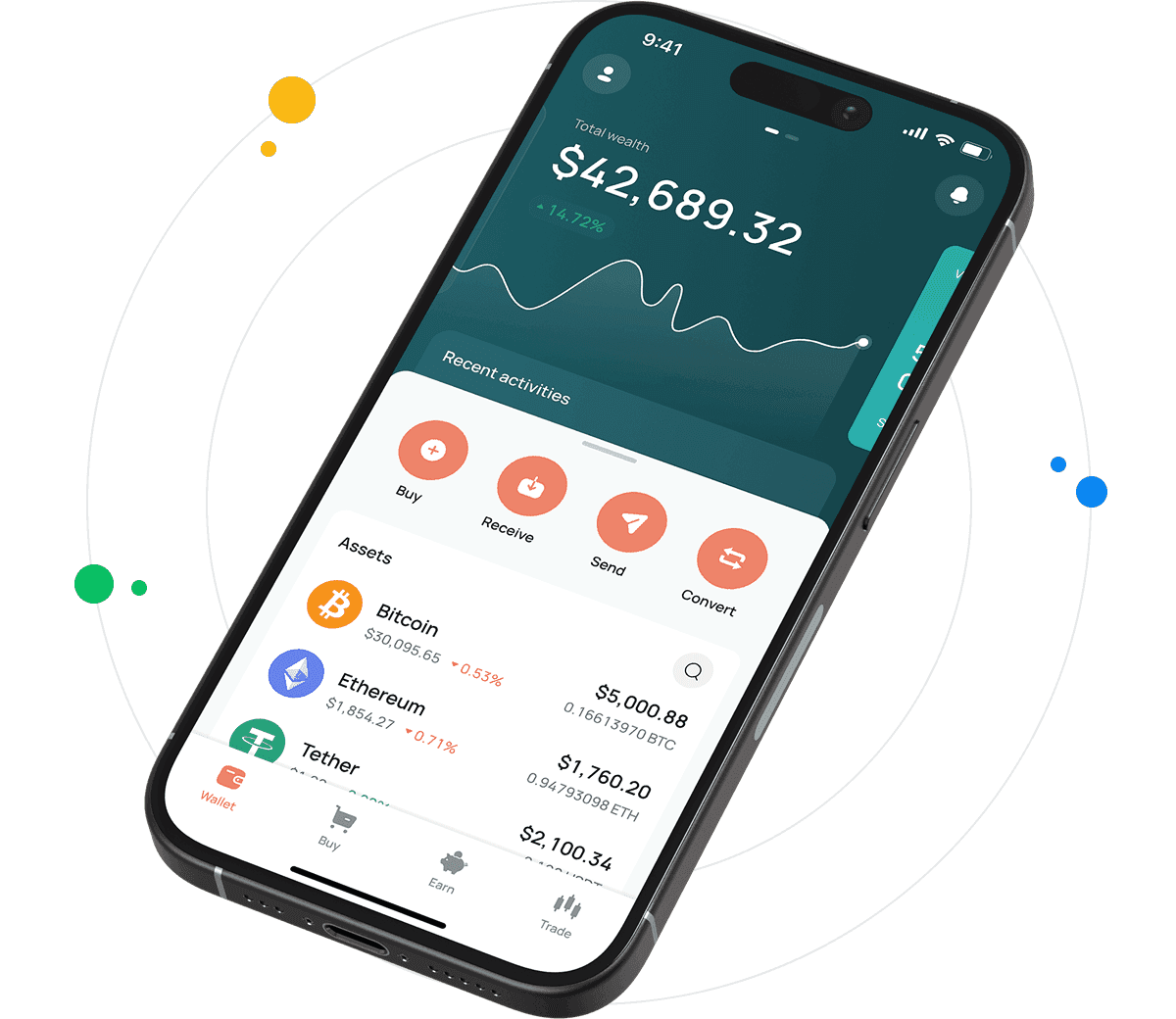
Chainlink Wallet for All Devices
Designed with security and accessibility in mind, Link Wallet caters to crypto beginners as well as experienced users seeking a simplified way to manage their digital asset portfolio. With support for multiple currencies alongside LINK, it’s easy to diversify your holdings in one location. If you wish to buy LINK and store it safely, the CEX.IO Wallet integrates directly with the exchange. This connection ensures any LINK you acquire is instantly visible and ready for use within your wallet.
What are Chainlink Wallets?
A Chainlink wallet provides a digital space to store, send, and receive LINK tokens. Unlike traditional banking apps, crypto wallets work with blockchain networks to manage ownership securely.
There are two main types of wallets: hot wallets and cold wallets. Hot wallets, such as the one provided by CEX.IO, offer instant access to funds and are connected to the internet. Cold wallets, on the other hand, remain offline, adding an extra layer of security but sacrificing convenience.
The CEX.IO Wallet combines accessibility with robust protection, ensuring your LINK is always within reach without compromising on safety. You can also check the current LINK Price directly from the platform to make informed decisions.
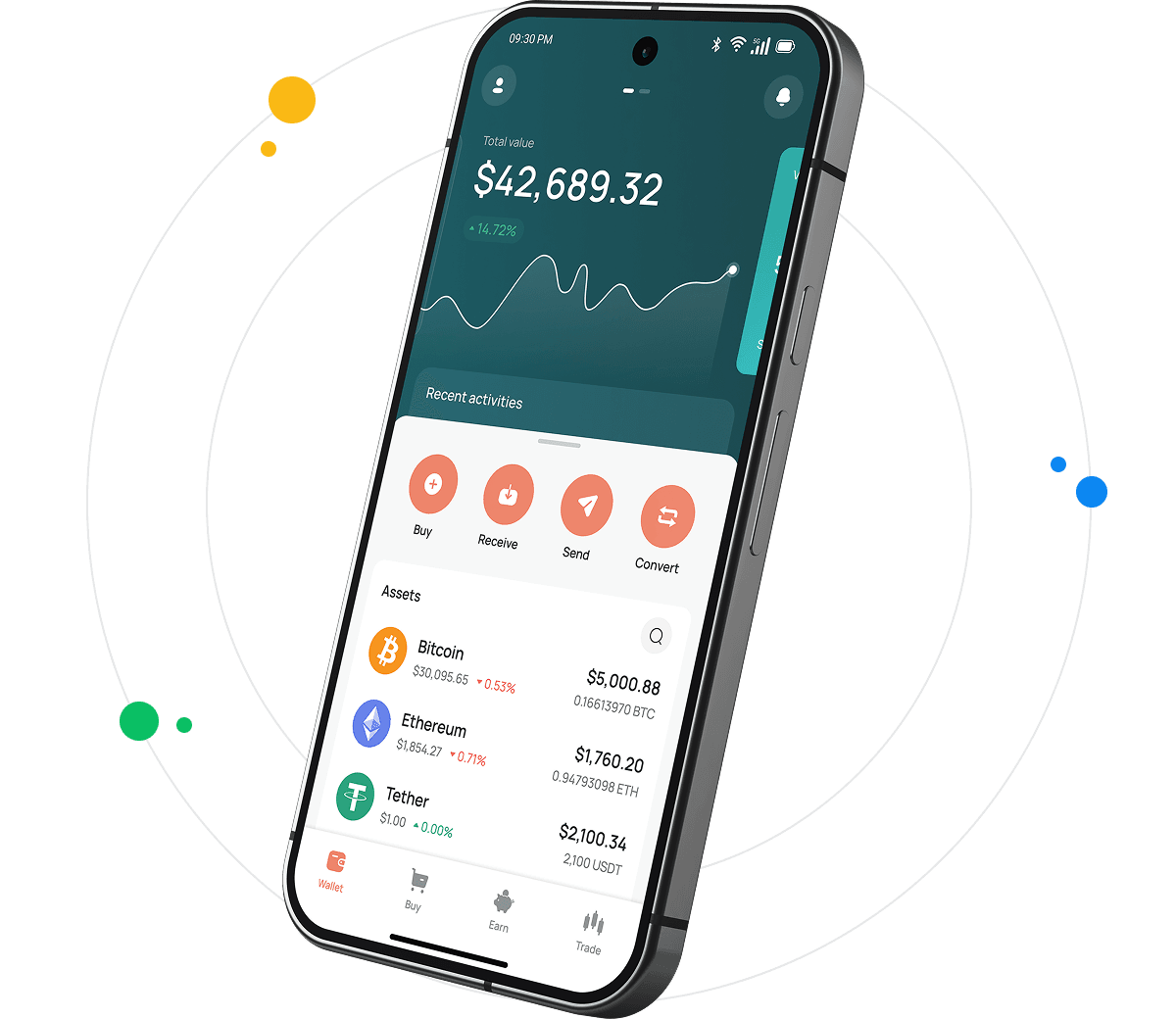
How to Use Chainlink Wallet by CEX.IO?
To get started with your LINK wallet, create an account on CEX.IO and access the Wallet section from your dashboard. You can view your balance, generate wallet addresses for receiving LINK, and transfer tokens securely.
The interface is intuitive, making it simple to send LINK to any address. Add optional security measures such as two-factor authentication for enhanced protection.
Additionally, you can convert LINK into other supported cryptocurrencies or fiat currencies directly within the wallet, eliminating the need to move funds between multiple platforms.

How to Register at CEX.IO Wallet
- Visit the CEX.IO website or download the app on iOS or Android.
- Click “Sign Up” and complete the form with your email address and password.
- Verify your email and complete identity verification to enable wallet functionality.
- Once verified, log in and access your LINK wallet from the dashboard.
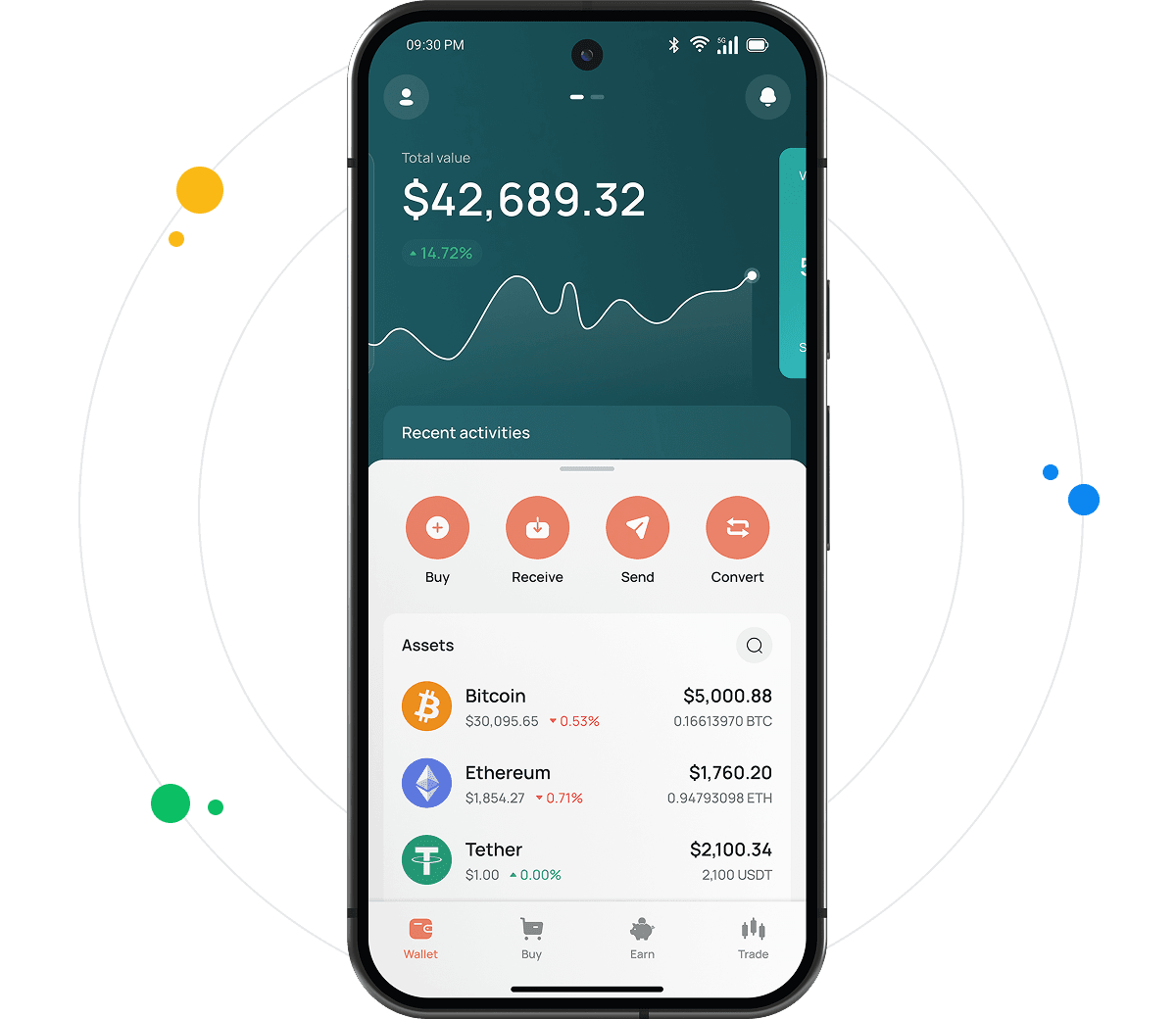
How to Deposit Money at CEX.IO Wallet
To deposit LINK into your CEX.IO Wallet:
- Go to the “Wallet” tab.
- Select Chainlink (LINK) from the list.
- Click “Deposit” to generate a unique LINK address.
- Send LINK from your existing wallet or another exchange to the generated address.
Funds will appear in your balance once confirmed by the blockchain.

How to Use the Exchange Option at CEX.IO Wallet?
The built-in Exchange feature allows you to swap LINK for other cryptocurrencies or fiat without leaving the CEX.IO Wallet interface.
- Go to the Exchange section in your account.
- Select Chainlink as the currency you want to exchange.
- Choose the target currency (BTC, ETH, USD, etc.) and enter the amount.
- Confirm the transaction and wait for the operation to complete.
This functionality enables quick conversions, helping you manage market movements efficiently.

FAQ
How to send crypto from CEX.IO Wallet?
Open the Wallet section, select LINK, and click “Send.” Enter the recipient’s wallet address, the amount, and confirm. Always double-check the address to avoid errors.
Which is the best mobile LINK wallet to use?
The CEX.IO mobile app offers a secure and convenient way to store LINK on iOS and Android devices, providing full access to your funds anytime.
What are the payment methods at CEX.IO Wallet?
You can add funds using credit cards, debit cards, and bank transfers (SWIFT, SEPA, Faster Payments, depending on your region). Some users also use e-wallet services where available. Each method comes with its own processing times and limits. After depositing, you can purchase LINK and other supported tokens directly from your balance.
Where to find the safest crypto wallet?
Safety in crypto wallets depends on two factors: the provider’s security measures and how you handle your credentials. The CEX.IO Wallet offers an extra layer of protection with advanced encryption, a regulated platform, and multi-sig wallets. For those managing large sums of LINK, combining online wallets for quick access with offline cold storage is often the best strategy.
What types of crypto wallets exist?
- Hot wallet
A hot wallet is connected to the internet and offers fast access to your funds. It’s ideal for active traders and those who frequently send or receive LINK. - Cold wallet
A cold wallet keeps your private keys offline, protecting assets from online threats. Best for long-term holders who prioritize security over convenience.
Where can I track LINK Price?
You can view live Chainlink market data and historical trends on the LINK Price page. This resource provides updated information about the current value of LINK in different fiat and crypto pairs. Monitoring prices helps users make informed decisions when managing their holdings.
How to sell crypto at CEX.IO Wallet?
To sell LINK, access your wallet, choose Chainlink, and click “Sell.” Enter the amount you want to convert, select the currency for payout, and finalize the transaction. Once complete, the funds are added to your CEX.IO fiat balance or exchanged for the chosen cryptocurrency.