PENGU Wallet
Pudgy Penguins Wallet on CEX.IO : For iOS, Android, and Desktop Users
Are you searching for the best PENGU wallet? We built an online wallet where you can store, buy, and send Pudgy Penguins tokens from any device. This guide walks you through setting up your CEX.IO Wallet and the steps that help protect your PENGU.

Read our easy guide and create your Pengu wallet today!
PENGU Wallet for All Devices
CEX.IO gives you a free PENGU wallet that works on iOS, Android, desktop, and the web. Your PENGU sits alongside hundreds of other digital assets in one place, so you can watch your whole portfolio and move funds without switching between apps. This guide covers how to open your wallet, fund it, and buy PENGU on CEX.IO.
Types of wallets for keeping digital assets
A crypto wallet is a tool that holds the keys to your tokens. The tokens themselves stay on the blockchain, and the wallet gives you the ability to send them or prove they belong to you.
Wallets come in a few shapes. Some run as apps on your phone, some install on your computer, some live in a browser at an exchange, and some sit on a physical device you keep unplugged. The choice depends on how often you need access and how much you want to handle yourself.
CEX.IO looks after your keys for you. You sign in with your email and password, and the platform handles the technical side. Wallets that hand you the keys directly put all responsibility on you, and losing your recovery phrase in that situation closes the door on your funds permanently.
What is PENGU?
PENGU is the token of the Pudgy Penguins community, which started as an Ethereum NFT collection in 2021 and launched its token on Solana in December 2024. You can check the current PENGU price, buy it, sell it, or convert it into something else on CEX.IO.
How to create a PENGU wallet on CEX.IO
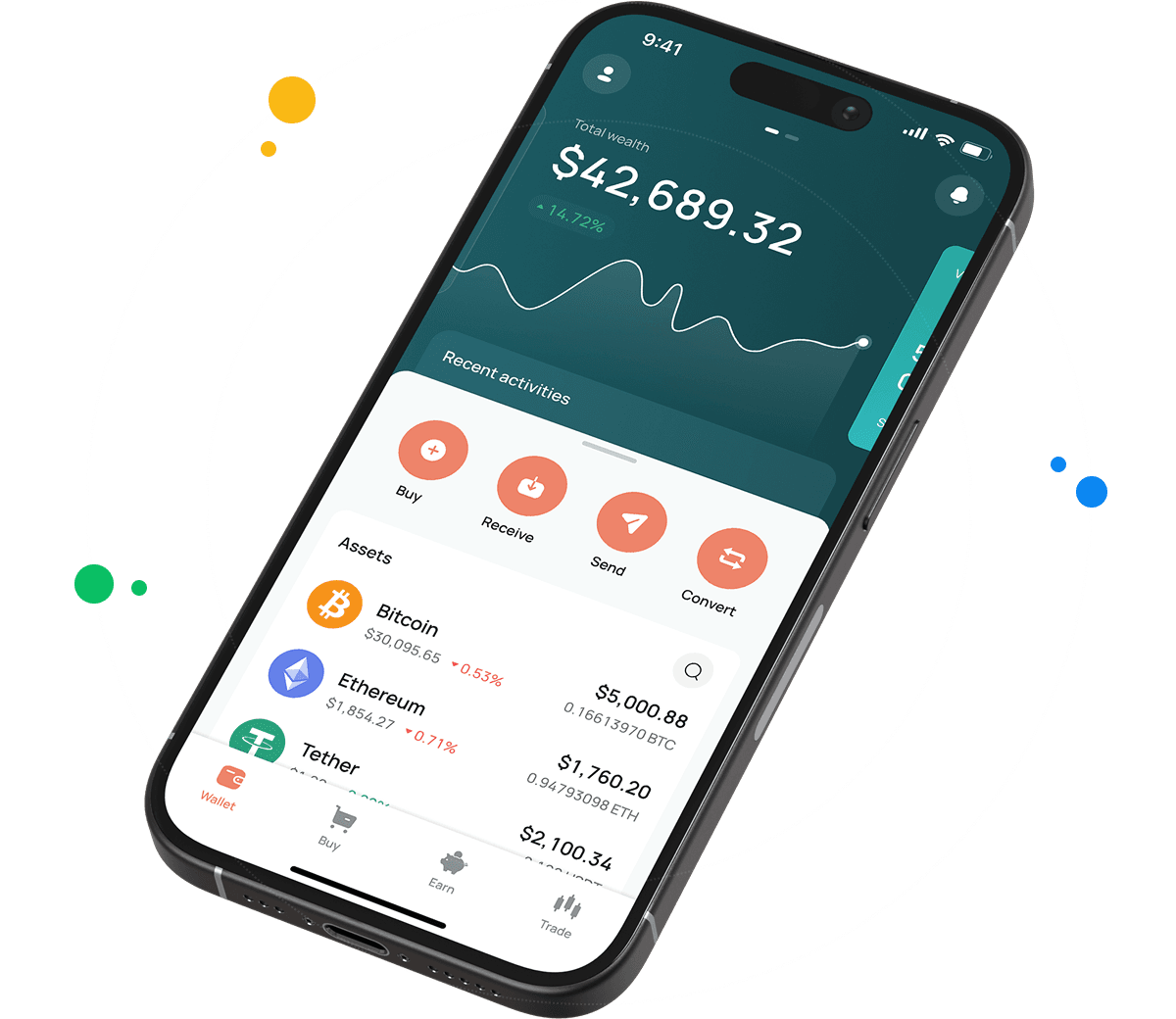
Getting a PENGU wallet takes a few minutes. Open wallet.cex.io in your browser or install the CEX.IO app on your phone, then follow these steps.
- Tap Create Your Account and enter your email address.
- Choose a strong password that you do not use anywhere else.
- Select your country of residence and accept the Terms of Use.
- Check your inbox for the confirmation code and enter it.
- Add your legal name and date of birth so the platform can verify your identity.
Most people finish verification within a few minutes. Once approved, go to the Wallet section, find PENGU in the asset list, and tap Receive. Your deposit address appears on screen, ready to accept transfers.

How to buy PENGU at CEX.IO wallet
You can buy PENGU with a card or a bank transfer straight from your wallet. There is no need to visit a decentralized exchange or bridge tokens between networks.
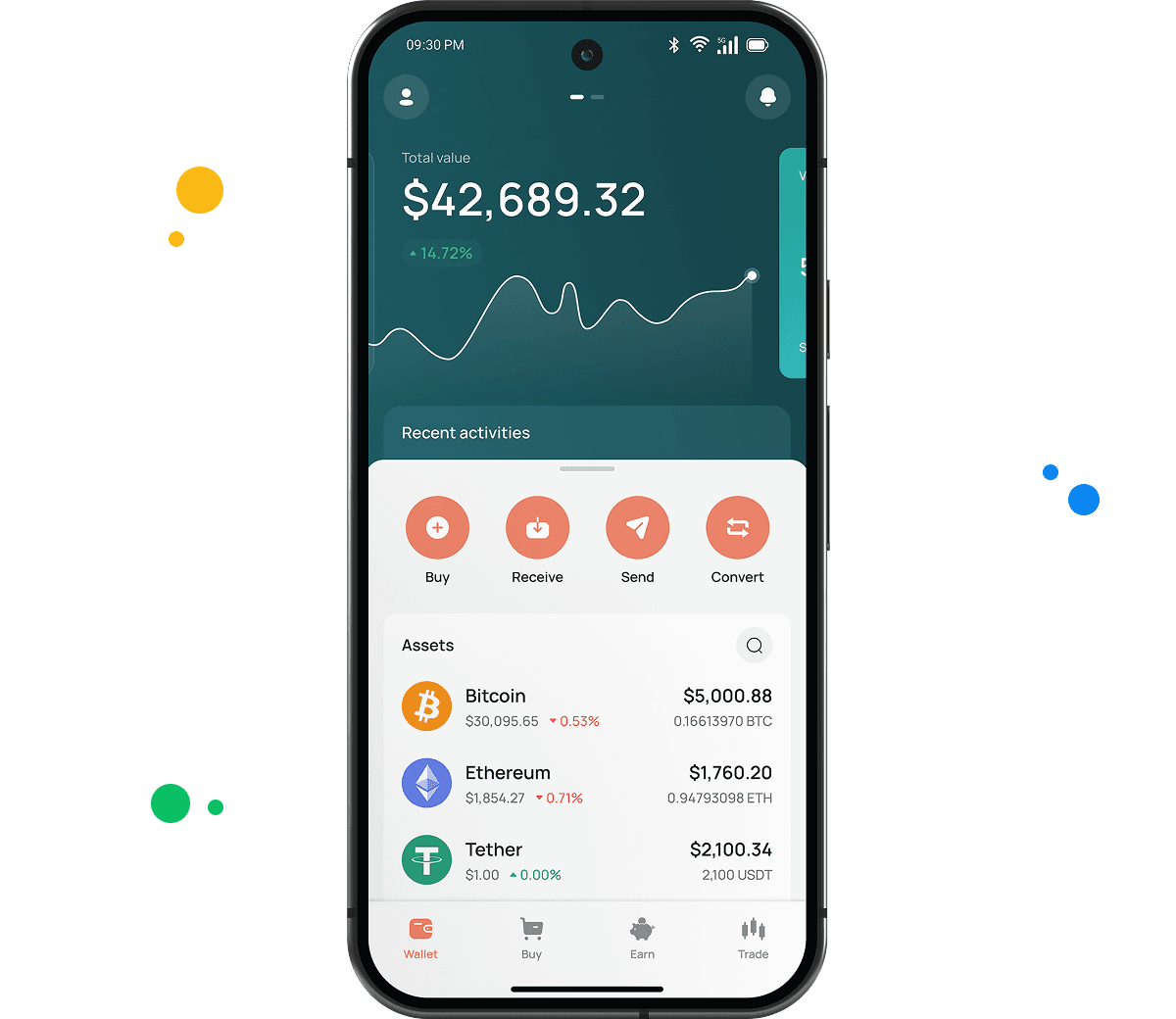
- Tap Buy at the top of the main screen.
- Search for PENGU and select it.
- Enter how much you want to spend in your local currency.
- Pick a card or bank transfer as your payment method.
- Look over the order summary and confirm it.
Card payments clear quickly, so your PENGU usually lands in the wallet within moments. Bank transfers take longer depending on your bank.
How to store PENGU safely
Once PENGU reaches your wallet, a few habits keep it protected. Turn on two factor authentication in your account settings, because that step stops anyone with your password alone from signing in. Save your recovery codes somewhere offline, like a written note in a drawer, and keep them away from your computer.
Watch out for anyone asking you to confirm your login details over email or chat. CEX.IO support never asks for your password. When you send PENGU out to another wallet, always double check the receiving address, since blockchain transfers cannot be undone once the network processes them.

How to deposit PENGU from another wallet
If you already hold PENGU somewhere else, moving it to CEX.IO works like any other transfer.
- Open the Wallet section and choose PENGU.
- Tap Receive to display your deposit address.
- Copy the address, or scan the QR code with your other wallet.
- Set Solana as the network in the sending wallet, because PENGU runs on Solana.
- Send the amount you want and wait for the network to confirm it.
PENGU deposits usually arrive in under a minute, since Solana confirms transactions quickly.

How to sell PENGU at CEX.IO Wallet
Selling PENGU puts money back on your card or in your bank account without extra steps.
- Tap Sell on the main toolbar.
- Choose PENGU and type the amount you want to sell.
- Select where the money should go, either a card or a bank account.
- Read the summary screen and tap Sell Now.
Your PENGU balance drops right away, and the money reaches your chosen destination based on the processing time for that method.
How to use the Exchange option at CEX.IO Wallet
The Exchange feature swaps PENGU for another asset in your wallet without going through a sell and buy cycle. Open Exchange from the toolbar, pick PENGU as the token you are giving up, then choose what you want in return. Enter the amount, look at the rate on screen, and confirm. Your balances update as soon as the swap goes through.
FAQ
How to send PENGU from CEX.IO wallet
Go to the Wallet section, select PENGU, and tap Send. Paste the recipient address, enter your amount, and confirm that Solana is the selected network. Review everything before you submit. Sending PENGU to another CEX.IO user through CEX.IO Pay costs nothing and arrives instantly.
Which is the best mobile PENGU wallet to use?
The CEX.IO app covers everything you need for PENGU on both iOS and Android. Buying, selling, sending, and swapping all happen on the same screens, and your other holdings sit right there next to it.
What is a PENGU wallet address?
PENGU lives on Solana, so its address follows the Solana format. That means a string of letters and numbers roughly 32 to 44 characters long, which looks nothing like an Ethereum address. You will find yours under Wallet, PENGU, Receive.
What are the payment methods at CEX.IO Wallet?
You can pay with a debit or credit card, or move money in through SEPA transfers, Faster Payments if you bank in the UK, and Domestic Wire for US accounts. More than 80 cryptocurrencies also work as funding options. Your country determines which of these show up for you.
Are PENGU wallets free?
Opening a CEX.IO account and holding PENGU costs nothing at all. Fees appear when you trade or withdraw, never for simply storing tokens. Sending PENGU to an outside address carries a small Solana network fee, and internal transfers between CEX.IO users are free.