Plasma Wallet
Plasma (XPL) Wallet on CEX.IO : For iOS, Android, and Desktop Users
Are you searching for the best Plasma wallet? Our free wallet covers mobile and desktop, holding Plasma tokens behind a single login. Read on for how the wallet works, what registration takes, and how to pick up XPL here.
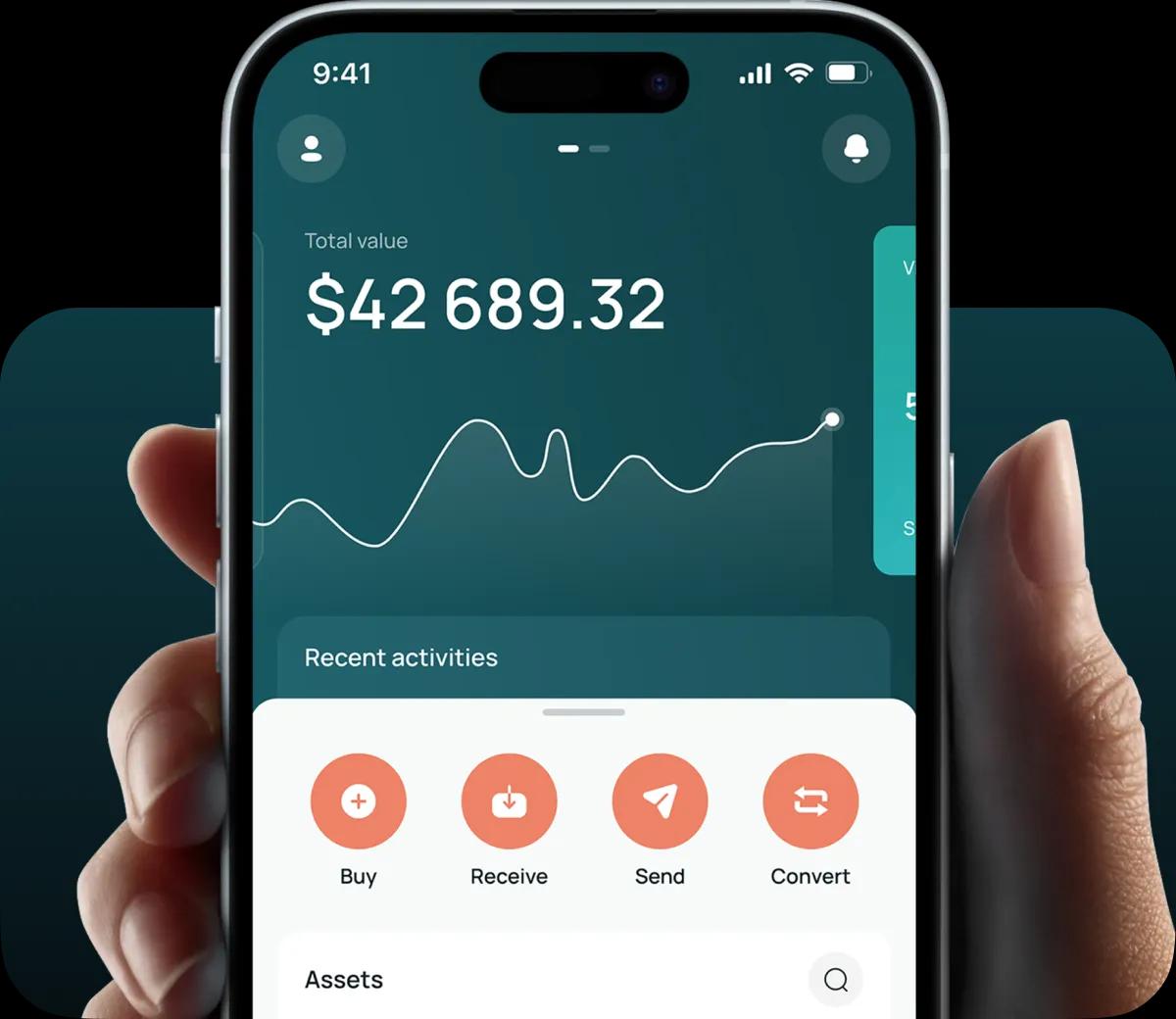
Read our easy guide and create your Plasma wallet today!
XPL Wallet for All Devices
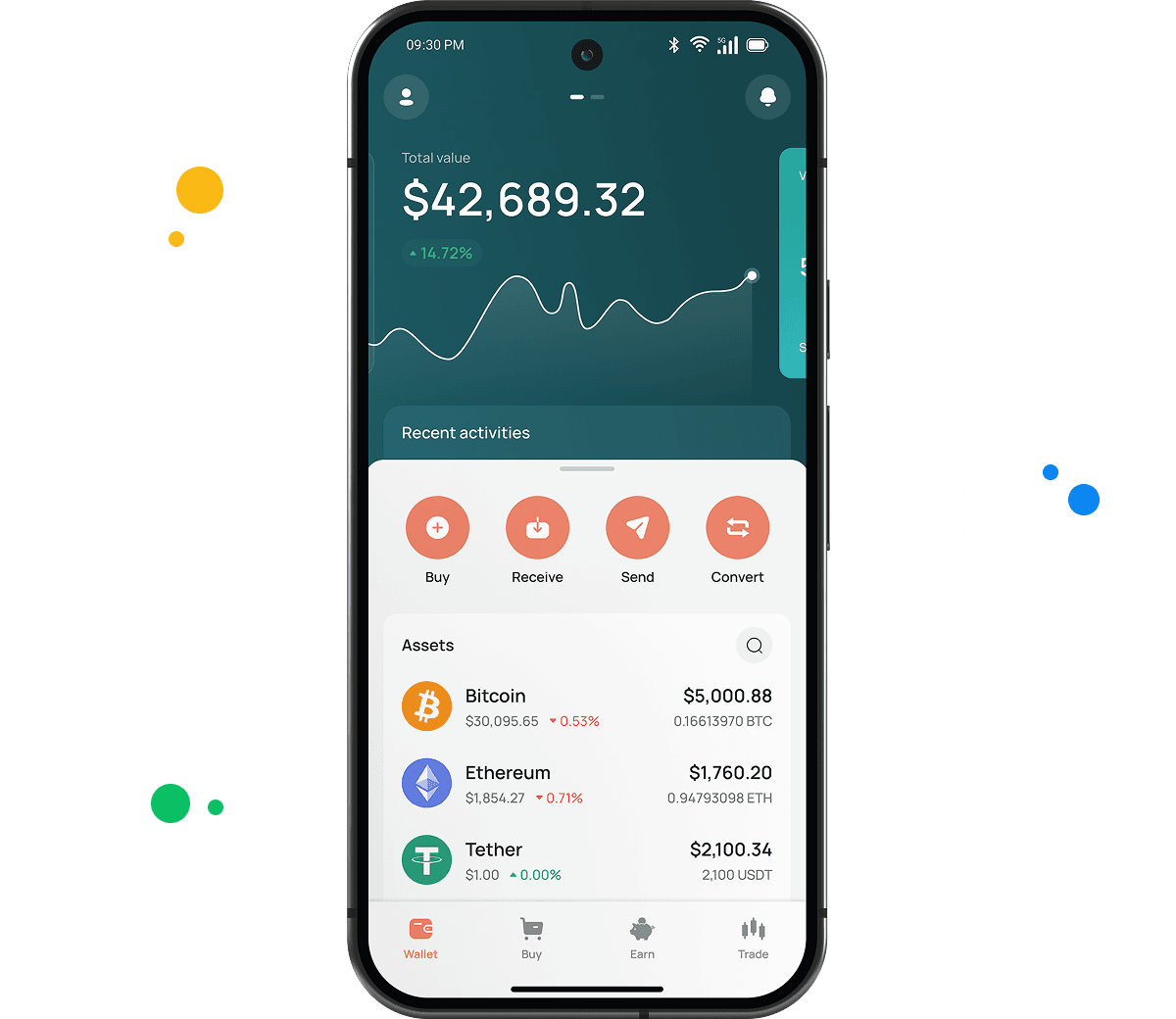
The CEX.IO wallet reaches XPL from iOS, Android, desktop computers, and browser tabs. Hundreds of assets occupy the same account, putting your whole portfolio on one screen. Each function appears separately in the sections below.
Types of XPL Wallets
Our three wallet formats span desktop and mobile so XPL stays manageable. Functions remain consistent throughout.
- Online crypto wallet. Opens in a browser on desktop and laptop computers, with nothing to install and no upfront charge. Our platform holds the private keys, so that responsibility stays off your shoulders.
- Android crypto wallet. Downloads from the Google Play Store onto Android devices. Its screens mirror the desktop build, keeping XPL purchases, sales, and transfers accessible on the move.
- iOS crypto wallet. Verified on the Apple App Store for iPhone and iPad. Every Android feature carries across, and biometric login plus live market data come standard.
CEX.IO XPL Wallet
Your CEX.IO account carries XPL next to BTC, ETH, and several hundred further digital currencies.
Wallets built for one chain generally cover holding and transferring, then stop. Ours goes past that with fiat access. Card purchases put XPL in your balance directly, sales send cash to your card or bank, and conversions between XPL and other assets stay inside the same window.
The clean interface draws the most comments. Whatever you need appears close by, and portfolio figures update continuously in the background.
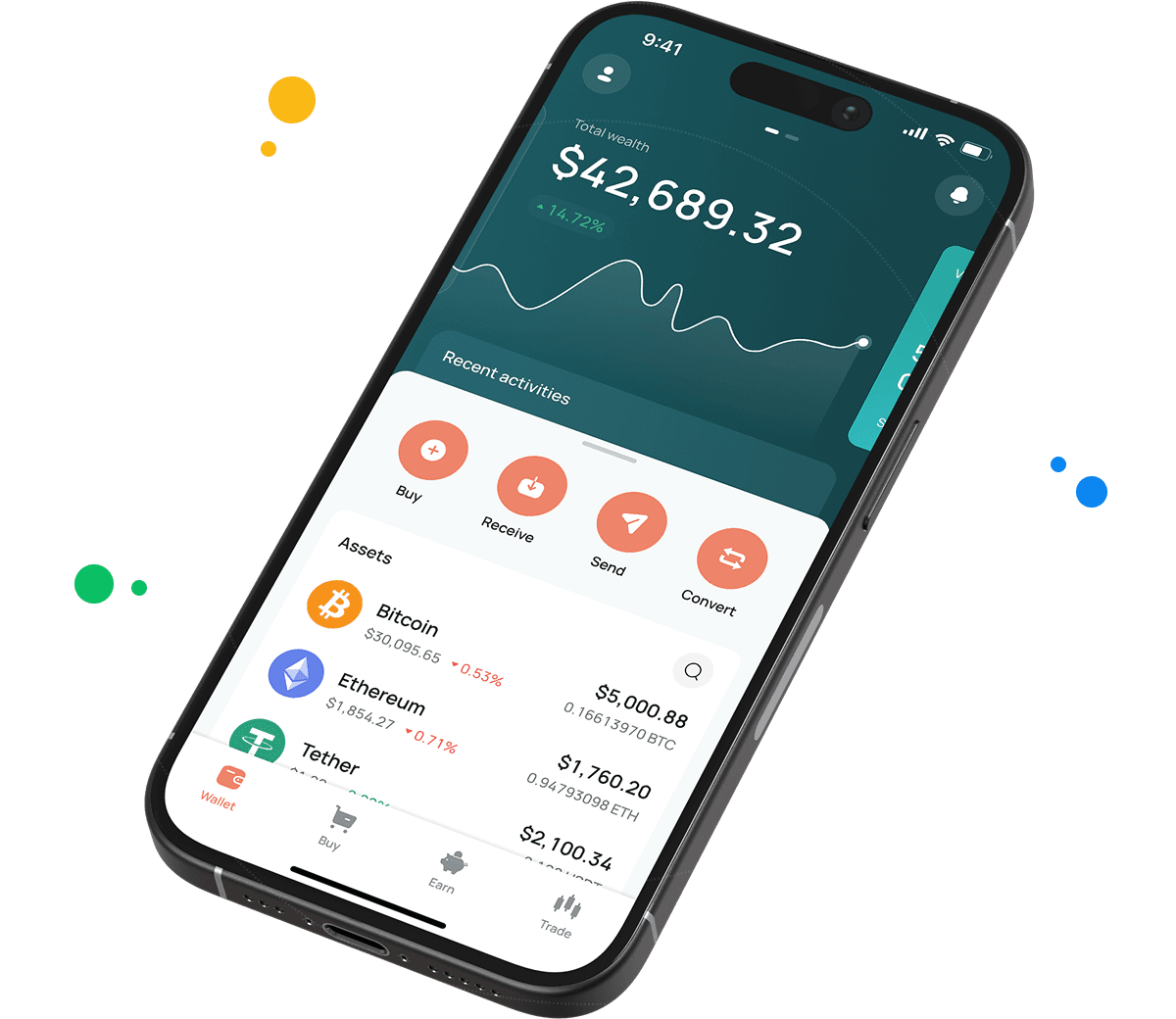
How to Set Up an XPL Wallet for Mobile and Desktop
Desktop and laptop users work through this list.
- Navigate to our official website.
- Click the Products tab in the navigation bar, then select Wallet.
- Scroll down the page to Create Your Wallet.
- Enter your details and set a password strong enough to keep others out.
- Complete identity verification following our KYC and AML policies to unlock every CEX.IO feature and service.
- Your wallet then appears in the user profile.
Setting up on a phone runs as follows.
- Head to your mobile store and download the CEX.IO app.
- Install the application.
- Create your account using the in app instructions.
- Your XPL wallet becomes accessible from the user profile.
How to Send and Receive XPL?
Carrying XPL across from a different wallet involves three actions.
- Reach your wallet via the user menu and mark XPL as the asset you want to receive.
- Visit Add Funds, where your XPL deposit address is displayed.
- Copy the address into your other wallet. Several senders can share the same one.
Starting from zero XPL, Instant Buy or Spot Trading offers a route in. Sending XPL elsewhere works like this.
- Go to your wallet and select XPL as the asset to transfer.
- Tap Withdraw.
- Enter the amount of XPL leaving your balance.
- Provide the recipient address, or scan their QR code.
- Complete the transfer by following the prompts.
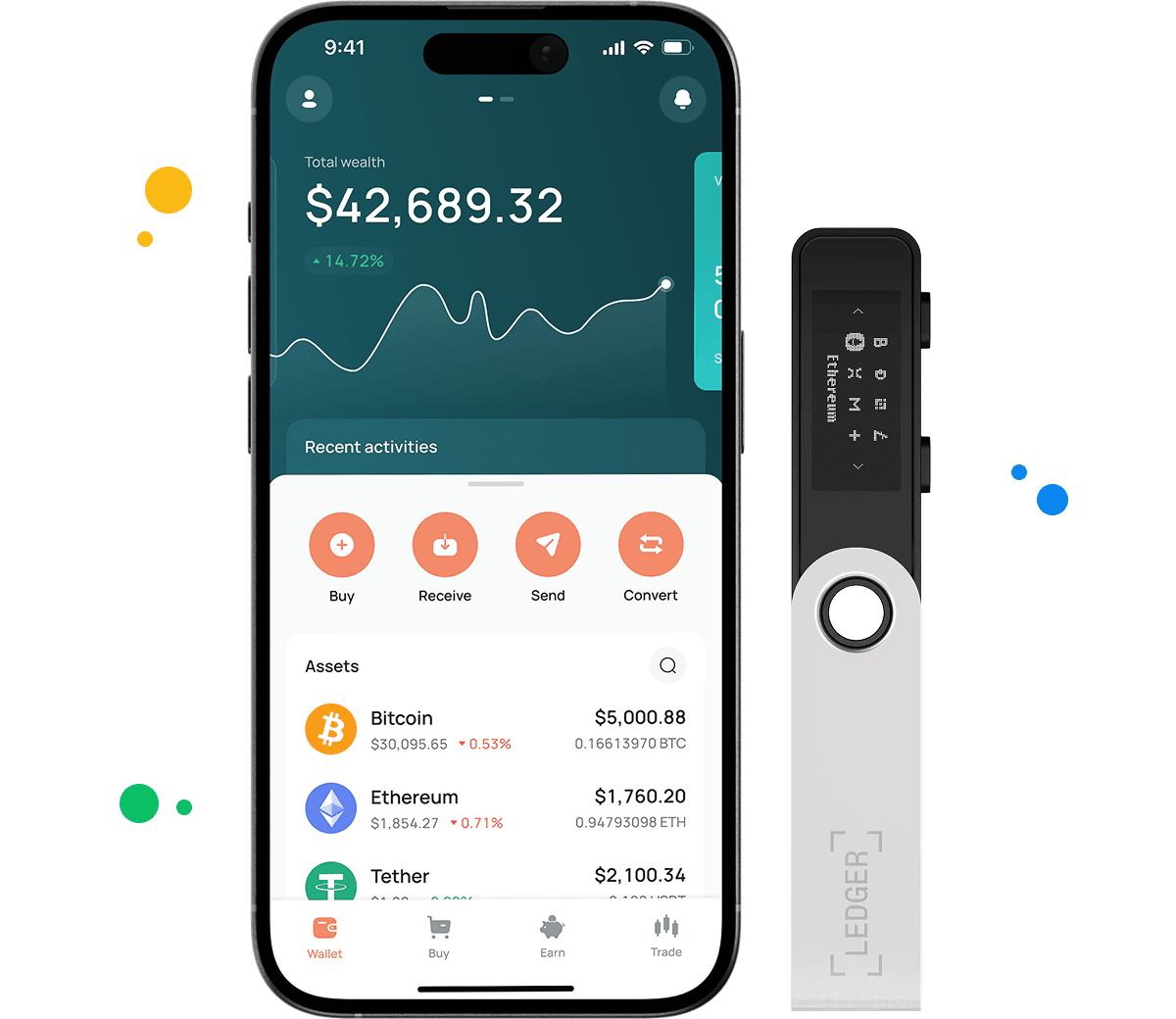
How to deposit money at CEX.IO wallet
- Step into the Wallet menu and mark the currency for deposit.
- Press Receive, fix your amount, decide on a payment route, then press Deposit.
- Double check the payment details before pressing Confirm Deposit.
- The money reaches your wallet once settlement finishes.
Depositing ahead of a purchase keeps buying XPL or another token uncomplicated. Crypto deposits behave the same, leaving assets ready to hold, sell, or exchange.
How to buy digital currency at CEX.IO wallet
- Press Buy in the toolbar from the main page.
- Hit Select Coin and locate XPL within the supported assets.
- State how much USD, EUR, or another currency goes into the purchase.
- Mark your payment route and press Buy. The display presents the XPL amount arriving.
- Run through the details and press Buy Now. Your XPL balance follows right after.
How to sell crypto at CEX.IO Wallet
Looking at our crypto prices page first gives you context for timing. The sale itself runs like this.
- Select Sell from the main page toolbar.
- Enter the fiat amount you want to receive.
- Pick a card or bank account for the payout and check the details displayed.
- Tap Sell Now. The XPL leaves your balance and money travels to your destination.
FAQ
What is XPL?
XPL is the native token of Plasma, a layer one blockchain built for stablecoin payments. It runs PlasmaBFT consensus with full EVM compatibility, and its mainnet beta launched in September 2025.
How can I track the value of my XPL?
Find XPL on our cryptocurrency price page for current figures. The listing carries the present value, the day over day change, and the market capitalization. Viewing requires no account.
Can I store other cryptocurrencies at CEX.IO?
Yes. Our wallets across desktop and mobile hold more than 200 assets, letting XPL sit with BTC, ETH, USDT, SOL, and the rest of our roster. No extra installations and no additional fees apply.
What are the payment methods at CEX.IO Wallet?
Debit and credit cards work, along with SEPA transfers, Faster Payments for UK banking, and Domestic Wire for US accounts. More than 80 cryptocurrencies also serve as deposit methods. Availability depends on where you live.
Where to find the safest crypto wallet?
Consider the provider's record and the security options offered, beginning with multi factor authentication. CEX.IO launched in 2013, serves over 15 million registered users, and has not lost customer funds to a breach across that entire span.
Should I use a crypto wallet by CEX.IO?
The CEX.IO Wallet keeps XPL stored and connected to fiat payments, fast conversion, and low withdrawal costs. Local regulations in the U.S., Europe, and other markets guide how CEX.IO operates.
What types of crypto wallets exist?
Crypto wallets come in two categories, hot storage and cold storage.
Hot wallet
Hot storage refers to a virtual space connected to the internet where crypto assets are kept, typically through a specialized program or application. Most carry no cost, though they depend on a good internet connection. A desktop version sits on your computer and holds the currency from there. Mobile wallets run as Android and iOS applications suited to QR code payments, and using one safely means setting a strong password, enabling transaction notifications, and avoiding public Wi-Fi. Web wallets are usually established at cryptocurrency exchanges and reached through desktop or mobile browsers.
Cold wallet
Cold wallets provide crypto storage on physical devices, commonly resembling USB flash drives and small enough to carry with you. Offline key storage puts them beyond remote reach. On the other side, many cost upward of 100 dollars, and the range of supported assets tends to stay narrow, covering mainly major currencies like BTC and ETH.