PYTH Wallet
Pyth Network Wallet on CEX.IO : For iOS, Android, and Desktop Users
Need a home for your PYTH tokens? We built an online wallet that works across desktop and mobile, keeping your holdings a login away. Below you will find how the wallet functions, what registration involves, and how buying PYTH works on CEX.IO.

Read our easy guide and create your Pyth Network wallet today!
PYTH Wallet for All Devices
Oracle protocols rarely get attention from casual crypto users, yet almost every lending market and derivatives platform depends on them. Pyth sits in that category, and PYTH holders tend to follow the sector closely. Our wallet runs on iOS, Android, desktop machines, and in any browser. Your PYTH stays in the same account as hundreds of other tokens, so tracking a portfolio takes one screen. The sections ahead explain each function in order.
What is Pyth Network?
Pyth Network delivers financial market data to blockchain applications. A smart contract cannot browse the internet, so any protocol that needs a live price depends on an oracle to supply it. Pyth publishes feeds for cryptocurrencies, equities, foreign exchange pairs, and commodities.
The data arrives from its original sources. Trading firms, market makers, and exchanges publish their own prices to the network, which cuts out the intermediary layer other oracles rely on. Pyth serves applications across more than ninety blockchains. PYTH arrived in November 2023 as the governance token, letting holders vote on which feeds get added and how the protocol runs.
CEX.IO PYTH Wallet
CEX.IO Wallet holds PYTH along with BTC, ETH, and hundreds of other assets under a single account.
Most wallets built for a specific network handle storage and nothing else. Ours adds fiat purchases with a card, sales that pay out to your card or bank account, and conversions between assets inside the same interface.
Navigation stays uncomplicated throughout. Whichever function you need appears within a tap or two, and portfolio value refreshes continuously while you work.
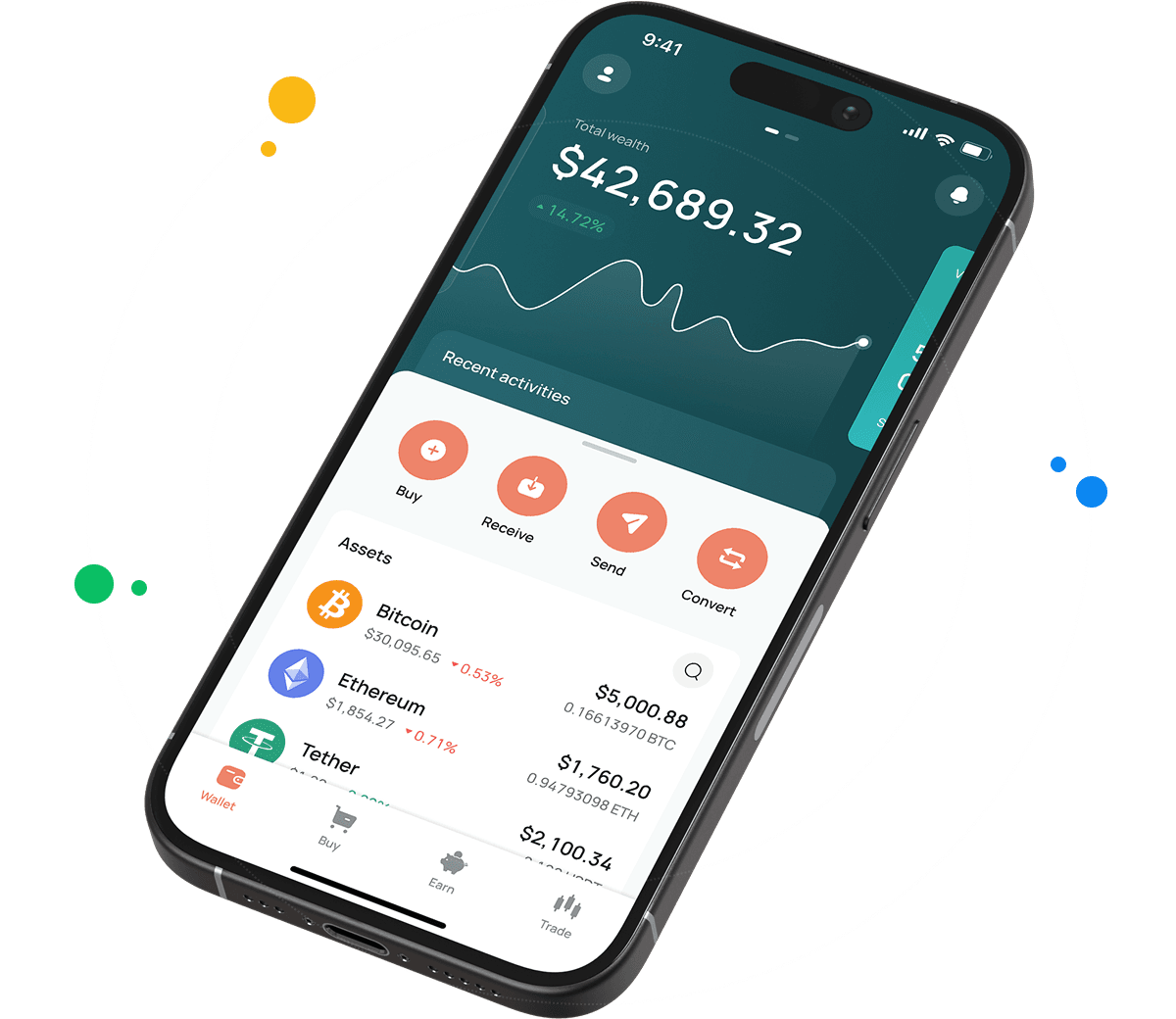
How to use PYTH wallet by CEX.IO
Sending and receiving PYTH costs very little in network fees, and the buy, sell, and exchange functions stay open at all hours. The design avoids clutter, so getting comfortable with it takes almost no time. CEX.IO began operating in 2013, giving the platform over a decade of continuous service.

How to register at CEX.IO wallet
Registration asks for very little. Provide an email address, create a password, and choose the country where you live. Accept the Terms of Use and Privacy Policy, then confirm your email with the code that arrives. Finish by adding your first and last name plus your date of birth. Once that goes through, sending, receiving, buying, selling, and exchanging PYTH all become available.

How to deposit money at CEX.IO wallet
- Head into the Wallet menu and pick the currency you want to deposit.
- Press Receive, set the amount, choose a payment method, and press Deposit.
- Confirm the payment details look correct, then tap Confirm Deposit.
- Your balance reflects the deposit once it settles.
Adding funds ahead of time makes buying PYTH or any other token straightforward. Crypto deposits work the same way and leave those assets ready to store, trade, or exchange whenever you decide.
How to buy digital currency at CEX.IO wallet
- From the main page, press Buy on the toolbar.
- Use Select Coin to find PYTH among the supported assets.
- Enter the amount in USD, EUR, or whichever currency you plan to use.
- Pick your payment option and press Buy. The interface displays how much PYTH you receive.
- Verify everything reads correctly and press Buy Now. The wallet updates with your new PYTH.

How to sell crypto at CEX.IO Wallet
Watching the crypto prices page beforehand lets you time a sale around a rate you find acceptable. The process itself runs as follows.
- Select Sell on the main page toolbar.
- Type the fiat amount you want back from the sale.
- Choose a card or bank account for the payout and check the details on the next screen.
- Press Sell Now. Your PYTH balance drops and the money moves toward your destination.
How to use the Exchange option at CEX.IO Wallet?
Exchange converts assets already in your wallet. Open it from the toolbar, use the dropdowns to set what you are giving and what you want back, then enter the quantity. The result appears on screen before you commit. Press Exchange, confirm the figures, and both balances update at once.
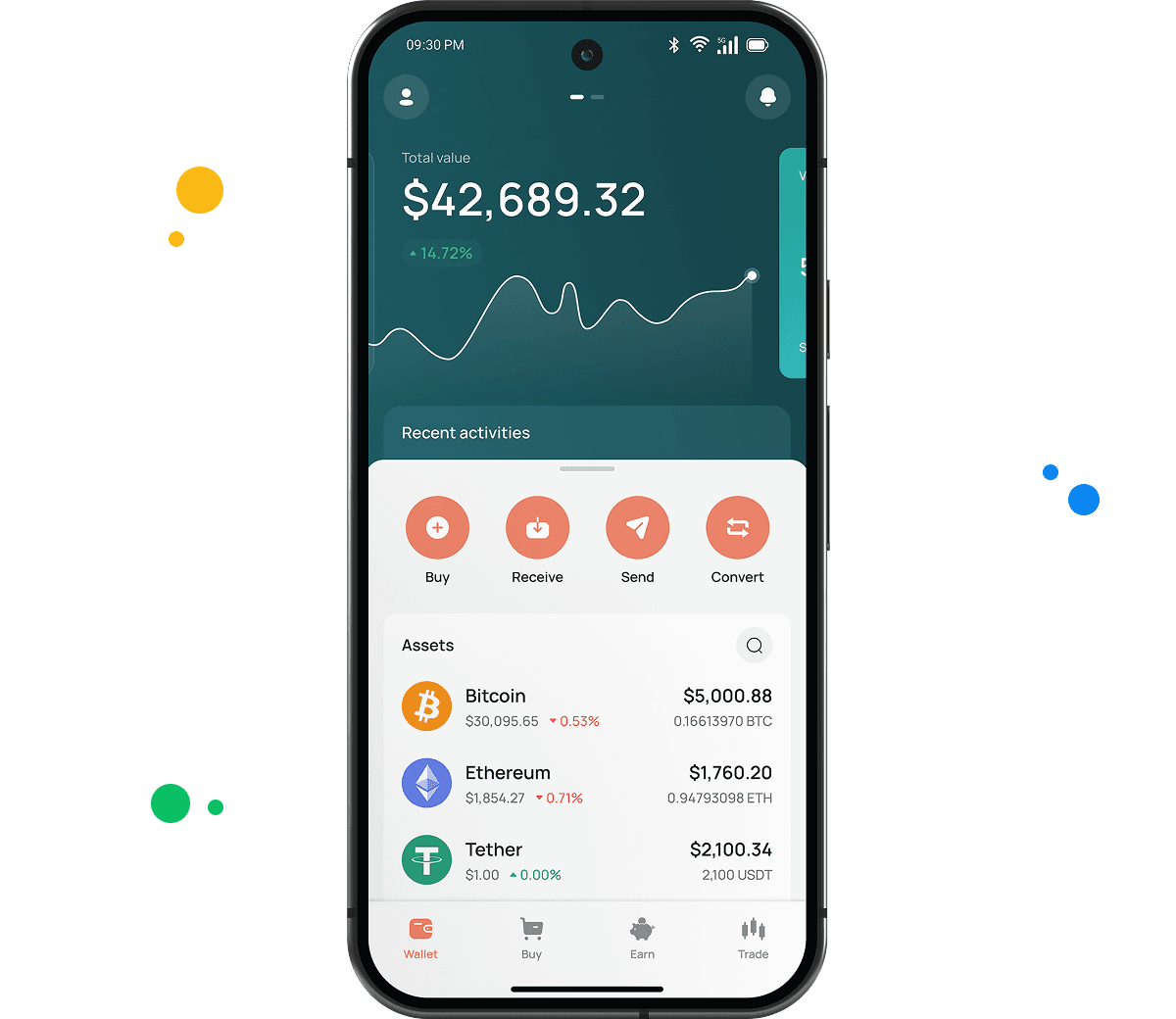
Guide & FAQ
Types of PYTH Wallets
Different devices call for different wallet formats, so we offer three. All of them cover the same functions.
- Online crypto wallet. Runs in a browser on desktop and laptop computers. No download, no setup fee, and our platform stores the private keys so key management never becomes your task.
- Android crypto wallet. Available from the Google Play Store for Android devices. Its design follows the desktop version, keeping purchases, sales, and transfers within reach anywhere.
- iOS crypto wallet. Published on the Apple App Store for iPhone and iPad. Feature parity with Android holds, plus biometric sign in and real time market data.
How to Send and Receive PYTH?
Moving PYTH you already own into CEX.IO involves three actions.
- Access your wallet through the user menu and choose PYTH as the asset to receive.
- Open Add Funds to display your PYTH deposit address.
- Paste that address into your other wallet. Multiple senders can share it if several people are sending you PYTH.
Starting without PYTH means picking some up through Instant Buy or Spot Trading first. Outgoing transfers follow this order.
- Open your wallet and select PYTH for transfer.
- Press Withdraw.
- State the PYTH amount you want to send.
- Add the recipient address, or scan the QR code they share.
- Complete the transfer using the on screen instructions.
Which wallet is best for PYTH?
People working from a computer usually go with the browser wallet, which opens without installation while our platform manages storage behind the scenes.
Anyone checking holdings throughout the day tends toward the mobile apps. Both the Android and iOS builds include straightforward menus, biometric access, current pricing, and immediate alerts when a transaction completes.
Can I store other cryptocurrencies at CEX.IO?
Yes, more than 200 assets fit in our desktop and mobile wallets. PYTH sits beside BTC, ETH, USDT, SOL, and the rest of the list, with no extra installations required and no added charges for holding several at once.
Which is the best mobile PYTH wallet to use?
Our app manages PYTH completely on iOS and Android. You buy, sell, convert, and send within one interface, and because the wallet connects to your CEX.IO account, the same balance reaches every trading tool on the platform.
What are the payment methods at CEX.IO Wallet?
Debit and credit cards work, along with SEPA transfers, Faster Payments for UK banks, and Domestic Wire for US accounts.
Is it necessary to have a wallet to trade crypto?
You do need one. Trading PYTH means holding it somewhere first. The CEX.IO wallet links directly to your account, so a single balance powers Instant Buy, Convert, and Spot Trading. Add a strong password and two factor authentication for protection.