SPL Wallet
SPL Wallet on CEX.IO : For iOS, Android, and Desktop Users
Are you searching for the best SPL wallet? CEX.IO built a free, secure wallet for Solana-based tokens that runs on any device. This guide shows how to use the CEX.IO Wallet and how to store your SPL tokens safely.

Read our easy guide and create your SPL wallet today!
SPL Wallet for All Devices
CEX.IO gives you a free SPL wallet that runs on iOS, Android, desktop, and the web. You store Solana-based tokens alongside hundreds of other digital assets, track your full portfolio, and move funds from one interface. In our guide, we will cover what the safest SPL wallet needs and how to set one up on CEX.IO.
Types of wallets for keeping digital assets
Every crypto wallet stores the private keys that give you control over your tokens on the blockchain. Solana holds the actual tokens. The wallet proves your ownership and authorises every outgoing transfer.
Wallet formats range from desktop apps and mobile wallets to web wallets at exchanges and offline hardware devices. Each option suits a different level of access frequency and security preference. CEX.IO operates as a custodial wallet. The platform holds your private keys and you log in with your account credentials. Non-custodial wallets give you full key control. Anyone who loses the seed phrase without a backup loses permanent access to their funds.
What is an SPL Wallet?
SPL stands for Solana Program Library. It is the official token standard for creating and managing fungible tokens on the Solana blockchain. Any token built to the SPL standard works automatically with every SPL-compatible wallet, exchange, and application. The same Solana wallet address holds SOL and every SPL token simultaneously — no separate address required.
If you have used USDC on Solana, received a Solana airdrop, or traded on a Solana DEX, you have already handled SPL tokens. You can view prices, convert, buy, and sell supported SPL tokens directly on CEX.IO.
CEX.IO SPL Wallet
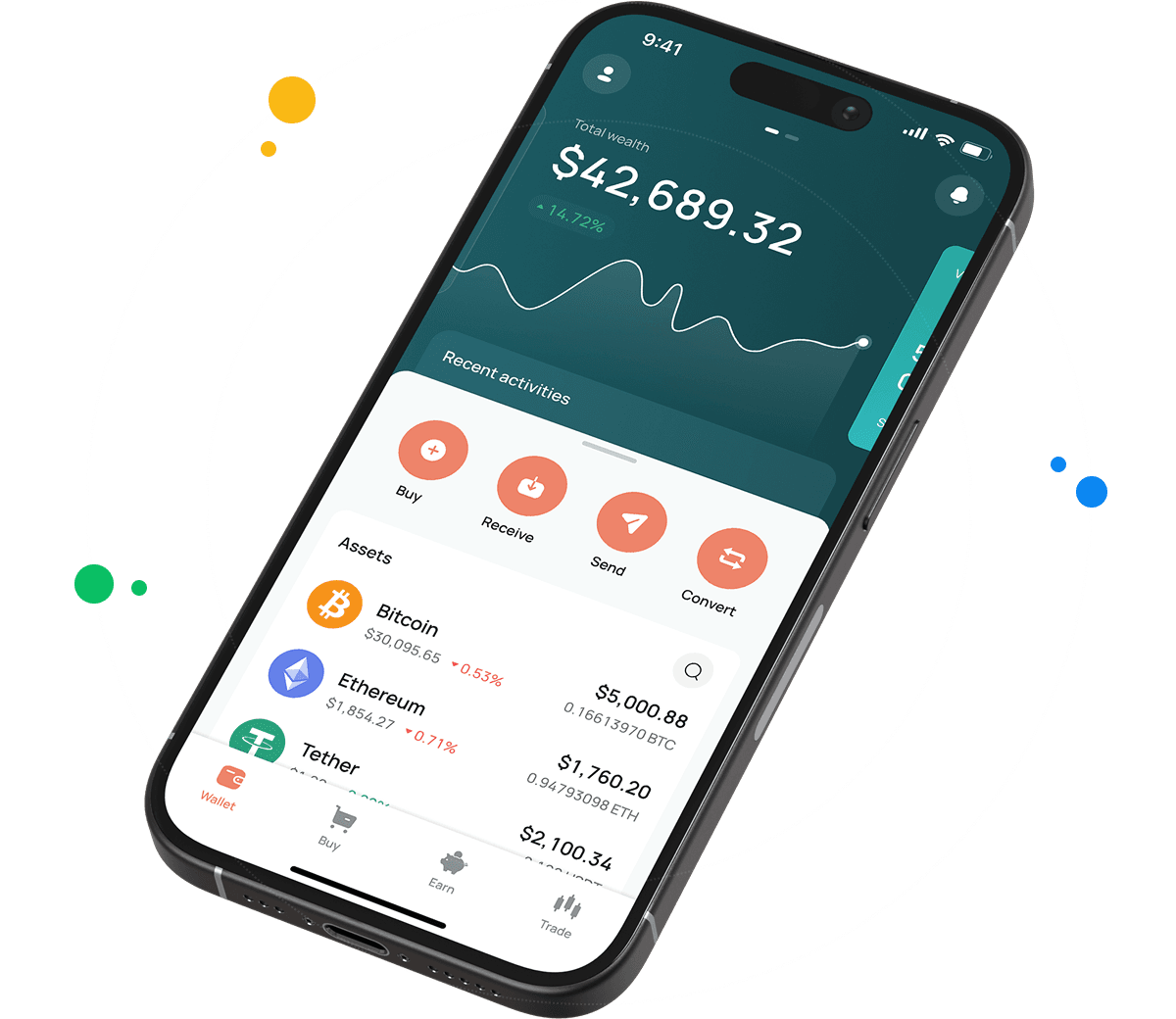
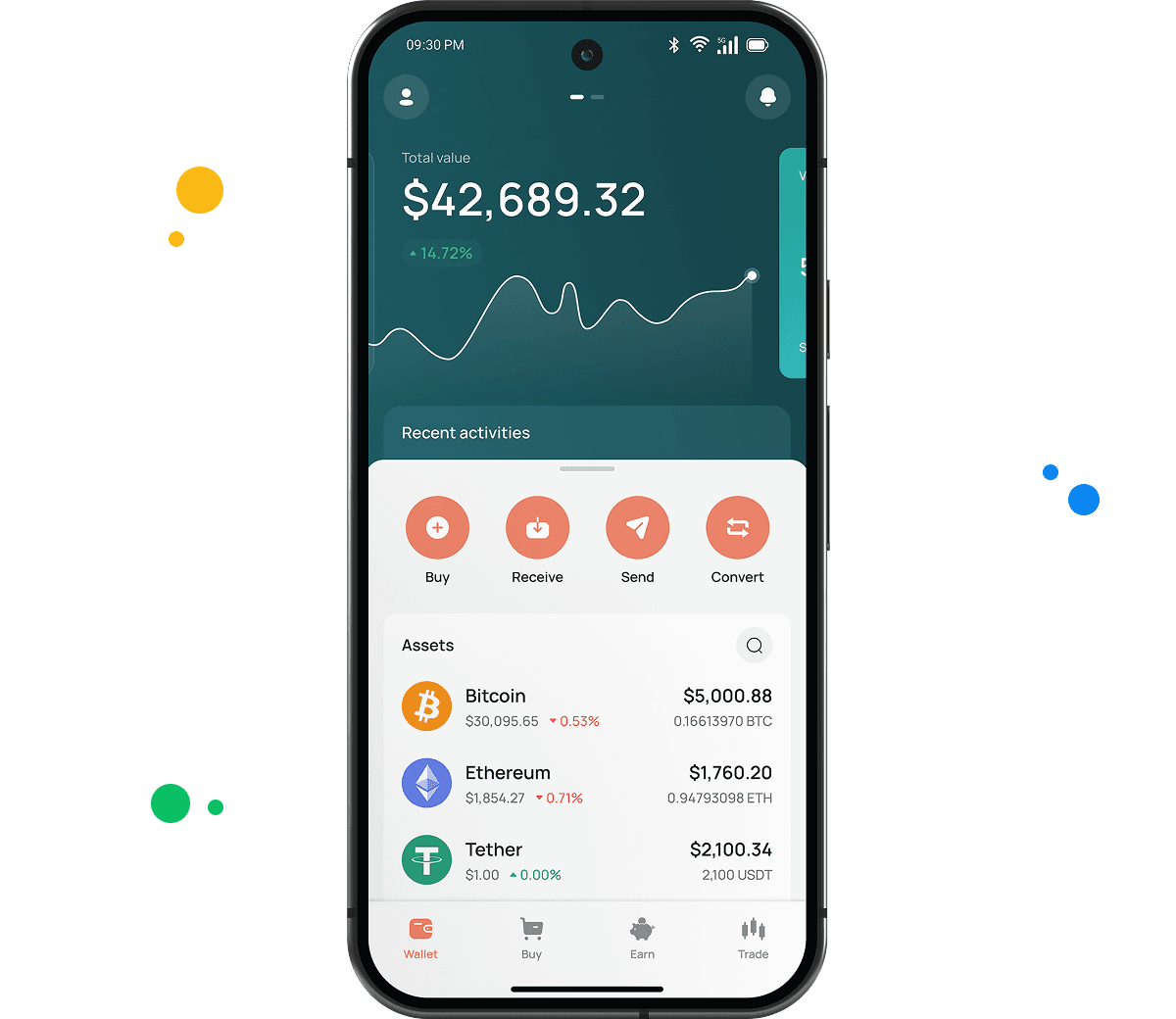
CEX.IO Wallet stores SPL tokens alongside SOL, BTC, ETH, and hundreds of other assets in one account.
Buying a supported SPL token on CEX.IO takes a card payment and a few steps in the app. No DEX, no bridge, no gas management required. The same interface handles selling — set the amount, confirm the destination, and the fiat reaches your card or bank. The Exchange feature converts one SPL token into another or into a different asset entirely.
CEX.IO has operated since 2013 with PCI DSS Level 1 certification and over 15 million registered users. No user funds were lost to a security breach in more than a decade.

How to use SPL wallet by CEX.IO
Every SPL token action on CEX.IO — sending, receiving, buying, selling, exchanging — lives in the same interface. Internal transfers to other CEX.IO users go through CEX.IO Pay at zero cost and arrive instantly. Switching from the mobile app to desktop requires no adjustment.
How to register at CEX.IO wallet
Open wallet.cex.io or download the CEX.IO app. Tap Create Your Account, enter your email, and set a password. Verify your email with the code you receive, then accept the Terms of Use. Add your legal name and date of birth to finish identity verification. Your SPL wallet activates immediately after.

How to deposit money at CEX.IO wallet
- In the Wallet section, select the SPL token you want to add.
- Tap Receive, enter the amount, choose a payment method, and tap Deposit.
- Confirm the payment details and tap Confirm Deposit.
- Your balance updates once the payment clears.
To deposit an SPL token from an outside wallet, copy your CEX.IO deposit address from the Receive screen. SPL tokens run on Solana — confirm the network is set to Solana before you send.
How to buy SPL tokens at CEX.IO wallet
- Tap Buy on the toolbar.
- Pick the SPL token you want from the asset list.
- Enter the fiat amount and select your payment method.
- Confirm the purchase. The token arrives in your wallet as soon as the payment processes.

How to sell SPL tokens at CEX.IO Wallet
- Tap Sell on the toolbar.
- Select the SPL token and enter the amount to sell or the fiat total you want to receive.
- Choose a payout destination — card or bank account.
- Tap Sell Now. The token leaves your balance and fiat arrives at your destination.
How to use the Exchange option at CEX.IO Wallet?
Open Exchange on the toolbar and select the SPL token you want to swap. Choose the asset you want to receive. Enter the amount, review the quoted rate, and confirm. The exchange executes immediately and your wallet shows the updated balance.
Guide & FAQ
What is an SPL wallet?
An SPL wallet is any wallet that supports the Solana blockchain and its token standard. One Solana address holds SOL and all SPL tokens at the same time. CEX.IO Wallet is a custodial SPL wallet — it holds your private keys on your behalf and you access everything through your account login.
How to create an SPL wallet
Go to wallet.cex.io or install the CEX.IO app. Create an account with your email and a password. Verify your email, complete identity verification, and your SPL wallet is ready. Go to any supported Solana token in the Wallet section and tap Receive to see your Solana deposit address.
How to send SPL tokens from CEX.IO wallet
Open Wallet, select the token, and tap Send. Enter the recipient's Solana address and the amount. Confirm the network is Solana. Review the details and submit. Transfers to other CEX.IO users via CEX.IO Pay settle instantly at no cost.
Which tokens use the SPL standard?
Every fungible token on Solana uses the SPL standard. This includes USDC on Solana, USDT on Solana, JUP, BONK, WIF, PYTH, and thousands of others. CEX.IO supports a range of them — the full list is available in the Wallet section of the app.
What is an SPL wallet address?
An SPL address is a standard Solana wallet address: a base58-encoded string between 32 and 44 characters. The same address holds SOL and all SPL tokens. Find your CEX.IO SPL deposit address by selecting any Solana token in the Wallet section and tapping Receive.
What are the payment methods at CEX.IO Wallet?
CEX.IO accepts debit and credit cards, SEPA transfers, Faster Payments for UK users, Domestic Wire for US users, and over 80 cryptocurrencies. Available options depend on your country.
How to backup & restore an SPL wallet
CEX.IO is a custodial wallet. Back it up by storing your email address, password, and 2FA recovery codes securely offline. For non-custodial Solana wallets like Phantom or Solflare, the backup is a 12 or 24-word seed phrase written down and kept in a safe location.