SUN Wallet
Sun (SUN) Wallet on CEX.IO : For iOS, Android, and Desktop Users
Need somewhere dependable for your SUN tokens? CEX.IO offers a free wallet built for Tron based assets, and it runs wherever you happen to be. This page shows you how to register, add funds, and pick up SUN through the platform.

Read our easy guide and create your Sun wallet today!
Sun Wallet for All Devices
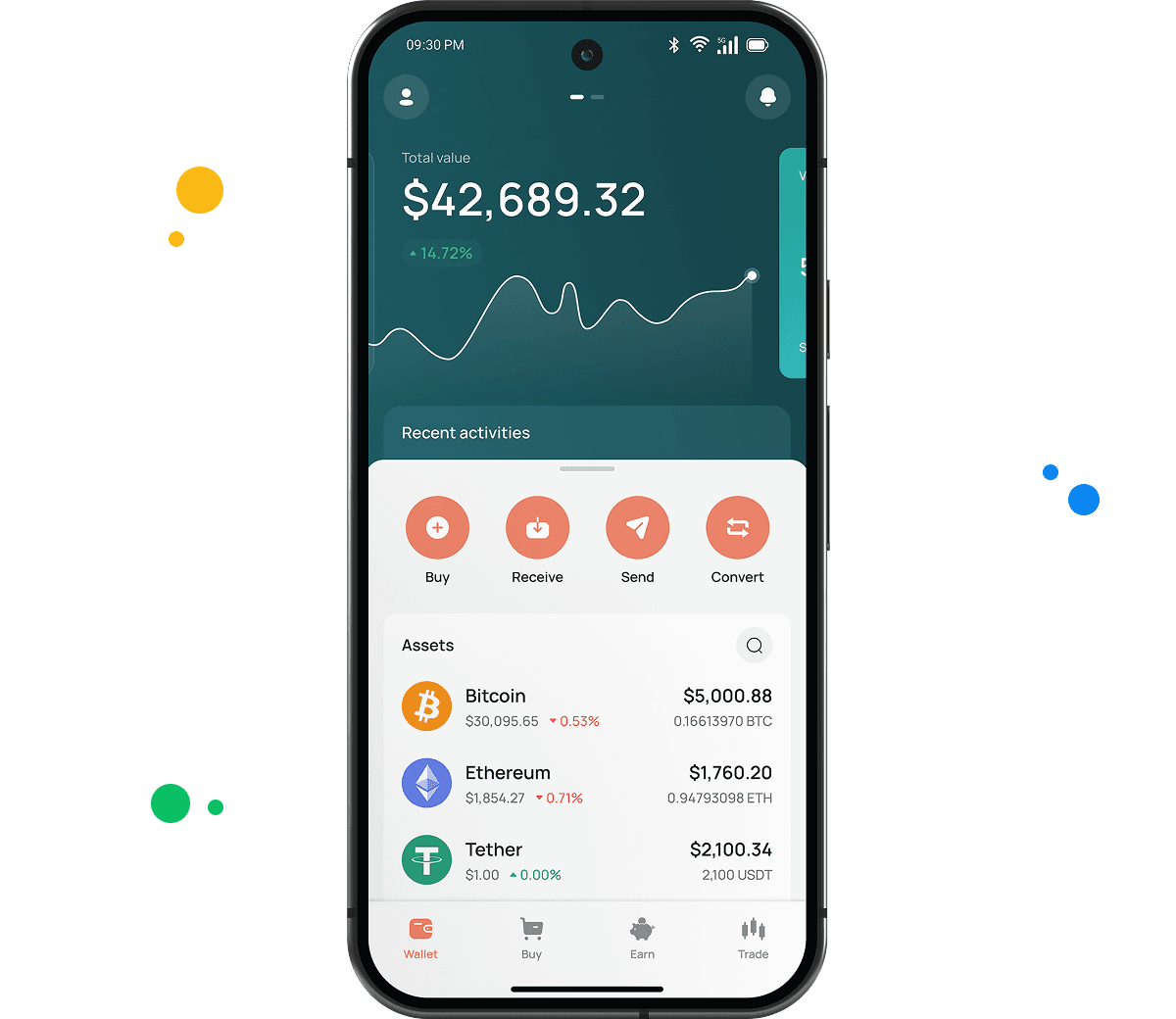
A free SUN wallet from CEX.IO opens on iOS, Android, desktop, and directly in your browser. Hundreds of other tokens share the same account, letting you follow your portfolio and move funds around from a single screen. Everything you need to get started appears in the sections below.
Types of wallets for keeping digital assets
Wallets in crypto do one core job. They store the private keys that authorize transactions, while the tokens stay recorded on the blockchain. Control of the keys equals control of the tokens.
Different formats suit different people. A mobile wallet fits daily spending. A desktop program suits someone who trades from one computer. Exchange wallets bundle storage with trading tools. Hardware wallets isolate your keys from any network connection.
CEX.IO takes the custodial route. The platform holds your keys, and your login gets you in. Non custodial wallets pass the keys to you completely, which sounds appealing until a recovery phrase goes missing and the funds become unreachable forever.
What is SUN?
SUN is the governance token behind SUN.io, a decentralized finance platform running on the Tron blockchain since 2021. Holders lock their SUN to gain voting rights over how the protocol distributes rewards. You can view the SUN price, buy, sell, or swap it on CEX.IO.
Opening your SUN wallet on CEX.IO
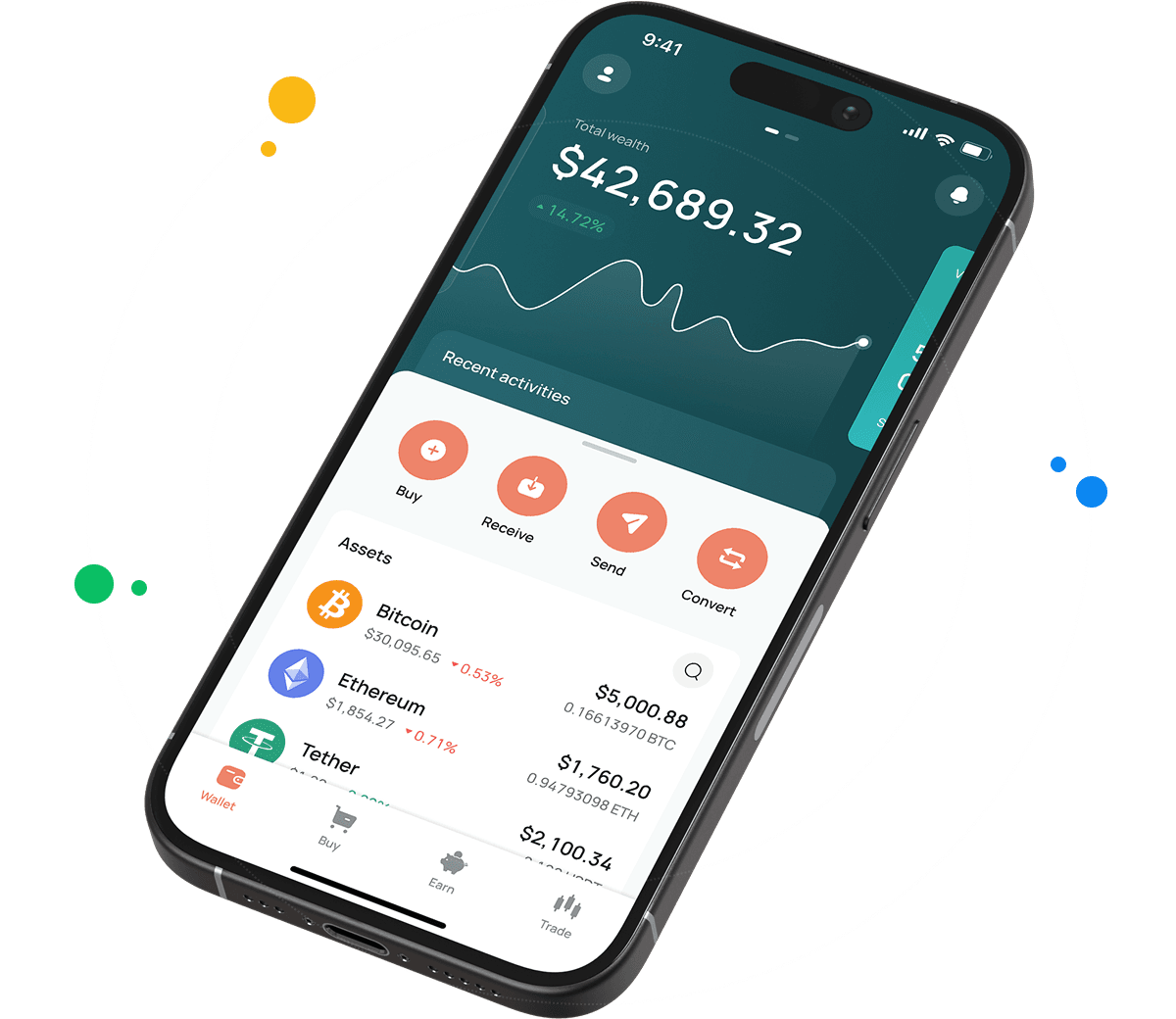
Signing up takes a handful of steps. Start at wallet.cex.io or download the CEX.IO app.
- Choose Create Your Account.
- Add your email and set a password that is unique to this account.
- Indicate your country of residence and accept the Terms of Use.
- Retrieve the code from your inbox and submit it.
- Enter your name as it appears on your ID along with your date of birth.
The identity check usually completes in a few minutes. Once you are through, visit the Wallet section, search for SUN, and select Receive to generate the address that will hold your tokens.

How to buy SUN at CEX.IO wallet
Card and bank payments both work for buying SUN, and the process stays inside your wallet from start to finish.
- Choose Buy from the toolbar at the top.
- Locate SUN in the asset list.
- Decide how much fiat currency you want to spend and enter it.
- Select whether you are paying by card or bank transfer.
- Verify the order details, then confirm.
Cards process quickly and deliver SUN to your balance in short order. Bank transfers follow your bank's own timeline.
Keeping your SUN protected
Two factor authentication is the single most useful setting to enable, and you will find it in your account preferences. With it active, a stolen password on its own gets nobody into your wallet. The platform issues recovery codes when you set this up, so print them or write them down and keep that copy offline.
Support staff at CEX.IO never request passwords or codes, which makes any message asking for them a scam. When sending SUN to an outside address, read the full address twice. Blockchains do not offer refunds, and a transfer sent to the wrong place stays there.

Depositing SUN from another wallet
Moving existing SUN holdings into CEX.IO follows a straightforward path.
- Go to the Wallet section and pick SUN.
- Select Receive so your deposit address appears.
- Copy that address or scan the QR code from your other wallet.
- Set the network to Tron in the wallet you are sending from, because SUN is a Tron token.
- Enter your amount and complete the transfer.
Tron confirms transactions in seconds, which means SUN deposits reach your balance without much waiting.

How to sell SUN at CEX.IO Wallet
Converting SUN back into money sends the proceeds to a card or bank account of your choosing.
- Select Sell from the toolbar.
- Pick SUN and enter the amount you want to part with.
- Choose your payout destination.
- Check the summary and press Sell Now.
The SUN comes out of your wallet immediately, and the money follows according to how fast that payout method works.
How to use the Exchange option at CEX.IO Wallet
Exchange lets you turn SUN into a different asset without selling first. Open Exchange from the toolbar, name SUN as what you are giving, then select what you want back. Put in the amount, review the displayed rate, and confirm. Your wallet reflects both changes instantly.
Guide & FAQ
How to send SUN from CEX.IO wallet
Open Wallet, pick SUN, and choose Send. Enter the recipient's Tron address and your amount, then check that Tron is the selected network. Confirm once you have reviewed everything. Sending SUN to another CEX.IO user via CEX.IO Pay happens instantly at no cost.
What are the payment methods at CEX.IO Wallet?
Card payments, SEPA bank transfers, Faster Payments for UK users, and Domestic Wire for US users all work here. Over 80 cryptocurrencies also serve as deposit options. Which ones you see depends on where you live.
Where to find the safest crypto wallet?
A long operating history and clear protections tell you the most. CEX.IO has run since 2013, holds PCI DSS Level 1 certification, and supports two factor authentication on all accounts. Your own habits around passwords and recovery codes carry just as much weight as the platform's setup.
Should I use a crypto wallet by CEX.IO?
CEX.IO makes sense if you want SUN storage combined with buying and selling in one login. The company has operated since 2013 and follows the local regulations in the countries where it does business.
Is it necessary to have a wallet to trade crypto?
Trading requires a wallet, because that is where your tokens sit. Your CEX.IO wallet feeds directly into Instant Buy, Convert, and Spot Trading, so the same SUN balance works across all three.
Are SUN wallets free?
Setting up the account and holding SUN cost nothing. Charges apply to trading and withdrawals only. Tron takes a very small network fee on external sends, and moving SUN between CEX.IO accounts is free through CEX.IO Pay.