Toncoin Wallet
Toncoin (TON) Wallet on CEX.IO : For iOS, Android, and Desktop Users
Are you searching for the best Toncoin wallet? We built a secure online TON wallet that lets you store, send, and receive Toncoin from any device. Read our quick guide, learn how the CEX.IO Wallet works, and create your TON Wallet today.
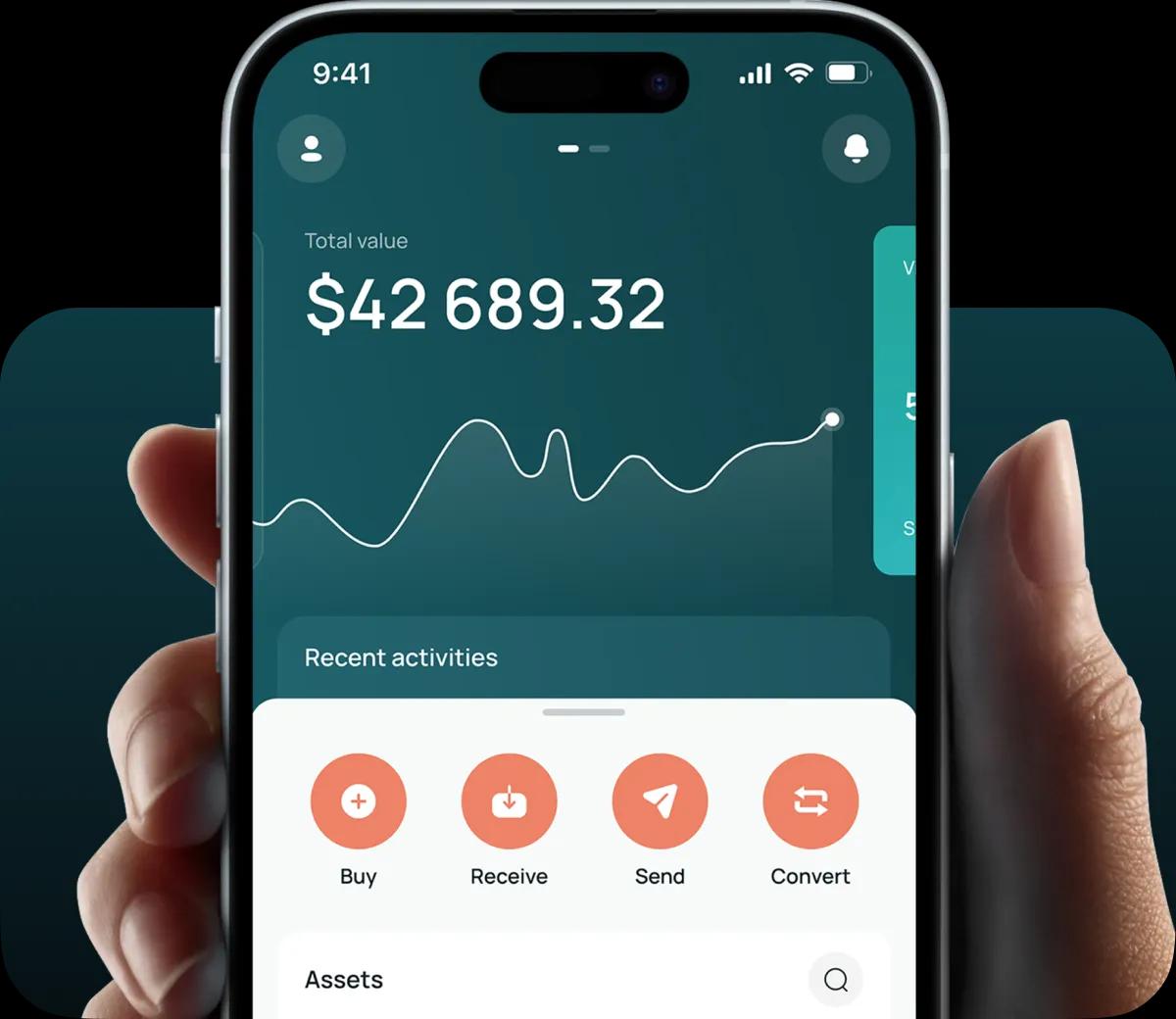
Read our easy guide and create your Toncoin wallet today!
Toncoin Wallet for All Devices
Toncoin (TON) powers The Open Network, a fast layer-1 blockchain with deep ties to Telegram and its hundreds of millions of users. Demand for a reliable TON wallet grows alongside the network. CEX.IO gives you a free Toncoin wallet for iOS, Android, desktop, and the web. You store TON, follow your portfolio, and move funds from one secure interface wherever you are.
Types of TON wallets for keeping digital assets
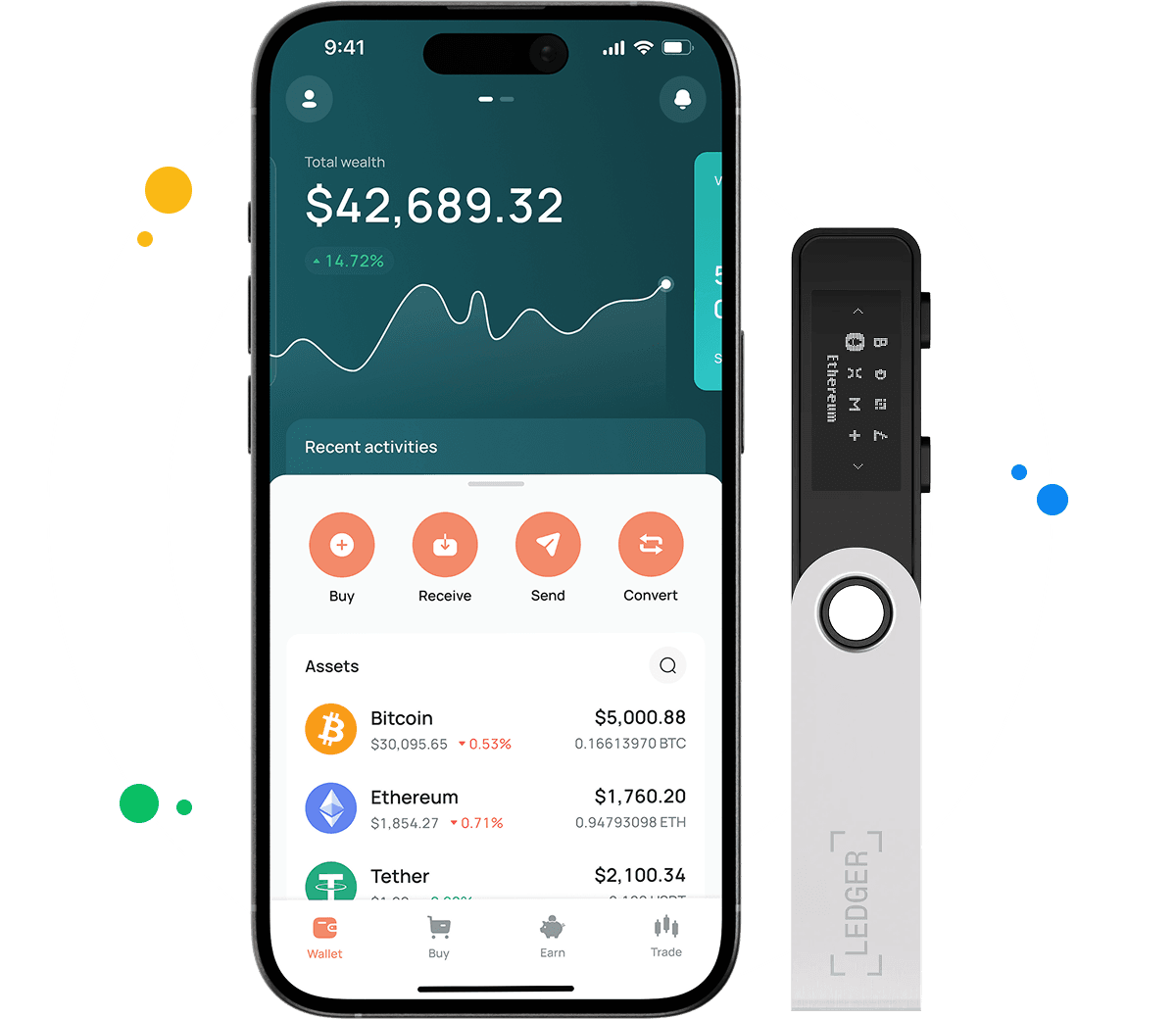
A crypto wallet keeps your digital assets safe by protecting the private keys that control them. The type you choose decides how quickly you reach your Toncoin and how you guard it.
You can run a desktop app, a mobile app, a web wallet, or an offline hardware device. Each format puts the protection of your credentials in your hands, so keep your password and recovery data private.
What is Toncoin (TON)?
Toncoin (TON) is the native cryptocurrency of The Open Network, a layer-1 blockchain designed for speed and low transaction costs. The Telegram team first designed the network, and the TON Foundation and its community now develop it.
TON uses a proof-of-stake consensus and a sharded architecture that processes large volumes of transactions quickly. Users spend TON on transaction fees, validators stake it to secure the network, and Telegram-based apps use it for payments and services.
A Toncoin wallet stores the keys that control your TON on the network. The CEX.IO Wallet adds buying, selling, and conversion, so you handle every TON action from one secure account.
CEX.IO Toncoin Wallet
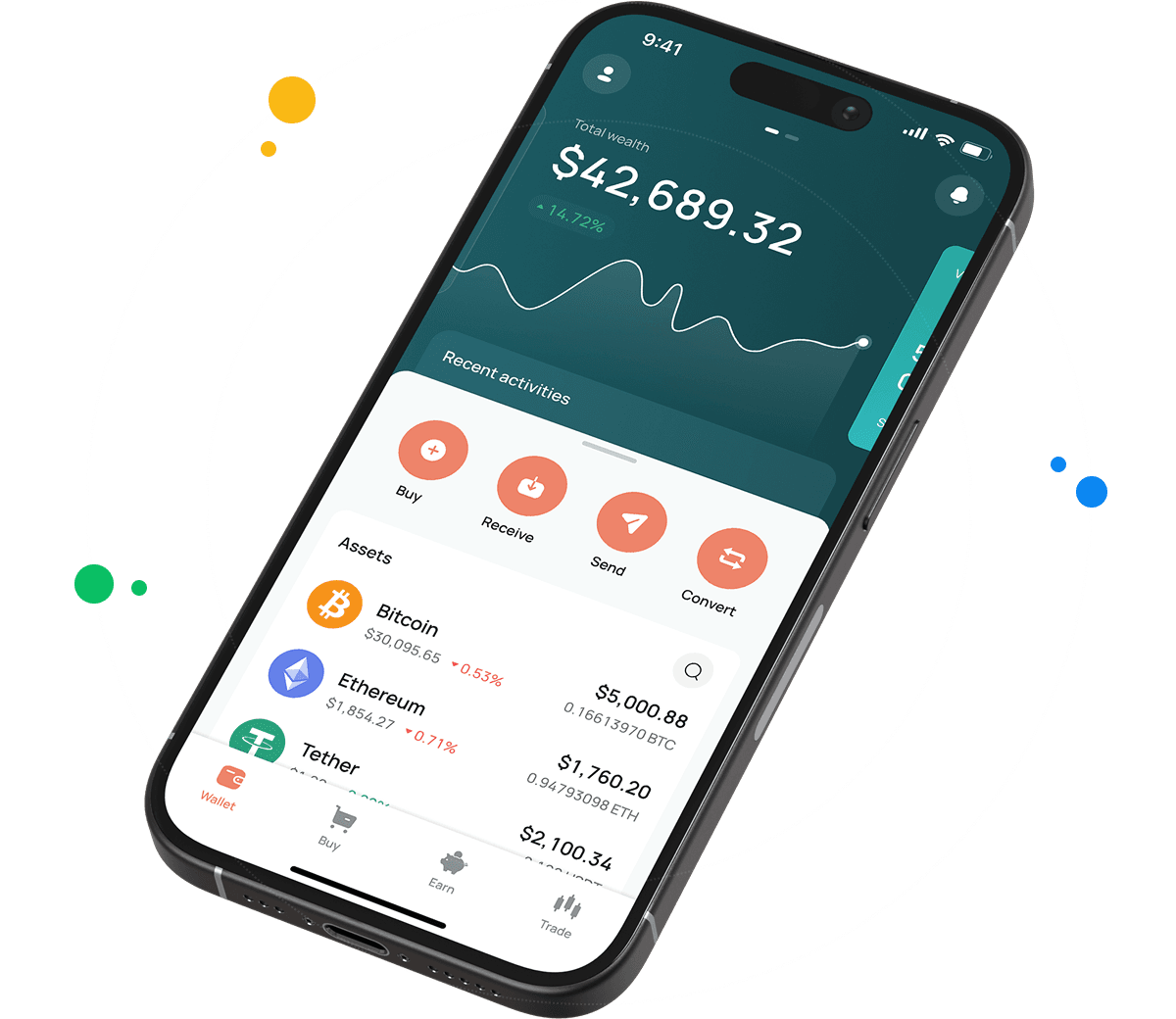
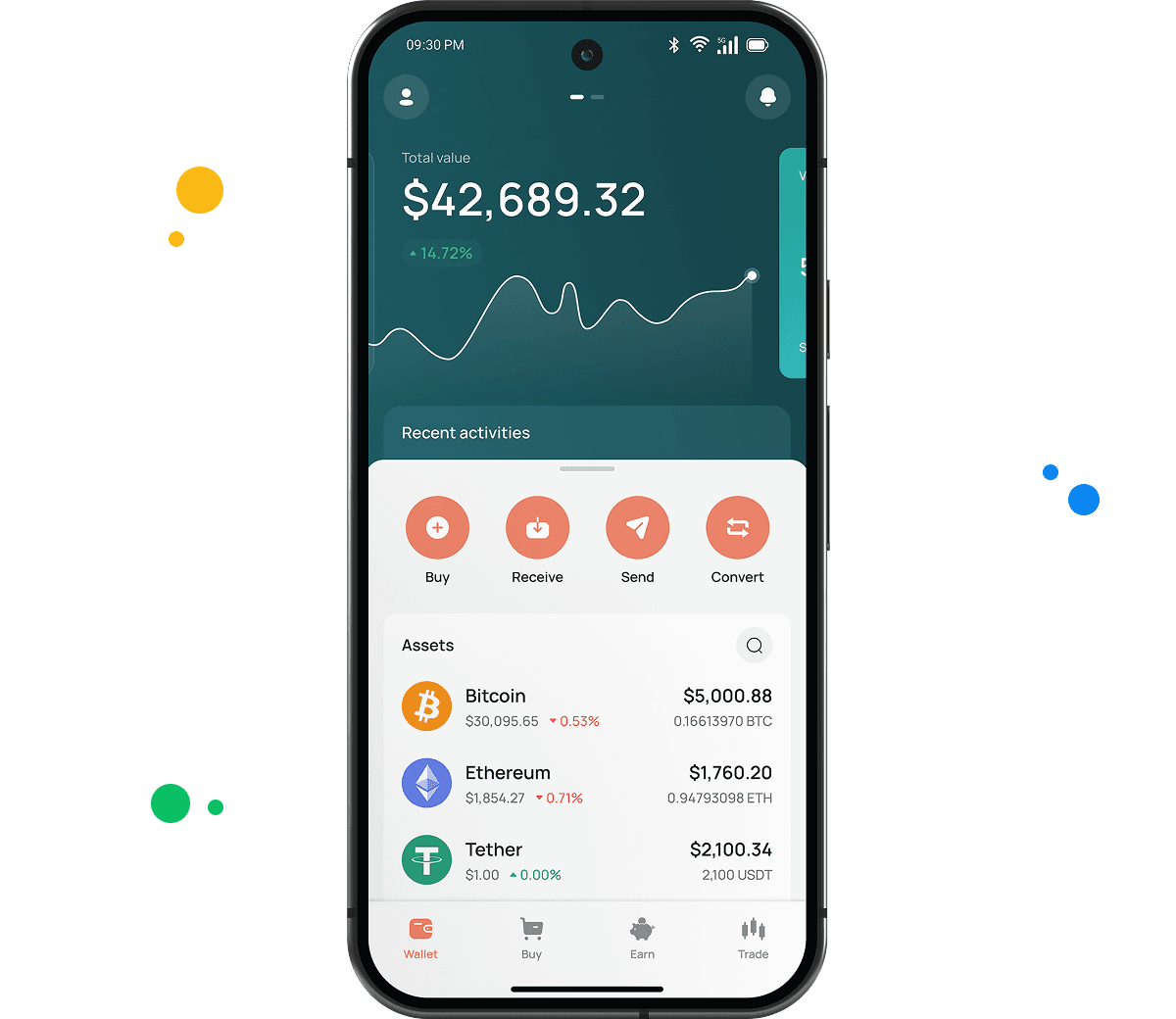
The CEX.IO Wallet holds Toncoin next to BTC, ETH, and hundreds of other assets in a single account. You track value and manage funds without juggling several apps.
You buy TON with a card, sell it for cash, and convert it into other cryptocurrencies straight from the wallet. The interface keeps each option clear and fast.
How to use Toncoin wallet by CEX.IO
The CEX.IO Wallet lets you send and receive Toncoin with low network costs, and buy, sell, or exchange TON at any time. CEX.IO operates since 2013 and serves more than 15 million registered users, which gives your TON a platform with a proven security record.
How to register at CEX.IO wallet
Registration on CEX.IO takes a few minutes. Open the website or download the CEX.IO app, then tap Create your account.
Enter your email, create a strong password, and select your country and state of residence where required. Accept the Terms of Use, then confirm your email through the verification link.
Complete identity verification (KYC) to unlock full wallet functions. CEX.IO follows KYC and AML requirements, so you provide your legal name, date of birth, residential address, and a valid identity document. Most users finish verification within minutes. After that you can store, send, receive, and manage Toncoin (TON).
How to deposit money at CEX.IO wallet
To add funds, open the Wallet menu and select the currency you want to deposit.
Tap Receive and enter the amount, choose a payment method, then tap Deposit. Review the payment details and confirm. Your funds appear in the wallet once the transaction settles.
You can fund your balance with a supported card, a bank transfer, or a crypto deposit. Fund your account first when you plan to buy Toncoin or another digital asset.
How to buy digital currency at CEX.IO wallet
Eligible customers buy Toncoin (TON) directly with Instant Buy, or fund a USD balance first and exchange it for TON through Spot Trading or Convert.
Open the Buy Cryptocurrency section, choose your payment currency, enter the amount you want to spend, and select TON from the dropdown. Tap Buy Crypto Instantly and follow the on-screen steps to finish.
Card payments process quickly, so your TON reaches your CEX.IO Wallet shortly after the purchase clears.

How to sell crypto at CEX.IO Wallet
You can sell Toncoin (TON) through Instant Sell, Convert, or Spot Trading, depending on the experience you prefer.
Select the Sell option, enter the amount of fiat you want to receive, and choose where the money lands — your card or bank account. Review the details and confirm.
Track live rates on the CEX.IO prices pages to pick a market moment that suits you before you sell.
How to use the Exchange option at CEX.IO Wallet?
CEX.IO Convert turns Toncoin (TON) into another supported cryptocurrency or fiat currency in a few taps, with no trading interface to learn.
Choose Convert, select the assets you want to exchange, enter the amount, and review the result. Confirm the action and your balance updates right away.
Experienced users can trade TON against supported pairs on Spot Trading with real-time prices and advanced tools.
FAQ
How to send crypto from CEX.IO wallet
Open the Wallet app, choose Toncoin (TON), and tap Send. Enter the amount and the recipient address, or pick a saved address from earlier withdrawals. Review the network and withdrawal details, then confirm. Transfers between CEX.IO users through CEX.IO Pay are instant and carry no blockchain fee.
Which is the best mobile TON wallet to use?
The CEX.IO App stands out for Toncoin holders who manage funds on the move. You buy, sell, convert, and send TON from iOS or Android, watch your balance, and open Spot Trading in the same app. CEX.IO Pay moves TON between users instantly with no blockchain fee.
What are the payment methods at CEX.IO Wallet?
CEX.IO supports debit and credit cards, bank transfers, and selected mobile wallets, with availability depending on your jurisdiction. You can also fund your account with supported digital assets and use them to buy, sell, or convert TON.
Where to find the safest crypto wallet?
Check the provider and the security features before you trust a wallet with your funds. CEX.IO operates since 2013, serves more than 15 million registered users, holds PCI DSS Level 1 certification, and lets you enable two-factor authentication. A long track record and clear compliance signal a wallet you can rely on for Toncoin (TON).
Should I use a crypto wallet by CEX.IO?
The CEX.IO Wallet gives you secure Toncoin storage, fiat payments, quick conversions, and low withdrawal costs, all backed by a regulated global platform. That combination makes it a solid choice for your TON.
Is it necessary to have a wallet to trade crypto?
Yes. You need a wallet to store, send, and receive TON, and to fund trades. The CEX.IO Wallet links to your account, so the funds you hold work across Instant Buy, Convert, and Spot Trading. Protect the account with a strong password and two-factor authentication.
What types of crypto wallets exist?
Crypto wallets divide into hot and cold storage. Hot wallets connect to the internet and include desktop apps, mobile apps, and web wallets at exchanges — most cost nothing to use and suit everyday access. Cold wallets store keys offline on a physical device and suit long-term holdings. The CEX.IO Wallet gives you a secure web and mobile option for Toncoin (TON) with multi-factor protection.