Trump Wallet
Official Trump (TRUMP) Wallet on CEX.IO : For iOS, Android, and Desktop Users
Looking for a reliable place to keep your TRUMP tokens? CEX.IO built a free wallet that stores OFFICIAL TRUMP and works across phones, tablets, and computers. Read on to see how registration works and what you can do with your tokens once they arrive.

Read our easy guide and create your Trump wallet today!
Trump Wallet for All Devices
CEX.IO provides a free TRUMP wallet available on iOS, Android, desktop browsers, and the web version. Your tokens live in the same account as hundreds of other assets, which means you check balances, trade, and transfer without hopping between platforms. Below you will find each step for opening a wallet and getting TRUMP into it.
Types of wallets for keeping digital assets
Think of a crypto wallet as a keyring. The keys unlock your tokens, and the tokens sit on the blockchain itself. Whoever holds the keys controls the funds.
You have options for where those keys live. Phone apps put them in your pocket. Desktop programs store them on your machine. Exchange wallets keep them behind your account login. Hardware devices keep them on a chip that never touches the internet.
With CEX.IO, the platform stores your keys and you reach your funds through your account. Self custody wallets flip that arrangement and give you the keys outright. That freedom comes with a catch, because a lost recovery phrase means no path back to your tokens.
What is OFFICIAL TRUMP?
TRUMP is a meme token that launched on the Solana blockchain in January 2025. Meme tokens draw their audience from cultural interest, and the project describes no functional utility beyond that. You can Buy Trump coin, sell, watch Prices, and make conversions for TRUMP on CEX.IO.
How to register a TRUMP wallet at CEX.IO
Registration runs through a short form and an identity check. Head to wallet.cex.io or grab the CEX.IO app first.
- Select Create Your Account on the opening screen.
- Type in your email and pick a password you have not reused elsewhere.
- Choose the country where you live and agree to the Terms of Use.
- Enter the verification code that arrives in your email.
- Provide your full legal name and birth date for identity verification.
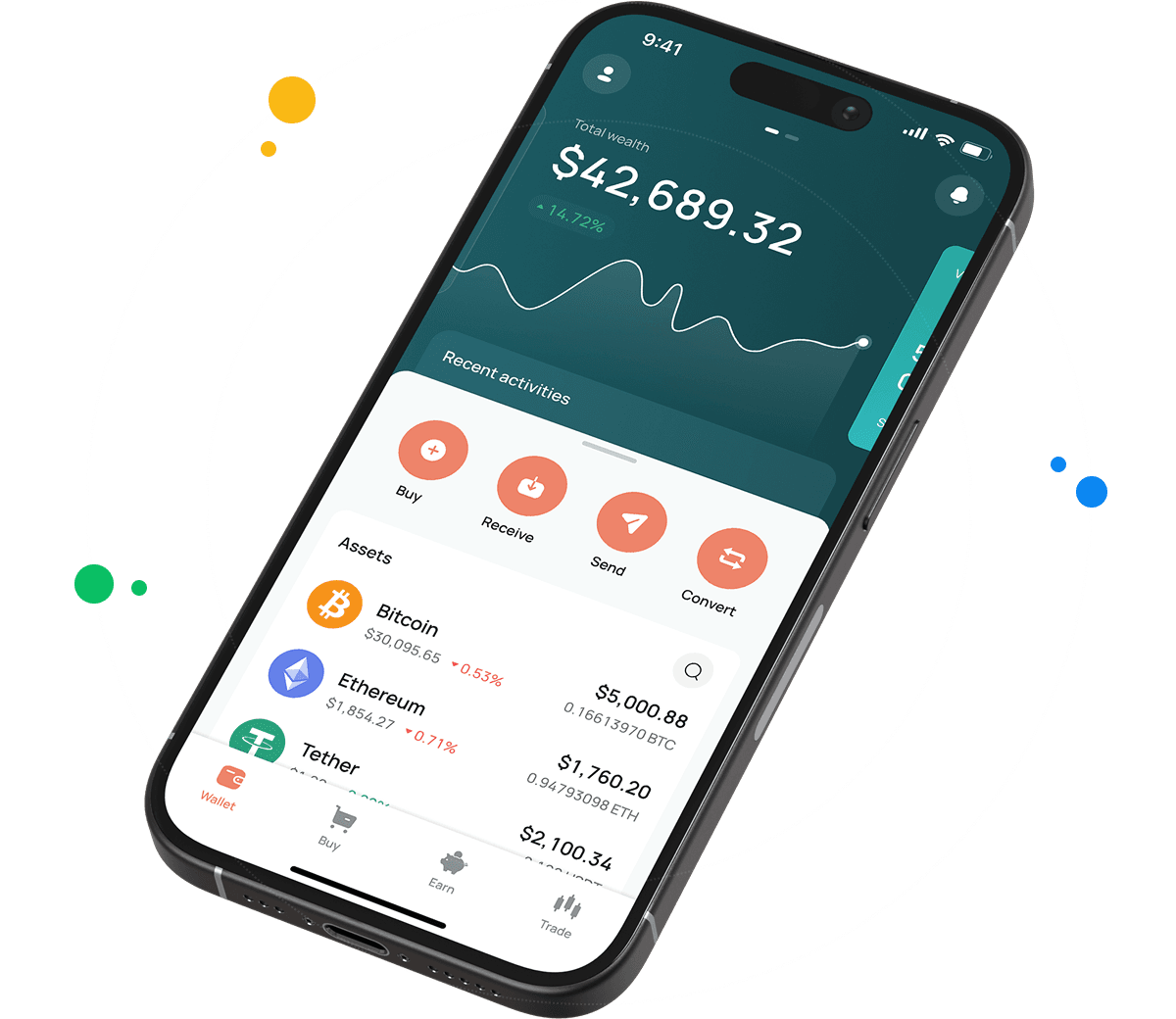
Verification typically wraps up in minutes. After that, open the Wallet section, locate TRUMP, and press Receive. The address shown there accepts incoming transfers.

How to use Bitcoin wallet by CEX.IO
How to buy TRUMP at CEX.IO wallet
Purchasing TRUMP happens inside the wallet with a card or bank payment. No DEX, no bridge, no gas fees to figure out.
- Press Buy on the toolbar.
- Type TRUMP into the search field and select it.
- Set the fiat amount you plan to spend.
- Choose your payment source.
- Confirm the order after checking the details.
A card purchase settles fast and puts TRUMP in your balance almost immediately. Bank transfers depend on your bank's processing schedule.
How to keep your TRUMP secure
Account security starts with two factor authentication, which you switch on in your profile settings. That single step blocks access even if someone gets hold of your password. Write down the recovery codes the platform gives you and store that paper away from your devices.
Nobody from CEX.IO will ever contact you asking for your password or codes, so treat any such request as an attempt to steal your funds. Before sending TRUMP anywhere, verify the destination address character by character. The blockchain finalizes transfers permanently, and no support team can reverse a mistake.

How to deposit TRUMP from an external wallet
Bringing TRUMP in from elsewhere requires your CEX.IO deposit address and the right network setting.
- Navigate to Wallet and select TRUMP.
- Press Receive to reveal your address and QR code.
- Copy the address into your sending wallet.
- Confirm that the sending wallet is set to Solana, since TRUMP is a Solana token.
- Submit the transfer and give the network a moment to confirm.
Solana processes transactions in seconds, so TRUMP deposits show up quickly.

How to sell TRUMP at CEX.IO Wallet
The Sell function turns your tokens into money and sends it to your card or bank.
- Open Sell from the main toolbar.
- Select TRUMP and set the amount, either in tokens or in the fiat total you want.
- Point the payout at a card or bank account.
- Review the figures and press Sell Now.
TRUMP leaves your balance at once. The money arrives according to the timing of your chosen payout route.
How to use the Exchange option at CEX.IO Wallet
Exchange trades one asset for another inside your wallet. Select Exchange on the toolbar, set TRUMP as the source, and pick your target asset from the list. Fill in the amount, glance at the rate, and confirm the swap. Both balances refresh right after.
FAQ
How to send TRUMP from CEX.IO wallet
Head to Wallet, choose TRUMP, and hit Send. Fill in the destination address and the amount, make sure Solana is selected as the network, then confirm. Transfers to other CEX.IO accounts run through CEX.IO Pay instantly and free of charge.
Which is the best mobile TRUMP wallet to use?
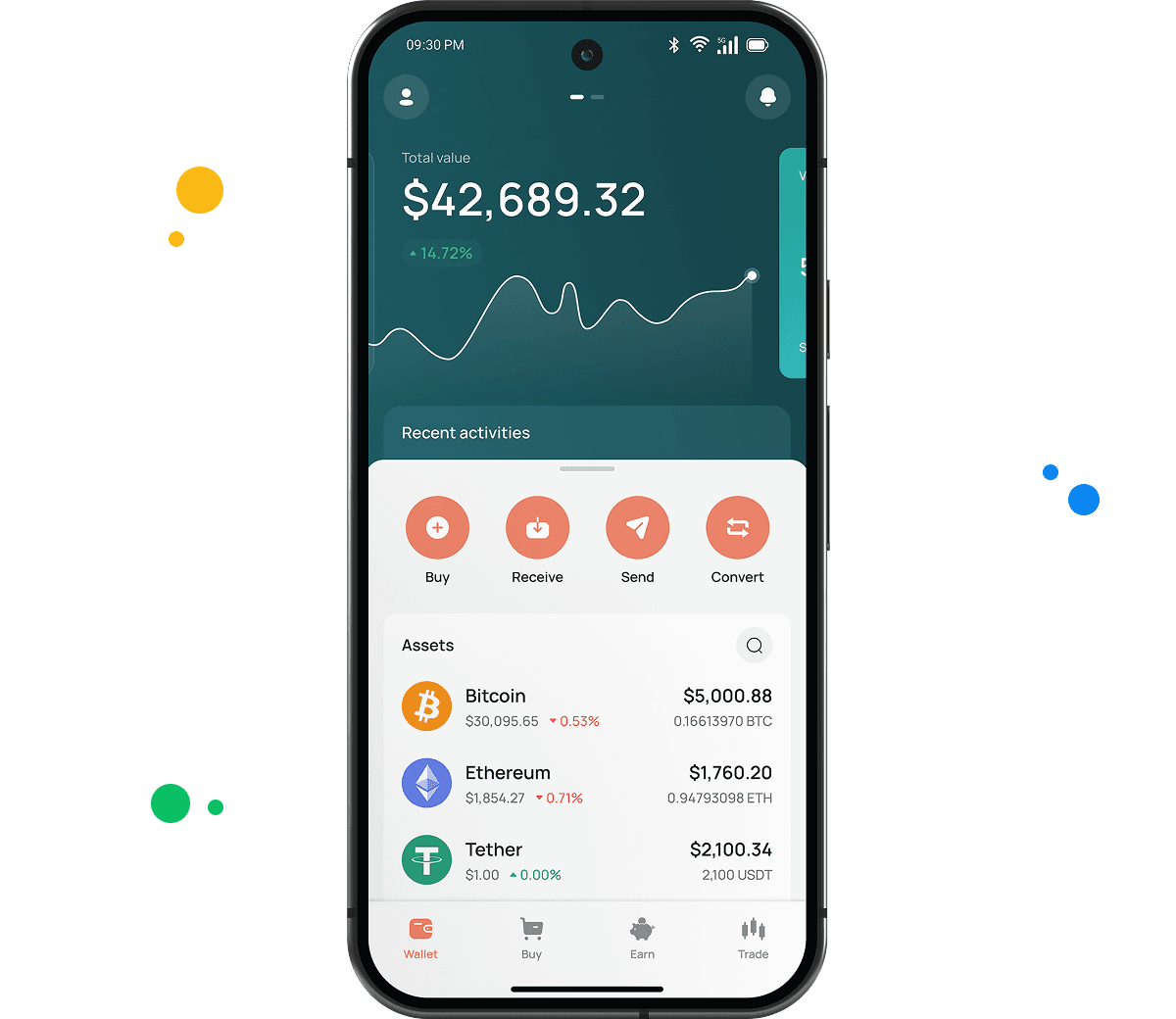
The CEX.IO app works well for TRUMP on iOS and Android. Every function you need sits in the same interface, and your full portfolio stays visible alongside your TRUMP balance.
What is a TRUMP wallet address?
TRUMP addresses use the Solana format, which produces a string of 32 to 44 characters made up of letters and numbers. Ethereum addresses look completely different. Your CEX.IO address appears when you open Wallet, choose TRUMP, and press Receive.
What are the payment methods at CEX.IO Wallet?
Debit cards, credit cards, SEPA transfers, Faster Payments for UK banks, and Domestic Wire for US banks all work. You can also fund your account with over 80 different cryptocurrencies. Availability varies by country.
Should I use a crypto wallet by CEX.IO?
For anyone who wants storage plus buying and selling in one account, CEX.IO covers both. The platform has served users for over a decade and follows the local regulations in every country where it operates.
Is it necessary to have a wallet to trade crypto?
You cannot trade without one. The wallet holds your TRUMP and links it to Instant Buy, Convert, and Spot Trading on CEX.IO, so the same balance works everywhere.
Are TRUMP wallets free?
Creating the wallet and holding TRUMP inside it costs nothing. You pay fees on trades and outgoing withdrawals only. Solana charges a tiny network fee for external sends, and CEX.IO Pay transfers between users carry no charge.
What types of crypto wallets exist?
Two categories cover them all. Hot wallets connect to the internet and cover exchange accounts, mobile apps, and browser extensions. Cold wallets stay offline on physical hardware and fit long term holding. CEX.IO Wallet sits in the hot category with multi factor account protection.