UB Wallet
Unibase (UB) Wallet for Free – UB Token Wallet Online by CEX.IO
Looking for a wallet that holds your UB tokens? Ours is free, opens on any device, and keeps everything behind one login. Below you will find how the wallet works, what registration asks for, and where to buy UB on CEX.IO.

Read our easy guide and create your Unibase wallet today!
UB Wallet for All Devices
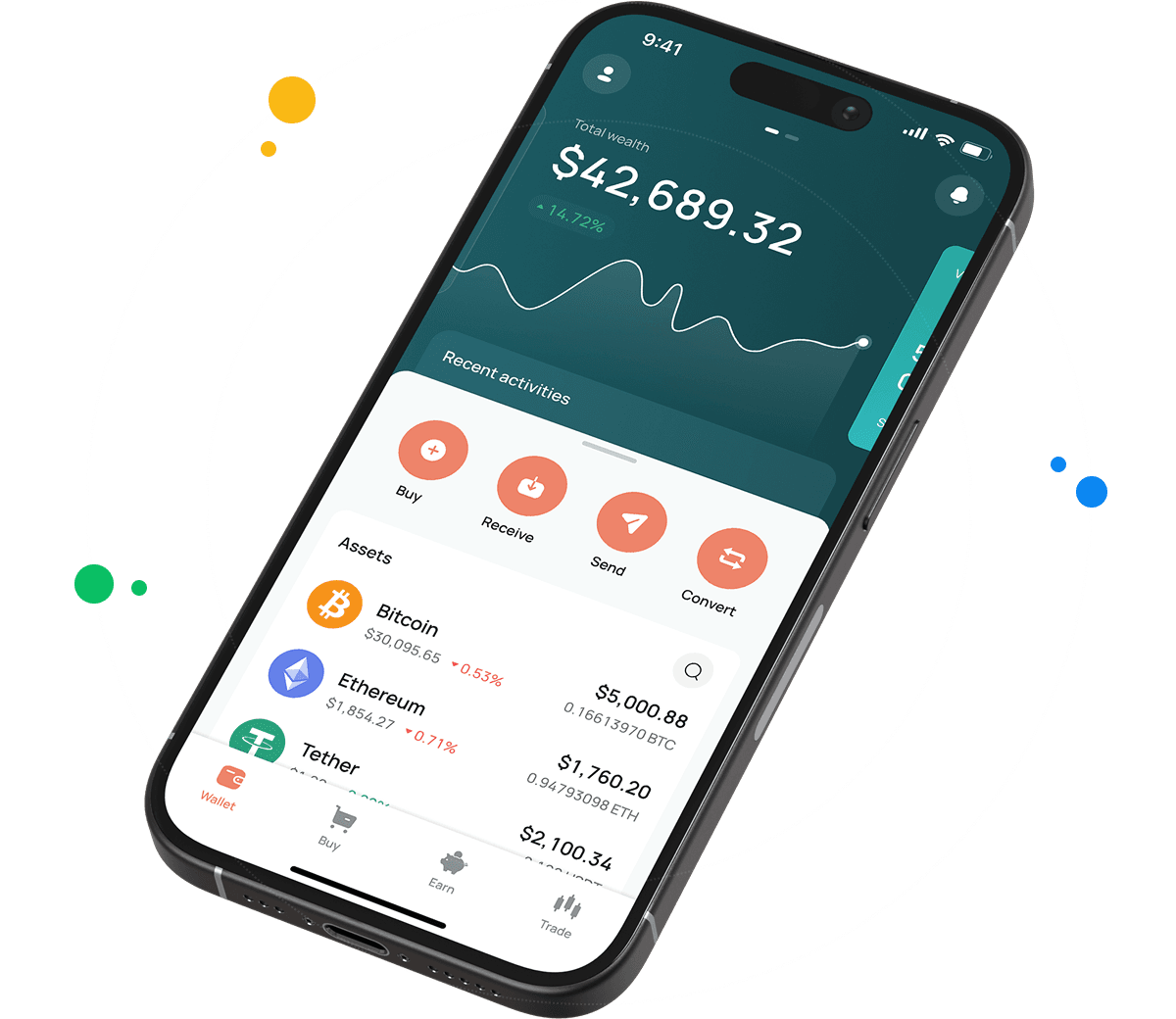
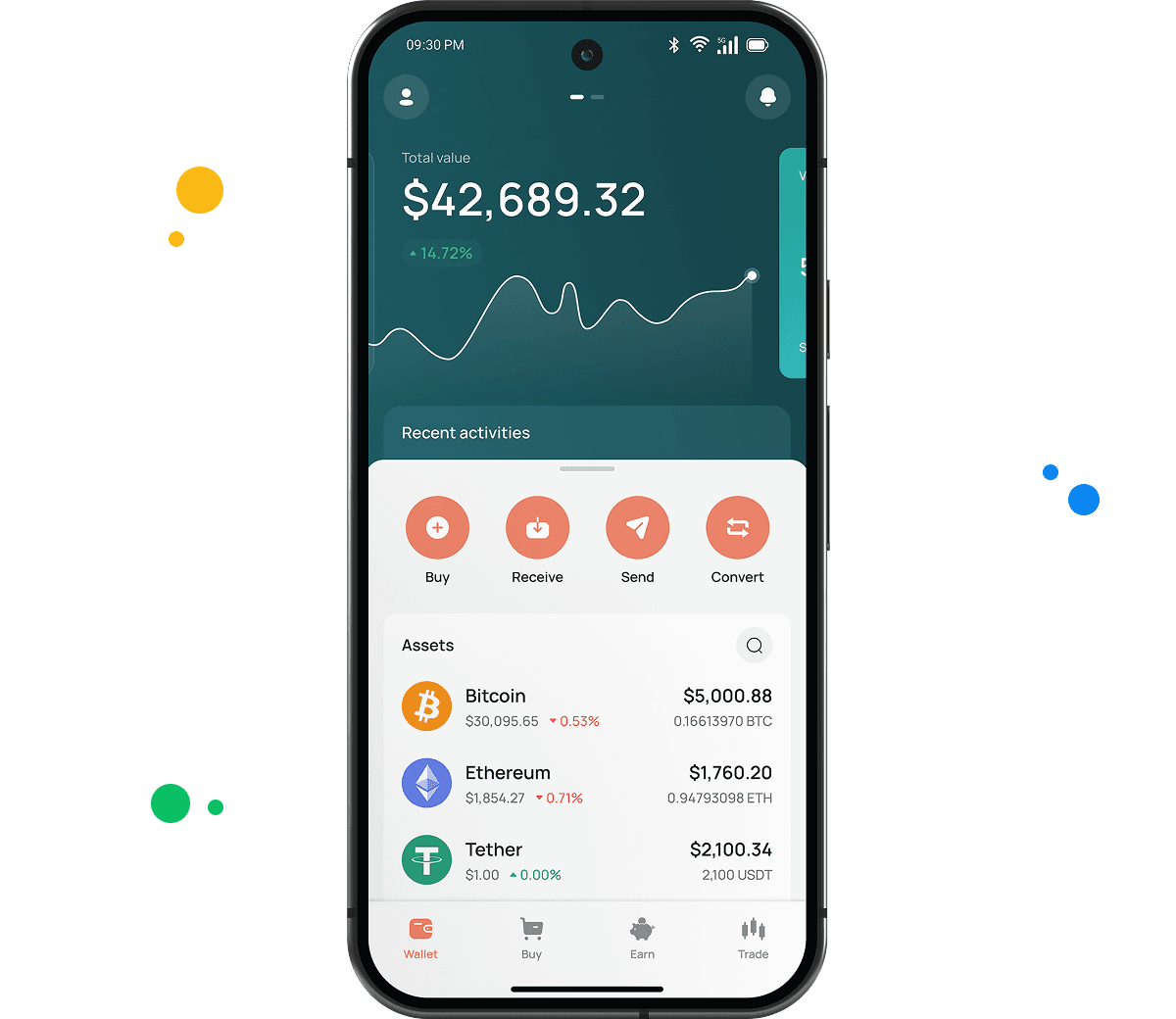
The CEX.IO wallet handles UB across iOS, Android, desktop, and browser sessions. Hundreds of other assets share the account, giving you one place to watch your entire portfolio. Every function has its own explanation below.
Types of UB Wallets
Our three wallet formats cover desktop and mobile use, and every one supports the same functions.
- Online crypto wallet. Built for browsers on desktop and laptop computers, with no installation and no setup fee. An internet connection is all you need, since our platform stores the private keys.
- Android crypto wallet. Downloadable through the Google Play Store onto Android phones and tablets. The screens mirror what you see on desktop, so handling UB purchases, sales, and transfers works the same away from your computer.
- iOS crypto wallet. Verified by the Apple App Store for iPhone and iPad. All Android features carry over, and biometric login plus live market updates come as standard.
What is Unibase?
Unibase builds infrastructure for autonomous AI agents. Agents need somewhere to store what they learn and a shared standard for communicating, and Unibase supplies both. Its memory layer keeps agent data available over the long term, while its protocol defines how agents identify themselves and exchange information across platforms.
UB pays protocol fees for memory storage and agent deployment, and locking the token grants voting power over how the project evolves. Unibase operates across several networks and added support for Base and BNB Smart Chain during 2026.
How to Set Up a UB Wallet for Mobile and Desktop
From a desktop or laptop, take these steps.
- Navigate to our official website.
- Click the Products tab in the navigation bar, then select Wallet.
- Scroll down the page to Create Your Wallet.
- Enter your details and create a password that keeps others out.
- Verify your identity following our KYC and AML policies to unlock every CEX.IO feature and service.
- Your wallet then appears in the user profile.
Mobile setup runs like this.
- Head to your mobile store and download the CEX.IO app.
- Install the application.
- Create an account using the in app instructions.
- Your UB wallet becomes accessible from the user profile.

How to buy digital currency at CEX.IO wallet
- Tap Buy on the toolbar from the main page.
- Press Select Coin and search for UB in the asset list.
- Enter how much USD, EUR, or another available currency you want to use.
- Choose your payment method and tap Buy. The screen shows the UB amount you will receive.
- Review everything once more and tap Buy Now. Your UB balance updates immediately after.

How to sell crypto at CEX.IO Wallet
Looking at our crypto prices page first helps with timing. Selling then follows these steps.
- Choose Sell on the main page toolbar.
- Enter the amount of fiat you want to receive from the sale.
- Pick a card or bank account as the destination and check the details shown.
- Tap Sell Now. Your UB balance drops and the money moves to the account you selected.
How to use the Exchange option at CEX.IO Wallet?
Exchange swaps assets you already hold. Open it from the toolbar, set your source and target currencies through the dropdown lists, and type in the quantity. The resulting amount appears before you confirm. Click Exchange, check the numbers, and both balances adjust at once.

How to Send and Receive UB?
Transferring UB you hold elsewhere onto CEX.IO takes three steps.
- Enter your wallet via the user menu and mark UB as the asset you want to receive.
- Visit Add Funds, where your UB deposit address is displayed.
- Copy the address into your other wallet. Several senders can share the same one.
Starting from zero UB, Instant Buy or Spot Trading offers a route in. Sending UB elsewhere works as follows.
- Go to your wallet and select UB as the asset to transfer.
- Tap Withdraw.
- Enter the amount of UB leaving your balance.
- Provide the recipient address, or scan their QR code.
- Complete the transfer by following the prompts.
Guide & FAQ
How can I track the value of my UB?
Search for UB on our cryptocurrency price page to see market figures. The listing shows the present value, the day over day change, and the market capitalization. No account is required to view it.
Which wallet is best for UB?
Your routine usually decides. Anyone managing crypto from a computer will find the browser wallet practical, since it opens without installation and our platform handles the storage layer.
The mobile apps suit people checking holdings during the day. Android and iOS builds both offer simple navigation, biometric access, live pricing, and immediate transaction alerts.
Can I store other cryptocurrencies at CEX.IO?
Yes. Our desktop and mobile wallets hold more than 200 assets, letting UB share space with BTC, ETH, USDT, SOL, and the rest of our supported roster. No extra installations and no additional fees come with holding several at once.
How to send crypto from CEX.IO wallet
Launch the Wallet app and choose UB, then press Send. Type the amount along with the destination address, or reuse one stored from a previous withdrawal. Double check the network reading, scan the summary, and press Confirm Sending. Anything moving between CEX.IO users travels via CEX.IO Pay without delay or fees.
Which is the best mobile UB wallet to use?
Our app covers UB completely on iOS and Android. Buying, selling, converting, and sending all happen in a single interface, and the wallet links to your CEX.IO account so funds reach every tool.
What are the payment methods at CEX.IO Wallet?
Debit and credit cards work, along with SEPA transfers, Faster Payments for UK banking, and Domestic Wire for US accounts. More than 80 cryptocurrencies also serve as deposit methods. Availability depends on where you live.