Cosmos Wallet
Cosmos (ATOM) Wallet on CEX.IO : For iOS, Android, and Desktop Users
Are you searching for the best Cosmos wallet? We know finding a secure, convenient place to store ATOM takes time — so we built one. This guide shows how to use the CEX.IO Wallet and how to keep your ATOM safe on any device.

Read our easy guide and create your Cosmos wallet today!
ATOM Wallet for All Devices
Cosmos is not a single blockchain but a network of independent chains that communicate with each other. You may have heard of projects built on the Cosmos SDK — dYdX, Celestia, and Injective all use this technology. ATOM is the native token of the Cosmos Hub, the central network that connects all these chains through the Inter-Blockchain Communication protocol. Many people who hold ATOM or use Cosmos-based applications wonder where to store it safely. The best option is to find a reliable crypto wallet. CEX.IO offers a highly secured and convenient wallet app. In our guide, we will talk about what features the safest ATOM wallet should have and how you can create an easily accessible ATOM wallet on CEX.IO.
Types of wallets for keeping digital assets
Crypto wallets are similar to traditional wallets but, unlike conventional ones that hold paper money, they are designed to hold virtual currency. If you are not sure where to store your digital assets, think of creating a crypto wallet on CEX.IO.
Digital wallets for cryptocurrency come in various formats, each with its own benefits in terms of convenience and security. But regardless of the format, the protection of your funds remains your responsibility. Keep the passwords that give you access to your digital wallet highly protected.
What is Cosmos (ATOM) and how does it work?
Cosmos is a layer-zero blockchain network that provides the infrastructure for independent blockchains to connect and communicate. Jae Kwon and Ethan Buchman published the Cosmos whitepaper in 2016, and the Cosmos Hub mainnet launched in March 2019. The network uses Tendermint consensus, which delivers transaction finality in seconds.
ATOM is the native token of the Cosmos Hub. Validators stake ATOM to participate in consensus and earn block rewards. Delegators stake ATOM to validators of their choice and receive a share of those rewards in return. ATOM holders also vote on governance proposals that determine how the Cosmos Hub evolves. The total ATOM supply grows through inflation that distributes rewards to active stakers.
The Inter-Blockchain Communication protocol (IBC) is the core technology that makes Cosmos work. It lets blockchains transfer tokens and data to each other without a third-party bridge. Over 115 chains connect through IBC, moving more than $1 billion in monthly cross-chain volume as of 2026.
CEX.IO ATOM Wallet
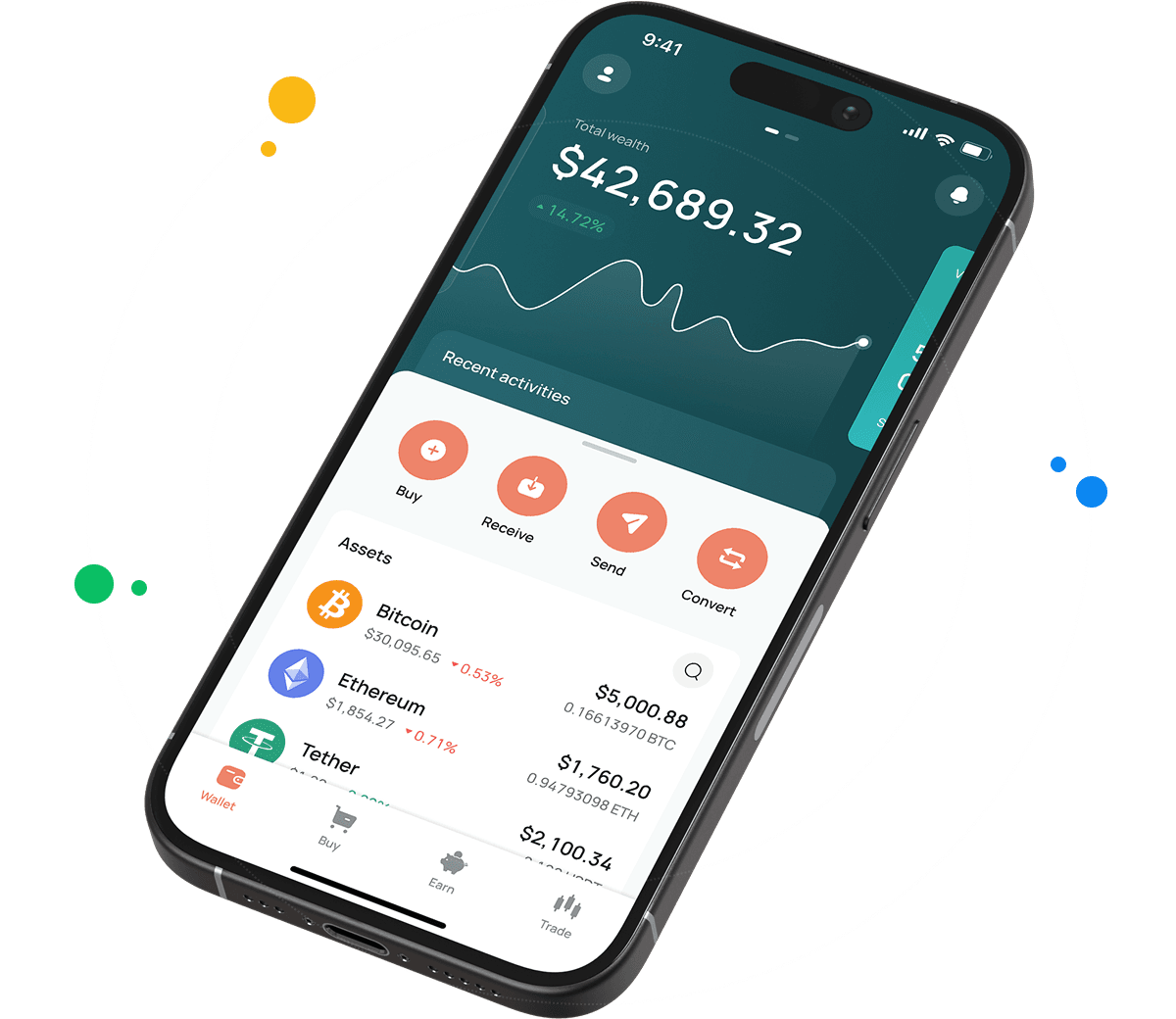
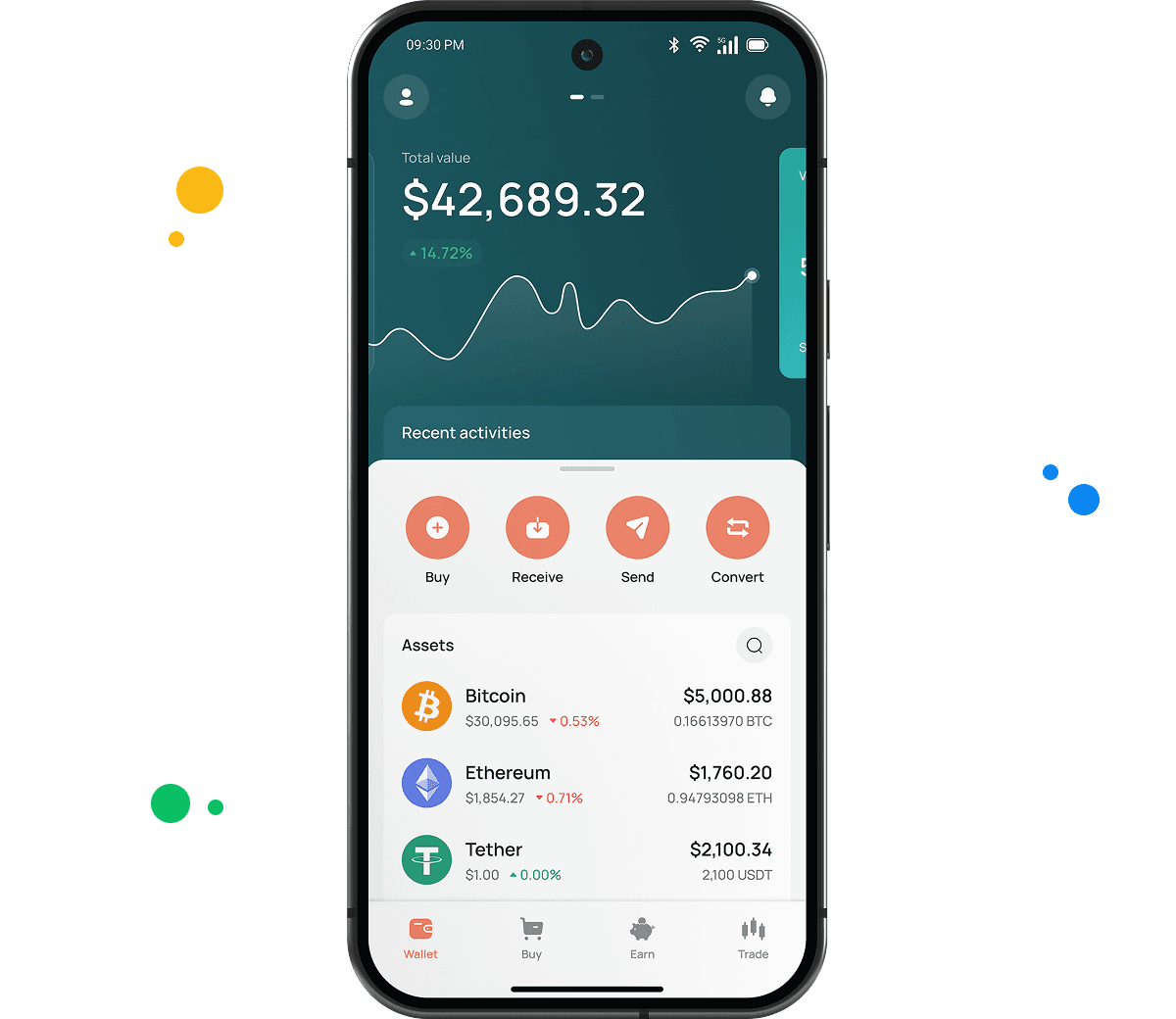
CEX.IO Wallet is a product designed to securely store ATOM, BTC, ETH, and other virtual currencies and easily manage your funds.
Unlike most ATOM wallets, this one lets you buy ATOM by simply using your card. You can also sell your digital assets and get cash on your balance or payment card. Additionally, you can convert ATOM into other supported assets or exchange it for different crypto and fiat currencies.
The main advantage of the CEX.IO Wallet is its user-friendly interface. You can quickly find the option you need, manage your funds on the go, and track the changes in your portfolio value at a glance.

How to use ATOM wallet by CEX.IO
CEX.IO Wallet gives you the possibility to send ATOM and receive it with minimal possible commissions. You can also buy, sell, and exchange your digital assets anytime. The Wallet has a simple, clean interface so it will not take you long to start managing your funds. CEX.IO is one of the most trusted crypto platforms in the world. You can rely on the security of your holdings and transactions.
How to register at CEX.IO wallet
Registration on CEX.IO does not take long. Enter your email, create a secure password, and choose your country. Accept the Terms of Use and Privacy Policy and confirm the email by entering the code sent to you. Add your first and last name and date of birth to finish the setup. Done! Now you can send and receive crypto, purchase digital assets, sell, and exchange them anytime.

How to deposit money at CEX.IO wallet
- In the Wallet menu, choose the currency you want to deposit.
- Tap Receive and enter the amount. Choose the payment method and tap Deposit.
- Make sure the payment details are correct and tap Confirm Deposit.
- Funds will appear in your wallet shortly.
To deposit ATOM from an external wallet, copy your ATOM deposit address from the Receive section. Cosmos addresses begin with 'cosmos1' — confirm this format before sending from your external wallet.
How to buy ATOM at CEX.IO wallet
- On the main page, tap Buy on the toolbar.
- Select ATOM from the list of supported assets or use the search to find it.
- Enter the amount in USD, EUR, or another available fiat currency.
- Select your payment method and tap Buy.
- Double-check that all details are correct and confirm the purchase. Your ATOM balance will update once the transaction is processed.

How to sell ATOM at CEX.IO Wallet
- Select Sell on the toolbar on the main page.
- Type the amount of ATOM you want to sell or the fiat amount you want to receive.
- Choose where you want to receive your money — card or bank account. A summary screen will appear. Make sure all information is correct.
- Tap Sell Now. The ATOM you sold will be deducted from your wallet and you will receive the fiat amount to your chosen destination.
How to use the Exchange option at CEX.IO Wallet?
To exchange virtual assets stored on your wallet, choose Exchange on the toolbar. Select the currencies you want to convert. Enter the number of ATOM tokens you would like to exchange and you will see the amount you will get. Click the Exchange button and, if the information is correct, confirm the action. Your wallet balance will update accordingly and you will get the currency you selected.
FAQ
What is a ATOM wallet?
An ATOM wallet is a digital tool that stores the private keys giving you access to your ATOM on the Cosmos blockchain. It lets you send, receive, and manage ATOM. CEX.IO Wallet is a custodial ATOM wallet: CEX.IO holds the private keys on your behalf and you access your balance through your account login.
How to create a ATOM wallet
Go to wallet.cex.io or download the CEX.IO app. Tap Create Your Account. Enter your email address, set a strong password, and select your country. Accept the Terms of Use and verify your email. Complete identity verification with your name, date of birth, address, and a valid identity document. Once verified, go to the Wallet section, find ATOM, and tap Receive to generate your deposit address. Your wallet is ready.
How to send ATOM from CEX.IO wallet
Open the CEX.IO Wallet, select ATOM, and tap Send. Enter the recipient address and the amount. Confirm the correct network. Review the fee and withdrawal details, then confirm. Transfers to other CEX.IO users through CEX.IO Pay complete instantly with no blockchain fee.
How do I send ATOM to another wallet?
You need the recipient's Cosmos blockchain wallet address. In CEX.IO, go to Wallet, select ATOM, and tap Send. Paste the address, enter the amount, and confirm. Verify the address before confirming — blockchain transactions are irreversible once the network processes them.
What are the payment methods at CEX.IO Wallet?
CEX.IO supports debit and credit cards, bank transfers (SEPA, Faster Payments, and Domestic Wire in the US), and over 80 supported cryptocurrencies. Available methods depend on your country of residence.
Are ATOM wallets free?
Yes. Creating a CEX.IO account and holding ATOM costs nothing. CEX.IO charges fees on trades and withdrawals, not on storage. Network transaction fees apply when sending ATOM to an external address. Transfers between CEX.IO users through CEX.IO Pay carry no fee.
Is it necessary to have a wallet to trade crypto?
Yes. You need a wallet to hold ATOM and fund any trades. The CEX.IO Wallet links to your account, so your ATOM balance powers Instant Buy, Convert, and Spot Trading. Protect the account with a strong password and two-factor authentication.