Cromos Wallet
Cronos (CRO) Wallet on CEX.IO : For iOS, Android, and Desktop Users
Are you searching for the best CRO wallet? CEX.IO built a free, secure Cronos wallet that runs on iOS, Android, and desktop. Store, send, and receive CRO from one account, and access the full range of CEX.IO trading features from the same login.

Read our easy guide and create your Cronos wallet today!
Cronos Wallet for All Devices
Cronos is an EVM-compatible layer-one blockchain that connects the Crypto.com ecosystem to the broader world of decentralized applications. Its compatibility with Ethereum tools and the Cosmos network makes it a versatile chain for DeFi and Web3 development. CRO is the native token of the Cronos chain. It pays for transactions, secures the network through staking, and unlocks benefits across the Crypto.com platform. CEX.IO gives you a free CRO wallet that runs on iOS, Android, and desktop. You manage your tokens, track your portfolio, and move funds from one secure interface.
Types of wallets for keeping digital assets
A crypto wallet holds the private keys that give you access to your digital assets. The wallet does not store the tokens themselves — those live on the blockchain. It stores the credentials that let you move them.
Wallets come in several formats. Desktop wallets install on a computer and keep your keys locally. Mobile wallets run as apps and suit everyday use. Web wallets run in a browser, often at an exchange. Hardware wallets store your keys offline on a physical device. Each format fits different needs depending on how often you access your funds and the protection level you want.
Custodial wallets, such as CEX.IO, manage your private keys on your behalf. You access your funds through your account login. Non-custodial wallets give you the keys directly. You carry full responsibility for securing them. Losing the seed phrase means losing access permanently with no recovery. Protect your credentials and backup details regardless of which type you use.
What is Cronos (CRO)?
Cronos is a layer-one blockchain built by Crypto.com using the Cosmos SDK. It is fully compatible with the Ethereum Virtual Machine (EVM), which means developers can deploy Ethereum smart contracts directly on Cronos without rewriting code. The Cosmos SDK integration adds support for the Inter-Blockchain Communication (IBC) protocol, letting Cronos exchange assets and data with other IBC-compatible blockchains.
Crypto.com has developed Cronos as part of a broader vision for AI and autonomous agent infrastructure. The network serves as a settlement layer for new products in those areas, expanding CRO's role beyond DeFi and payment applications.
A CRO wallet stores the keys you use to access your token balance on the Cronos network. With the CEX.IO Wallet you also buy, sell, and convert CRO from the same place you store it.
CEX.IO Bitcoin Wallet
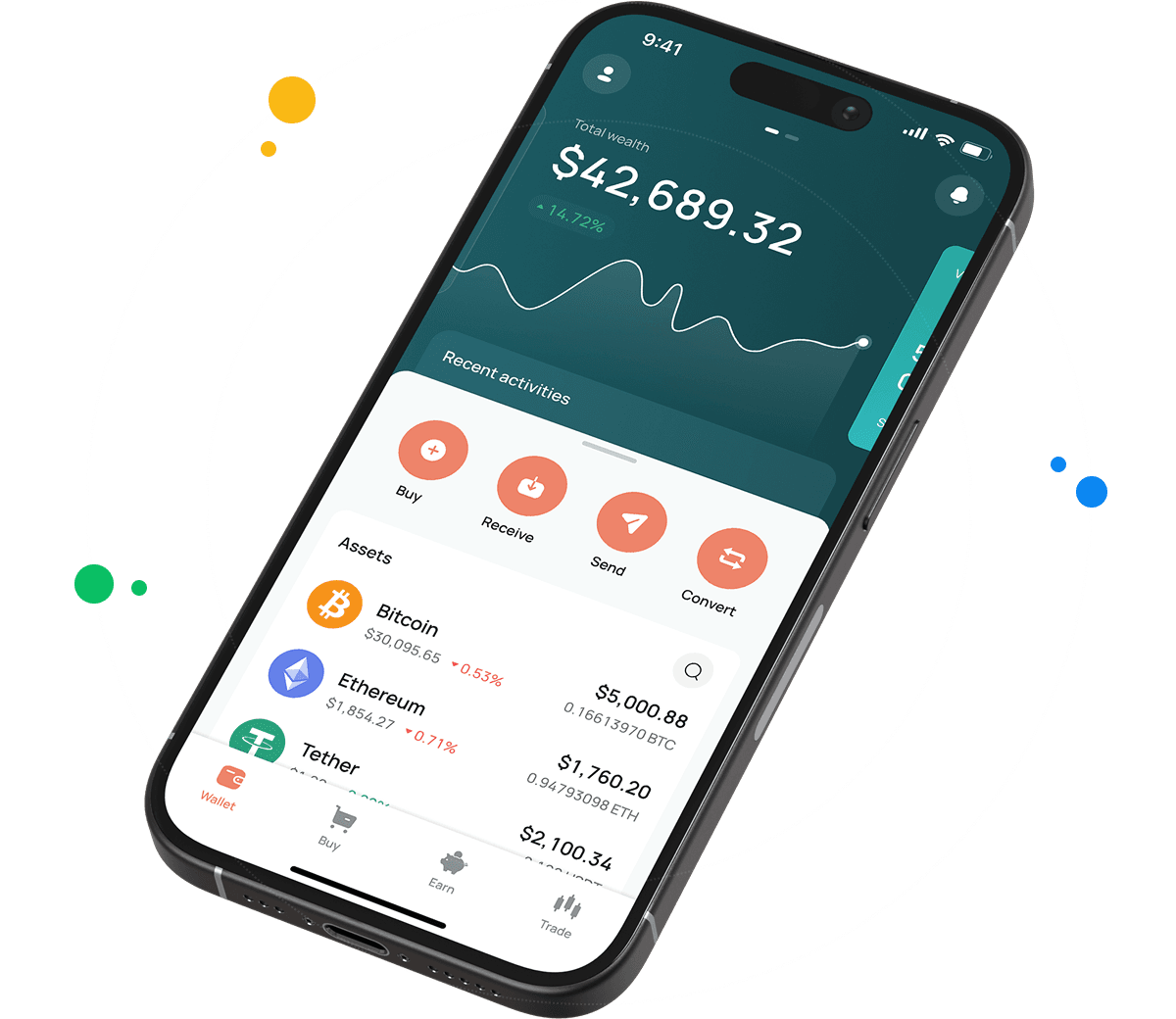
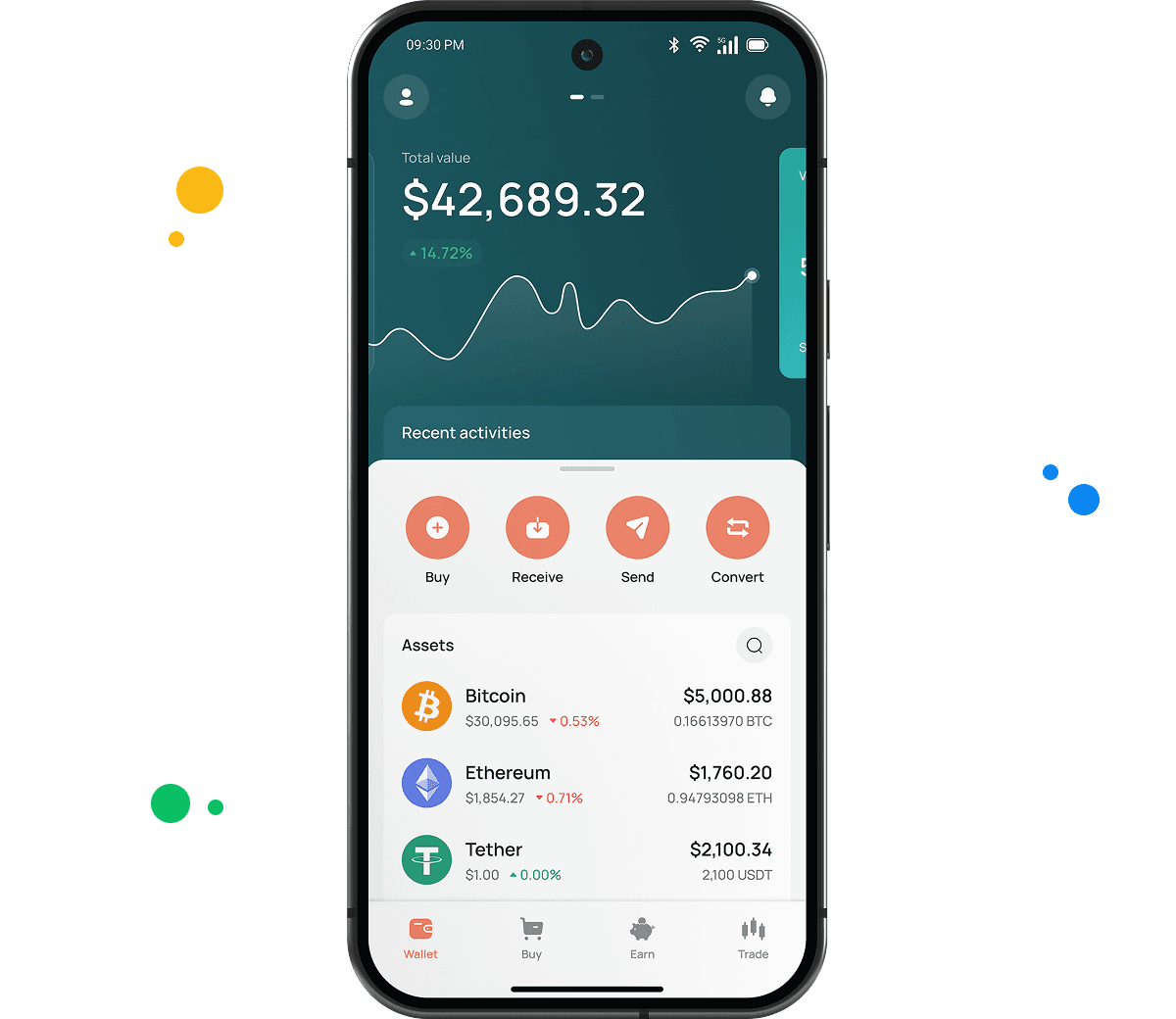
CEX.IO Wallet supports CRO alongside hundreds of other digital assets. You manage your full portfolio and track every token's value from one secure account. The platform secures your holdings with multi-factor authentication, encrypted key storage, and account-level withdrawal controls.
Unlike many standalone Cronos wallets, CEX.IO lets you buy CRO with a card or bank transfer, sell it for fiat and receive proceeds on your card or bank account, and convert it into other supported assets without leaving the app.
CEX.IO has operated since 2013, serves more than 15 million registered users, and holds PCI DSS Level 1 certification. The platform has not suffered a breach resulting in loss of user funds across that history.

How to use CRO wallet by CEX.IO
CEX.IO Wallet lets you send and receive CRO with low costs, and buy, sell, or exchange it at any time. The app loads the same experience on iOS, Android, and desktop — you do not need to learn a different interface per device.
How to register at CEX.IO wallet
Open wallet.cex.io in your browser or download the CEX.IO app. Tap Create Your Account. Enter your email address, create a strong password, and select your country. Accept the Terms of Use, then confirm your email through the code you receive in your inbox.
Complete identity verification to unlock full wallet functions. CEX.IO follows KYC and AML requirements. Provide your legal name, date of birth, residential address, and a valid identity document. Most users finish verification within minutes. After that you can store, send, receive, buy, sell, and manage CRO from your account.

How to deposit money at CEX.IO wallet
Open the Wallet section and select the currency you want to deposit. Tap Receive and enter the amount. Choose a payment method and tap Deposit. Review the payment details and tap Confirm Deposit. Funds appear in your wallet once the transaction settles. CEX.IO accepts card payments, bank transfers, and crypto deposits. Fund your account first when you plan to buy CRO or another digital asset.
How to buy CRO at CEX.IO wallet
Tap Buy on the main toolbar. Select CRO from the list of supported assets. Enter the amount you want to spend in your preferred fiat currency. Choose your payment method and tap Buy. Review the order details and confirm. Card payments process quickly, so your CRO reaches your CEX.IO Wallet shortly after the purchase clears.

How to sell CRO at CEX.IO Wallet
Select Sell on the toolbar. Enter the amount of CRO you want to sell, or the fiat amount you want to receive. Choose where the proceeds land — your card or bank account. Confirm the details and tap Sell Now. CEX.IO deducts the CRO from your wallet and routes the fiat to your chosen destination. Track live CRO rates on the CEX.IO prices page before you sell.
How to use the Exchange option at CEX.IO Wallet?
CEX.IO Convert turns CRO into another supported cryptocurrency or fiat currency in a few taps, with no trading interface to learn. Open Exchange on the toolbar. Select CRO as the source asset and pick your target currency from the dropdown. Enter the amount, review the conversion rate, and confirm. Your wallet balance updates immediately. Users who want more control can trade CRO against supported pairs on CEX.IO Spot Trading.
Guide & FAQ
How to send CRO from CEX.IO wallet
Open the CEX.IO Wallet, choose CRO, and tap Send. Enter the amount and the recipient wallet address. Review the network and withdrawal details, then confirm. The transfer goes to the Cronos network. Track the status in your transaction history.
What are the payment methods at CEX.IO Wallet?
CEX.IO supports debit and credit cards, bank transfers (SEPA, Faster Payments, and Domestic Wire in the US), and over 80 supported cryptocurrencies. Available methods depend on your country of residence.
Where to find the safest crypto wallet?
Check the provider's security record and the protections it offers. CEX.IO has operated since 2013, serves more than 15 million registered users, holds PCI DSS Level 1 certification, and lets you enable two-factor authentication. A long compliance track record and clear security standards are the signals worth looking for.
Should I use a crypto wallet by CEX.IO?
CEX.IO Wallet gives you secure CRO storage with fiat payments, fast conversions, and direct access to CEX.IO trading. A regulated global platform backs it. If you want a single account to hold, trade, and manage CRO with low friction, it is a practical option.
Is it necessary to have a wallet to trade crypto?
Yes. You need a wallet to hold, send, and receive CRO, and to fund any trades. The CEX.IO Wallet links to your account, so the assets you hold work across Instant Buy, Convert, and Spot Trading. Protect the account with a strong password and two-factor authentication.
What types of crypto wallets exist?
Crypto wallets divide into hot and cold storage. Hot wallets connect to the internet and include exchange wallets, mobile apps, and desktop applications. Most are free and suit everyday access. Cold wallets store keys offline on physical hardware devices and suit long-term holdings. CEX.IO Wallet is a secure hot wallet for CRO with multi-factor protection.