Morpho Wallet
Morpho (MORPHO) Wallet on CEX.IO : For iOS, Android, and Desktop Users
Are you searching for the best Morpho wallet? We built a secure online MORPHO wallet that lets you store, send, and receive Morpho from any device. This guide shows how to set up and use the CEX.IO Wallet, and how to keep your Morpho safe.

Read our easy guide and create your Morpho wallet today!
Morpho Wallet for All Devices
Morpho is one of the most-used lending protocols in DeFi. Institutions like Coinbase and Société Générale use it to back real loans with on-chain collateral. MORPHO is the governance token that gives holders a vote in how the protocol runs. CEX.IO gives you a free MORPHO wallet that runs on iOS, Android, desktop, and the web. You manage your MORPHO, track your portfolio, and move funds from one secure interface, on the go or at your desk.
What is Morpho (MORPHO)?
Morpho is a decentralized lending protocol that operates on Ethereum and EVM-compatible networks. It provides open-source infrastructure for building isolated lending markets. Unlike monolithic lending protocols that pool all assets into a single shared market, Morpho separates each lending market by collateral type, oracle, and liquidation parameters. One market's performance does not affect another.
MORPHO is the governance token of the Morpho Protocol. It launched in late 2024. Holders vote on protocol governance including fee structures, risk parameters, and ecosystem incentive programs.
CEX.IO MORPHO Wallet
CEX.IO Wallet supports MORPHO as an ERC-20 token on Ethereum alongside hundreds of other digital assets. You store, send, receive, and exchange MORPHO from one secure account. Multi-factor authentication, encrypted key storage, and withdrawal controls protect your holdings.
CEX.IO lets you buy MORPHO with a card or bank transfer and sell it for fiat with proceeds going to your card or bank account. The same login and interface work on mobile and desktop.
CEX.IO has operated since 2013, holds PCI DSS Level 1 certification, and serves more than 15 million registered users. The platform has not suffered a breach resulting in loss of user funds.

How to use MORPHO wallet by CEX.IO
CEX.IO Wallet gives you direct access to MORPHO on any device. Send it to any Ethereum address, receive it from any compatible wallet, buy with fiat, sell for cash, or swap into another asset. The interface stays the same across iOS, Android, and desktop.
How to register at CEX.IO wallet
Go to wallet.cex.io or download the CEX.IO app. Tap Create Your Account. Enter your email, set a strong password, and select your country. Accept the Terms of Use and verify your email.
Complete identity verification to unlock full wallet access. Provide your legal name, date of birth, residential address, and a valid identity document. Most users finish in a few minutes. After that, you can store, send, receive, buy, sell, and manage MORPHO.

How to deposit money at CEX.IO wallet
Open the Wallet section and pick the currency you want to deposit. Tap Receive, enter the amount, choose a payment method, and tap Deposit. Confirm the details and tap Confirm Deposit. Funds appear after the payment settles.
To deposit MORPHO from an external wallet, go to Wallet, select MORPHO, and tap Receive. Copy the Ethereum deposit address shown and use it as the destination in your external wallet. Confirm the network is Ethereum before sending.

How to buy MORPHO at CEX.IO wallet
Tap Buy on the toolbar. Select MORPHO from the asset list. Enter the fiat amount you want to spend. Choose a payment method and tap Buy. Review the order details and confirm. MORPHO lands in your wallet shortly after the purchase processes.
How to sell MORPHO at CEX.IO Wallet
Tap Sell on the toolbar. Enter the MORPHO amount you want to sell or the fiat amount you want to receive. Choose your payout destination — card or bank account. Confirm the summary and tap Sell Now. CEX.IO removes the MORPHO from your balance and routes the fiat to your chosen destination.

How to use the Exchange option at CEX.IO Wallet?
Open Exchange on the toolbar. Select MORPHO as the source asset and pick the target currency. Enter the amount and review the quoted rate. Confirm. The conversion completes right away and your balance updates. MORPHO pairs are also available on CEX.IO Spot Trading for users who want live order books.
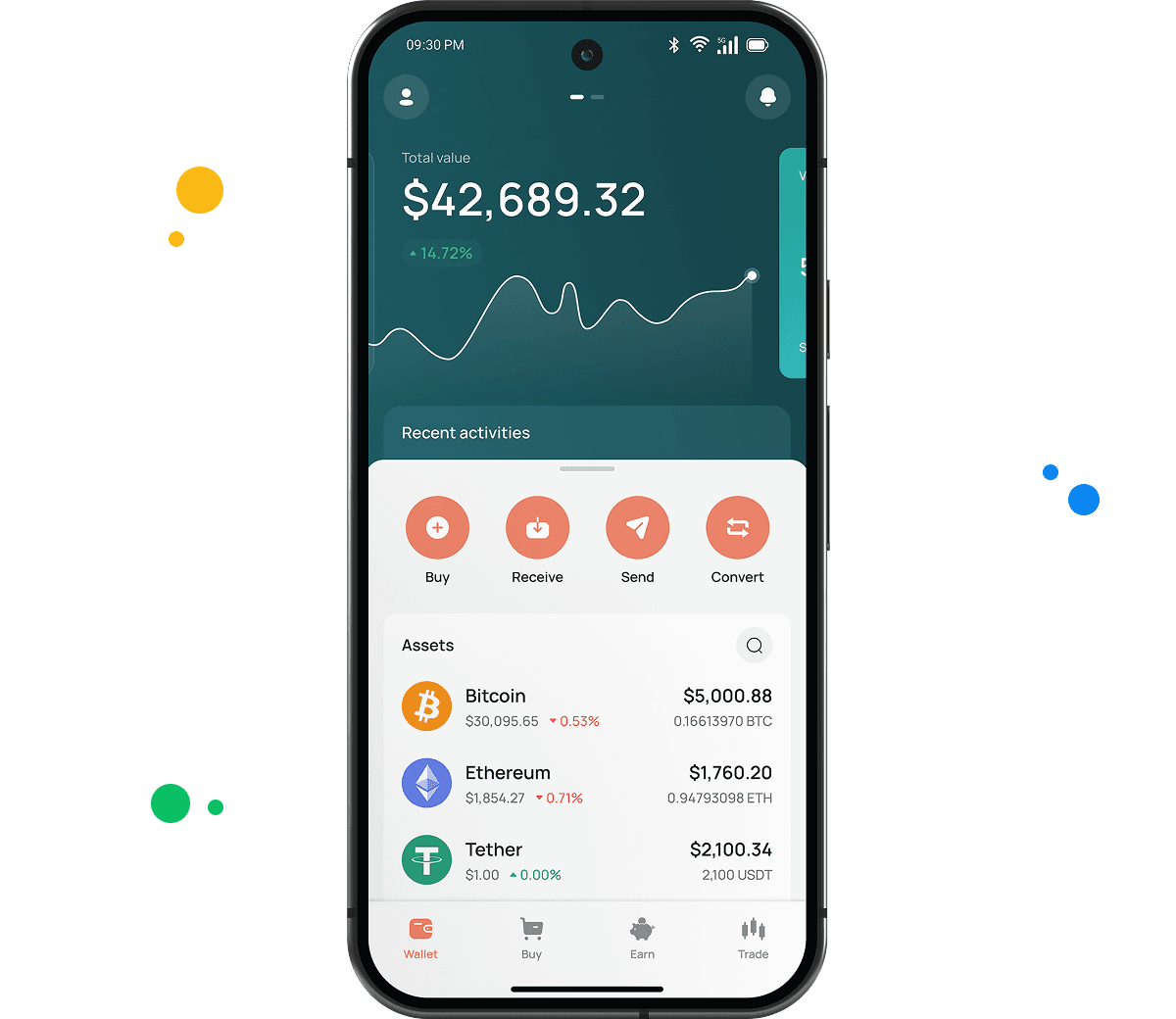
Guide & FAQ
What is a MORPHO wallet?
A MORPHO wallet is a digital tool that stores the private keys giving you access to your MORPHO tokens on the Ethereum blockchain. It lets you send, receive, and manage MORPHO. CEX.IO Wallet is a custodial MORPHO wallet: CEX.IO holds the private keys on your behalf and you access your balance through your account login.
How to create a MORPHO wallet
Go to wallet.cex.io or download the CEX.IO app. Tap Create Your Account. Enter your email address, set a strong password, and select your country. Accept the Terms of Use and verify your email. Complete identity verification with your name, date of birth, address, and a valid identity document. Once verified, go to the Wallet section, find MORPHO, and tap Receive to generate your deposit address. Your wallet is ready.
How to send MORPHO from CEX.IO wallet
Open the CEX.IO Wallet, select MORPHO, and tap Send. Enter the recipient address and the amount. Confirm the network is Ethereum. Review the fee and withdrawal details, then confirm. Transfers to other CEX.IO users through CEX.IO Pay complete instantly with no blockchain fee.
How do I send MORPHO to another wallet?
You need the recipient's A MORPHO address is a standard Ethereum address: a 42-character string starting with 0x. MORPHO is an ERC-20 token, so it shares the address format with ETH and all other Ethereum tokens. Find your CEX.IO MORPHO deposit address by going to Wallet, selecting MORPHO, and tapping Receive. wallet address. In CEX.IO, go to Wallet, select MORPHO, and tap Send. Paste the address, enter the amount, and confirm. Verify the address before confirming — blockchain transactions are irreversible once the network processes them.
Which is the best mobile MORPHO wallet to use?
The CEX.IO App gives you full MORPHO management on iOS and Android. You store, buy, sell, exchange, and send MORPHO alongside your full portfolio from one app. Transfers to other CEX.IO users through CEX.IO Pay are instant with no blockchain fee.
What are the payment methods at CEX.IO Wallet?
CEX.IO supports debit and credit cards, bank transfers (SEPA, Faster Payments, and Domestic Wire in the US), and over 80 supported cryptocurrencies. Available methods depend on your country of residence.
Are MORPHO wallets free?
Yes. Creating a CEX.IO account and holding MORPHO costs nothing. CEX.IO charges fees on trades and withdrawals, not on storage. Network transaction fees apply when sending MORPHO to an external address. Transfers between CEX.IO users through CEX.IO Pay carry no fee.
Is it necessary to have a wallet to trade crypto?
Yes. You need a wallet to hold MORPHO and fund any trades. The CEX.IO Wallet links to your account, so your MORPHO balance powers Instant Buy, Convert, and Spot Trading. Protect the account with a strong password and two-factor authentication.