USDT BEP20 Wallet
Tether (USDT BEP20) Wallet on CEX.IO : For iOS, Android, and Desktop Users
A USDT BEP20 wallet is a wallet that receives and sends Tether on BNB Smart Chain through the BEP-20 token standard. The CEX.IO Wallet offers this as part of a free crypto wallet. You can buy USDT with a card, keep it with your other assets, and transfer it over BNB Smart Chain from a browser or a phone.
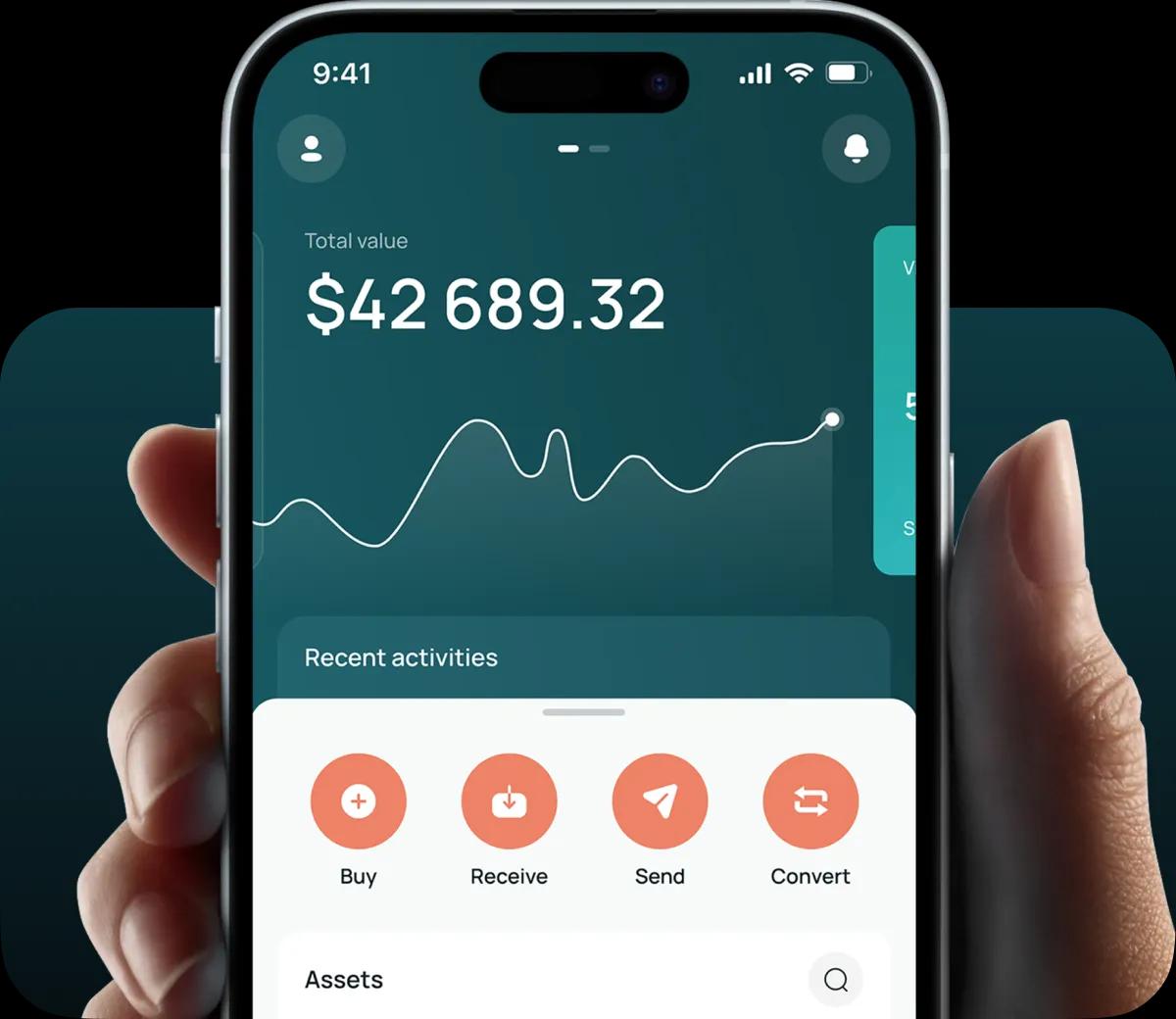
Read our easy guide and create your Tether wallet today!
USDT BEP20 Wallet for All Devices
BNB Smart Chain charges low fees per transfer, and a wide range of apps and exchanges accept USDT in its BEP-20 form. A wallet with BEP-20 support lets you work with those services directly and keeps the cost of each move small. CEX.IO gives you one tether wallet across the web, Android, and iOS. The holdings on your laptop match the ones on your phone, and BNB Smart Chain stays on the list of networks whenever you add or withdraw USDT.
Types of USDT BEP20 Wallets
The same USDT wallet opens in three places, so you can pick whichever device sits closest.
- Online wallet. A desktop or laptop browser is enough to reach it, with no app to install. It works well for reviewing transfer history and pasting long addresses with care.
- Android app. Download the CEX.IO App from Google Play to manage USDT BEP20 on Android devices. The app reads QR codes, which saves you from typing out a BNB Smart Chain address.
- iPhone and iPad app. The CEX.IO App on the Apple App Store offers the same tools. A change in one version appears in the others, since each one connects to your single account.
CEX.IO USDT BEP20 Wallet
Custody of this USDT wallet sits with CEX.IO. The platform holds the private keys on your behalf, so your account credentials and two factor authentication give you access, and no seed phrase comes into play.
USDT in the wallet forms one pool. Whether Tether arrives through BNB Smart Chain or another supported chain, it joins the same holding, and BEP-20 comes back as an option when you withdraw. Next to Tether you can hold BTC, ETH, BNB, and many other coins, and each one comes with buy, sell, and exchange tools.
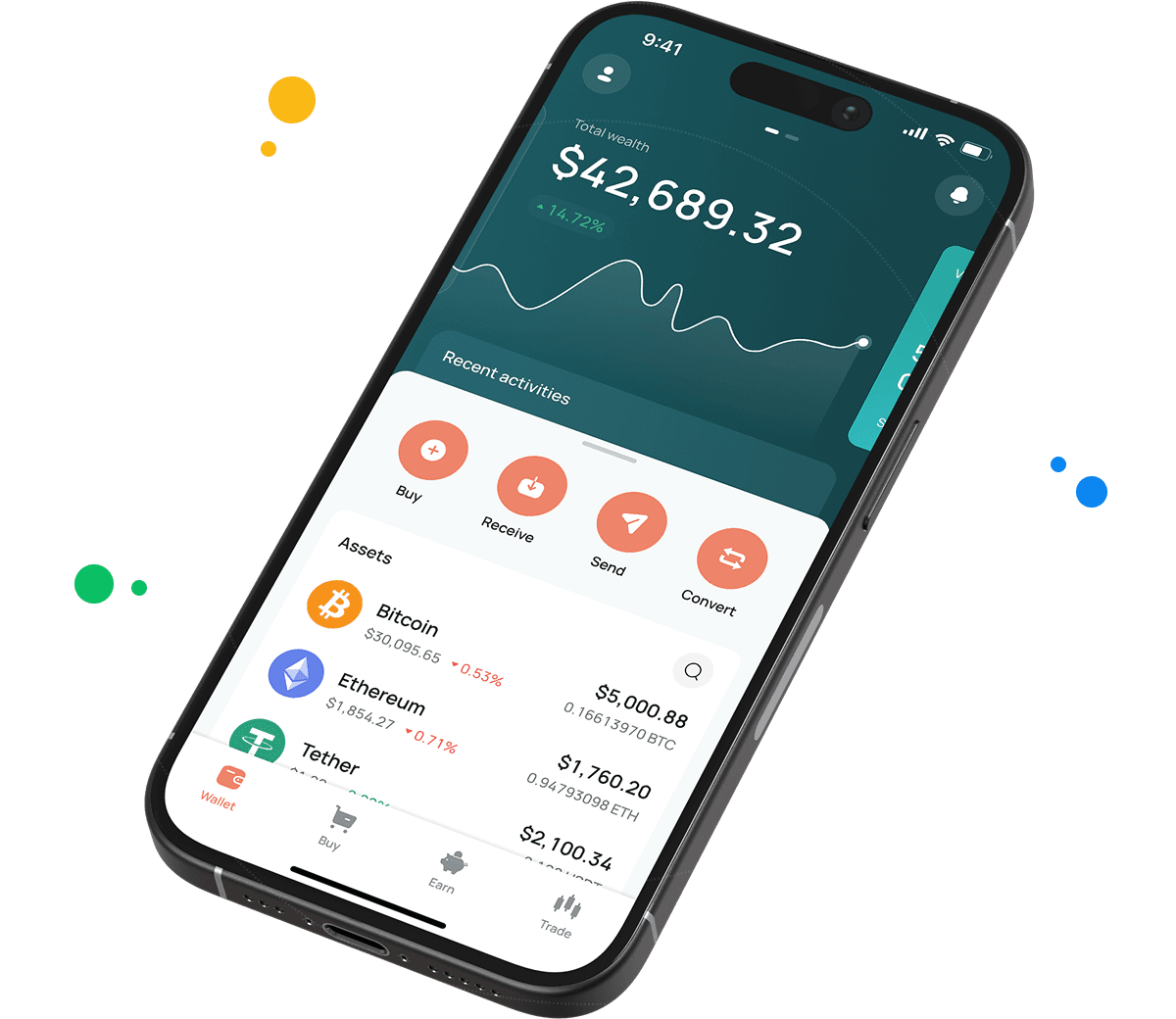
How to Set Up a USDT BEP20 Wallet for Mobile and Desktop
A tether wallet arrives with every CEX.IO account, so registration doubles as wallet setup.
- The sign-up form sits behind the Create your wallet button on the CEX.IO Wallet page.
- It requests three details at the start, your email, a password of your choice, and your country of residence, and that country affects which payment options you see.
- Consent to the Terms of Use and the Privacy Policy comes next, followed by a passcode from CEX.IO that you enter to confirm the email.
- Your legal name, your birthday, and an identity check close the process, and after that you can buy tether and send it through BEP-20.
On mobile, the CEX.IO App repeats this sign-up flow inside the app, and your USDT BEP20 wallet sits ready in the asset list afterward.
How to Send and Receive USDT BEP20?
Other wallets can pay you in USDT on BNB Smart Chain as soon as you hand them a BEP-20 deposit address.
- The deposit options appear once you tap USDT on the main page and then Add.
- Pick BNB Smart Chain from the networks. The address on screen starts with 0x, the same format Ethereum uses.
- Your sender needs only that address, which you can paste into a message or display as a QR code. CEX.IO adds the USDT once BNB Smart Chain shows 25 confirmations.
Withdrawing USDT BEP20 works in a similar order.
- From the USDT screen, the Send button opens a field where you paste the recipient address or pull one from your saved list.
- Set BNB Smart Chain as the network, enter the amount, and read the fee line.
- Confirm with two factor authentication. BNB Smart Chain then carries the USDT to the destination wallet.
A BEP-20 address and an ERC-20 address can be identical, since both chains use the same format. The network you select decides where the tokens travel, so the sender and the receiver need to agree on BNB Smart Chain before any transfer.
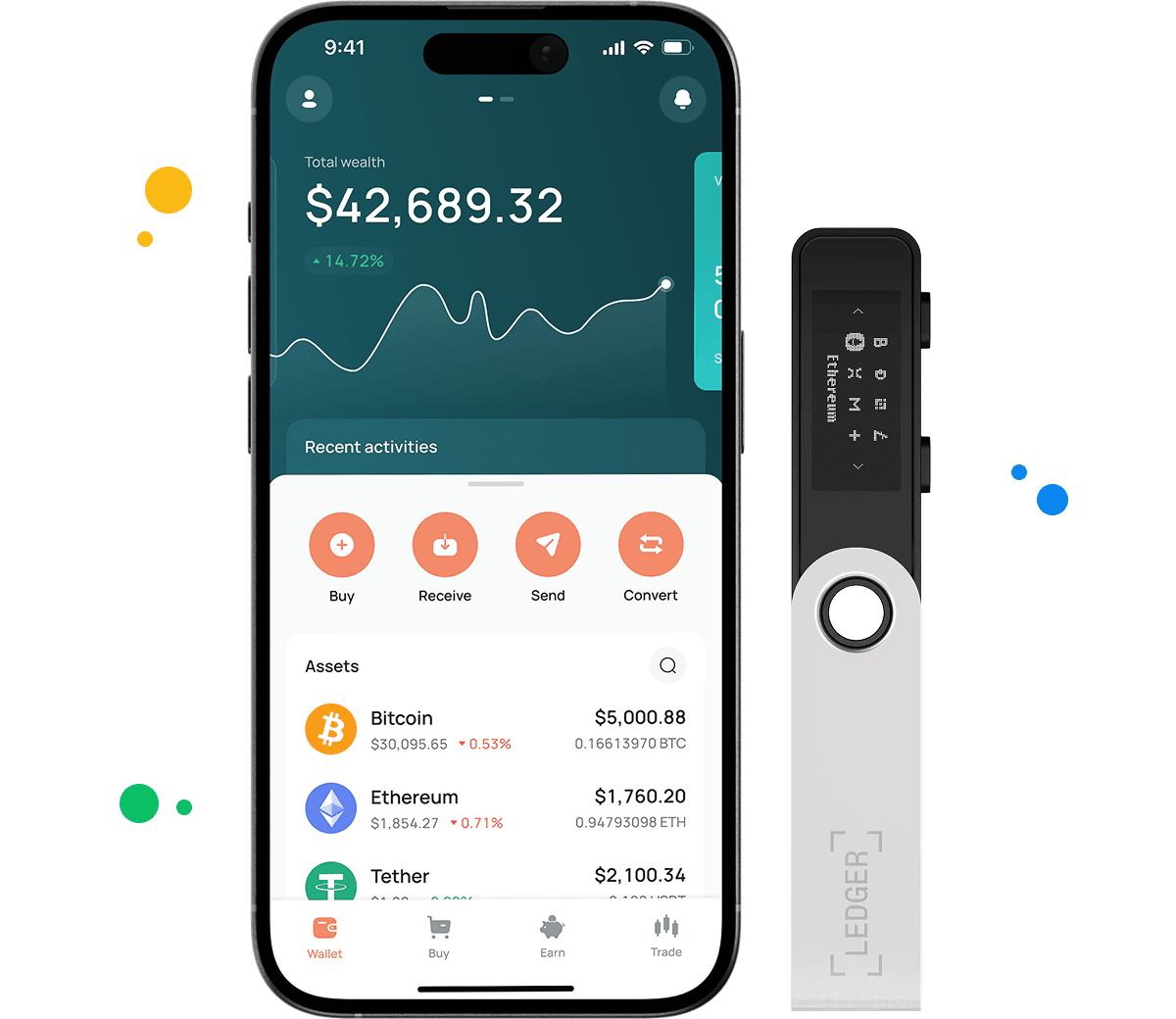
How to buy digital currency at CEX.IO wallet
You can buy USDT on CEX.IO with a card or a bank transfer and later send it through any supported network, BEP-20 included. The same flow works when you buy crypto of other kinds.
- Press Buy and find USDT among the available assets, together with its live rate.
- Set the amount you want to spend, and the screen converts it into USDT at that rate.
- Select how you pay and check the fee, because the available methods depend on your location.
- After your confirmation, CEX.IO places the USDT in the wallet, where it waits for storage or a BEP-20 withdrawal.

How to sell crypto at CEX.IO Wallet
To sell USDT, you move its value from Tether into fiat currency. The Sell section takes USDT as the asset and an amount, and it asks which card or bank account should get the money. Review the totals and confirm, and the payout heads to the account you selected.
How to use the Exchange option at CEX.IO Wallet?
Exchange is the tool for turning USDT into BTC, ETH, BNB, or another supported asset. Place USDT in the first dropdown, choose the target in the second, and type the amount. A preview shows what you will receive at the market rate. The swap takes place inside CEX.IO, so BNB Smart Chain plays no part and charges nothing.
FAQ
What is USDT BEP20?
USDT BEP20 is the form of Tether that runs on BNB Smart Chain. BEP-20 is the token standard of that chain, and it follows the same design as ERC-20 on Ethereum. The token aims to hold a value of one US dollar.
How can I track the value of my USDT BEP20?
The USDT entry on the CEX.IO prices page lists the current rate, the daily movement, and the market capitalization. Visitors and account holders see the same data there.
Which wallet is best for USDT BEP20?
Your choice depends on where you spend most of your time. The browser wallet fits desk work, and the CEX.IO App fits transfers from your phone. Both support USDT on BNB Smart Chain.
Can I store other cryptocurrencies at CEX.IO?
Yes. BNB, BTC, ETH, and a long list of other assets live in the same account as your USDT BEP20.
How to send crypto from CEX.IO wallet
A withdrawal of any coin runs through its Send button, and the network you pick there has to match the one your recipient uses. For transfers between CEX.IO accounts, CEX.IO Pay sends crypto by User ID without a fee in supported regions.
Where to find the safest crypto wallet?
Look for concrete security measures. At CEX.IO, offline storage covers 98% of digital funds, so most assets stay away from online access, and each login or withdrawal must pass a two factor check and an email confirmation.