XDC Wallet
XDC Wallet on CEX.IO : For iOS, Android, and Desktop Users
Are you searching for the best XDC wallet? We know finding a secure, convenient place to store XDC takes time — so we built one. This guide shows how to use the CEX.IO Wallet and how to keep your XDC safe on any device.

Read our easy guide and create your XDC wallet today!
XDC Wallet for All Devices
Cross-border trade finance moves trillions of dollars every year, yet much of it still runs on paper documents and manual verification. XDC Network is a blockchain built to modernize this process — two-second settlement, near-zero fees, and ISO 20022 compliance used by SWIFT and central banks worldwide. By mid-2026, over $1.1 billion in tokenized assets were live on the network. CEX.IO gives you a free XDC wallet that runs on iOS, Android, desktop, and the web. You manage your XDC, store other digital assets, and move funds from one secure interface, on the go or at your desk.
Types of wallets for keeping digital assets
Crypto wallets are similar to traditional wallets but, unlike conventional ones that hold paper money, they are designed to hold virtual currency. If you are not sure where to store your digital assets, think of creating a crypto wallet on CEX.IO.
Digital wallets for cryptocurrency come in various formats, each with its own benefits in terms of convenience and security. But regardless of the format, the protection of your funds remains your responsibility. Keep the passwords that give you access to your digital wallet highly protected.
What is XDC Network (XDC)?
XDC Network is an open-source, enterprise-grade layer-one blockchain. You may have heard about it in the context of trade finance, real-world asset tokenization, and institutional DeFi. The network is EVM-compatible, so developers can deploy Solidity smart contracts directly on XDC without rewriting code. It uses XinFin Delegated Proof of Stake (XDPoS) consensus, which lets it process over 2,000 transactions per second with two-second finality and fees as low as $0.00001 per transaction.
XDC is the native token of XDC Network. The total supply is approximately 38 billion XDC. Token holders use XDC to pay transaction fees, power smart contracts, and participate in network governance by staking to vote for Masternodes. The top 108 Masternode candidates by delegated stake become active validators. These validators take turns proposing and confirming blocks in a round-robin sequence.
XDC Network is also ISO 20022-compliant. This standard governs financial messaging between banks, central banks, and payment systems globally. ISO 20022 compliance positions XDC to integrate with the same infrastructure that SWIFT uses, which makes it a natural fit for institutions modernizing trade finance and settlement workflows.
CEX.IO XDC Wallet
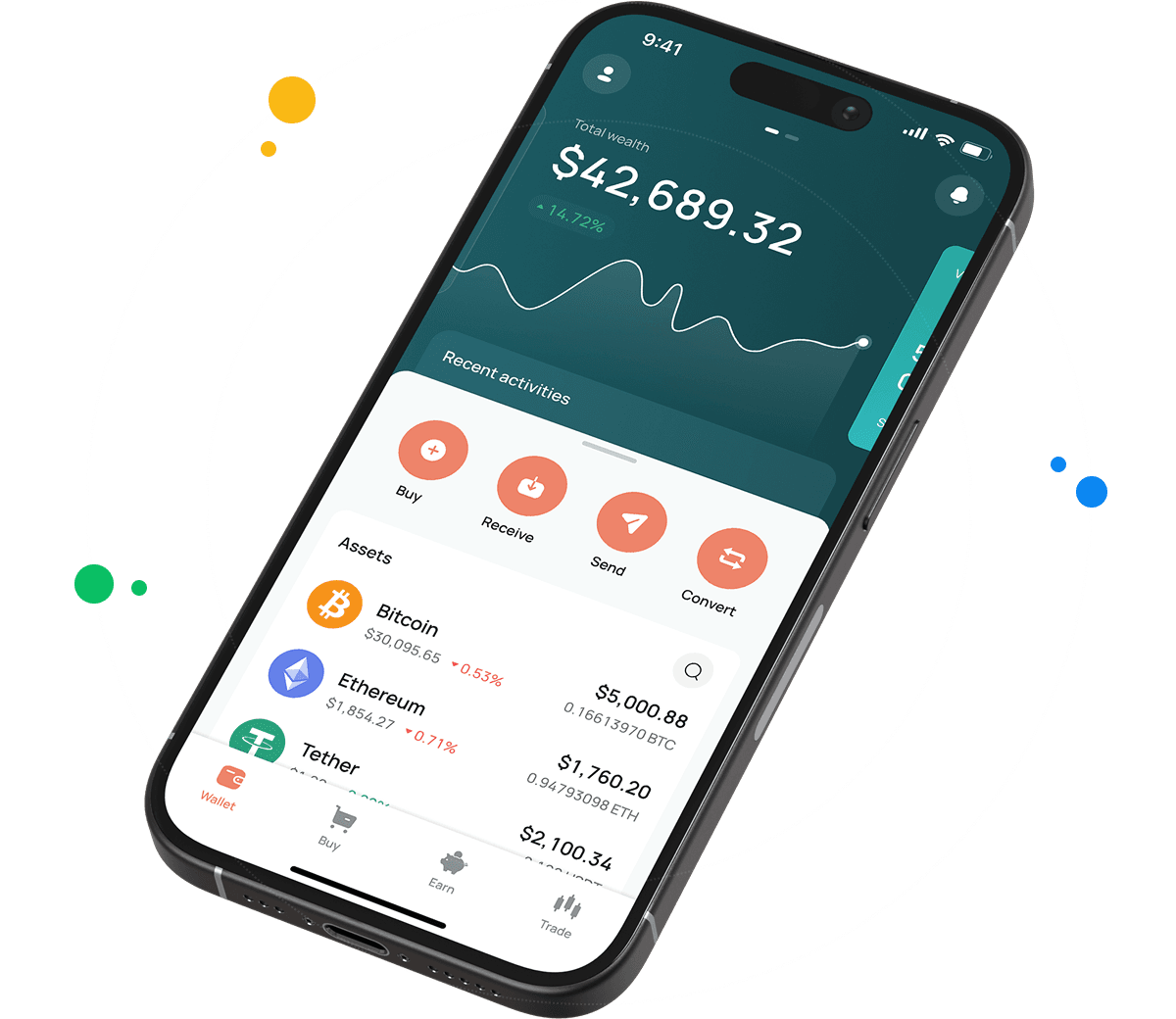
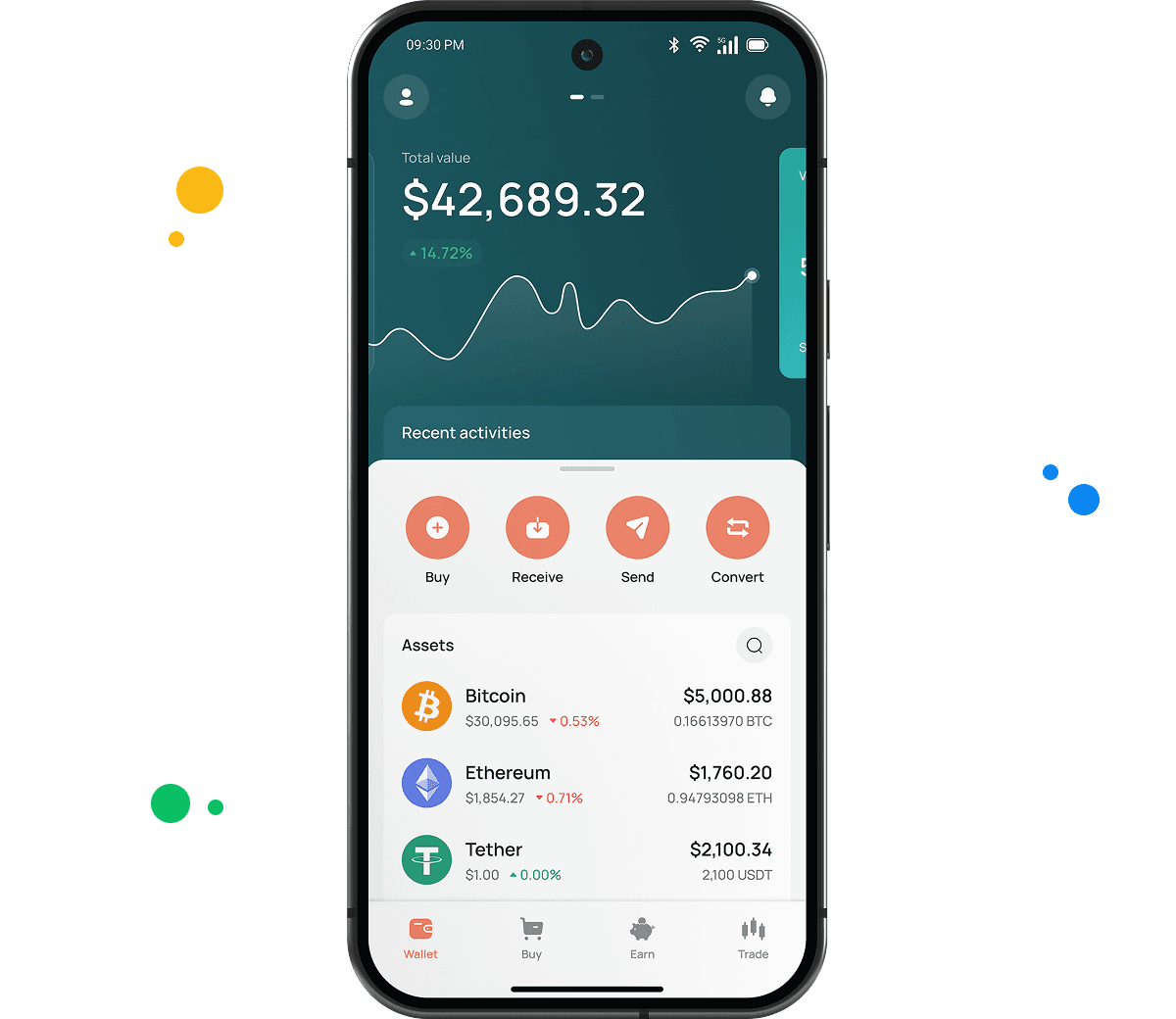
CEX.IO Wallet is a product designed to securely store XDC, BTC, ETH, and other virtual currencies and easily manage your funds.
Unlike most XDC wallets, this one lets you buy XDC tokens by simply using your card. You can also sell your digital assets and get cash on your balance or payment card. Additionally, you can convert XDC into other supported assets or exchange it for different crypto and fiat currencies.
The main advantage of the CEX.IO Wallet is its user-friendly interface. You can quickly find the option you need, manage your funds on the go, and track the changes in your portfolio value at a glance.

How to use XDC wallet by CEX.IO
CEX.IO Wallet gives you the possibility to send XDC and receive it with minimal possible commissions. You can also buy, sell, and exchange your digital assets anytime. The Wallet has a simple, clean interface so it will not take you long to start managing your funds. CEX.IO is one of the most trusted crypto platforms in the world. You can rely on the security of your holdings and transactions.
How to register at CEX.IO wallet
Registration on CEX.IO does not take long. Enter your email, create a secure password, and choose your country. Accept the Terms of Use and Privacy Policy and confirm the email by entering the code sent to you. Add your first and last name and date of birth to finish the setup. Done! Now you can send and receive XDC, purchase digital assets, sell, and exchange them anytime.

How to deposit money at CEX.IO wallet
- In the Wallet menu, choose the currency you want to deposit.
- Tap Receive and enter the amount. Choose the payment method and tap Deposit.
- Make sure the payment details are correct and tap Confirm Deposit.
- Funds will appear in your wallet shortly.
To deposit XDC from an external wallet, copy your XDC deposit address from the Receive section. XDC addresses begin with 'xdc' followed by alphanumeric characters — confirm this format matches your external wallet before sending.
How to buy XDC at CEX.IO wallet
- On the main page, tap Buy on the toolbar.
- Select XDC from the list of supported assets or use the search to find it.
- Enter the amount in USD, EUR, or another available fiat currency.
- Select your payment method and tap Buy.
- Double-check that all details are correct and confirm the purchase. Your XDC balance will update once the transaction is processed.

How to sell XDC at CEX.IO Wallet
- Select Sell on the toolbar on the main page.
- Type the amount of XDC you want to sell or the fiat amount you want to receive.
- Choose where you want to receive your money — card or bank account. A summary screen will appear. Make sure all information is correct.
- Tap Sell Now. The XDC you sold will be deducted from your wallet and you will receive the fiat amount to your chosen destination.
How to use the Exchange option at CEX.IO Wallet?
To exchange virtual assets stored on your wallet, choose Exchange on the toolbar. Select the currencies you want to convert. Enter the number of XDC tokens you would like to exchange and you will see the amount you will get. Click the Exchange button and, if the information is correct, confirm the action. Your wallet balance will update accordingly and you will get the currency you selected.
Guide & FAQ
How to send XDC from CEX.IO wallet
Open the CEX.IO Wallet, choose XDC, and tap Send. Enter the amount and the recipient XDC address. Review the withdrawal details and confirm. Transfers between CEX.IO users through CEX.IO Pay complete instantly with no blockchain fee. External transfers settle after the XDC Network confirms the transaction.
Which is the best mobile XDC wallet to use?
The CEX.IO App gives you full XDC management on iOS and Android. You buy, sell, convert, and send XDC from one app alongside your full portfolio. Transfers to other CEX.IO users through CEX.IO Pay are instant and carry no blockchain fee.
What is a XDC wallet address?
A XDC address is a unique identifier on the XDC Network. Addresses begin with 'xdc' followed by alphanumeric characters — for example, xdcd77875df... This format differs from Ethereum's 0x addresses, even though XDC Network is EVM-compatible. Find your CEX.IO XDC deposit address by going to Wallet, selecting XDC, and tapping Receive.
What are the payment methods at CEX.IO Wallet?
CEX.IO supports debit and credit cards, bank transfers (SEPA, Faster Payments, and Domestic Wire in the US), and over 80 supported cryptocurrencies. Available methods depend on your country of residence.
How to backup & restore a XDC wallet
CEX.IO is a custodial wallet. Your backup is your account credentials: email address, password, and 2FA recovery codes. Store your password in a secure manager and keep 2FA codes offline. To restore access, log in with your email and complete any required verification. For non-custodial XDC wallets, the backup is a seed phrase or private key that you must store securely offline.
What blockchains does CEX.IO Wallet currently support?
CEX.IO Wallet supports assets across Ethereum, BNB Chain, Solana, Tron, Polygon, XDC Network, and other major blockchains. The full list is available in the Wallet section of the CEX.IO app and at wallet.cex.io. New assets are added regularly.