USDT ERC20 Wallet
Tether (USDT ERC20) Wallet on CEX.IO : For iOS, Android, and Desktop Users
A USDT ERC20 wallet is a wallet for Tether that lives on Ethereum and moves under the ERC-20 token standard. The free CEX.IO Wallet supports this version of USDT. You can buy tether, store it next to your other crypto, and send it across Ethereum from the web or from the CEX.IO App.
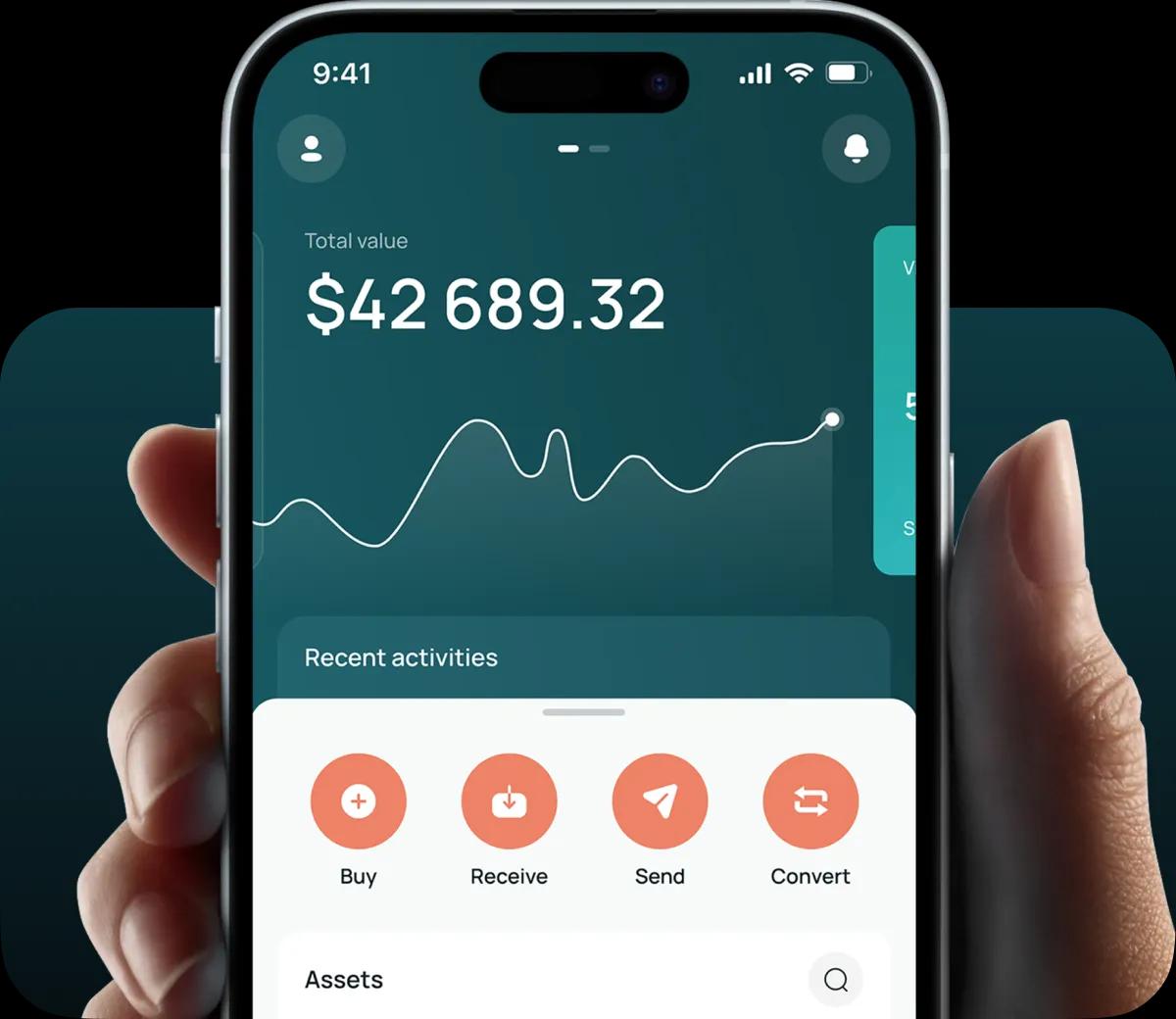
Read our easy guide and create your Tether wallet today!
USDT ERC20 Wallet for All Devices
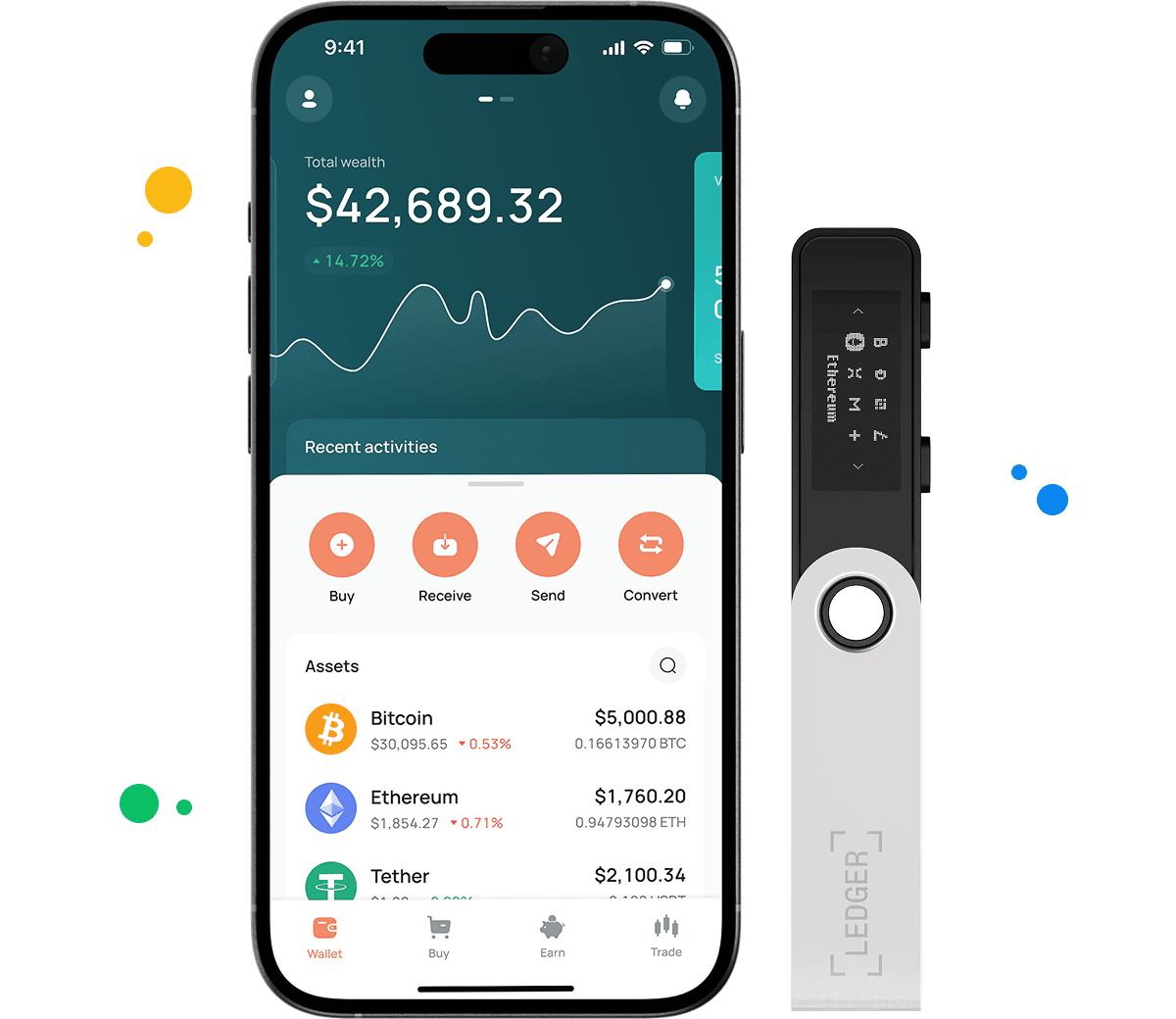
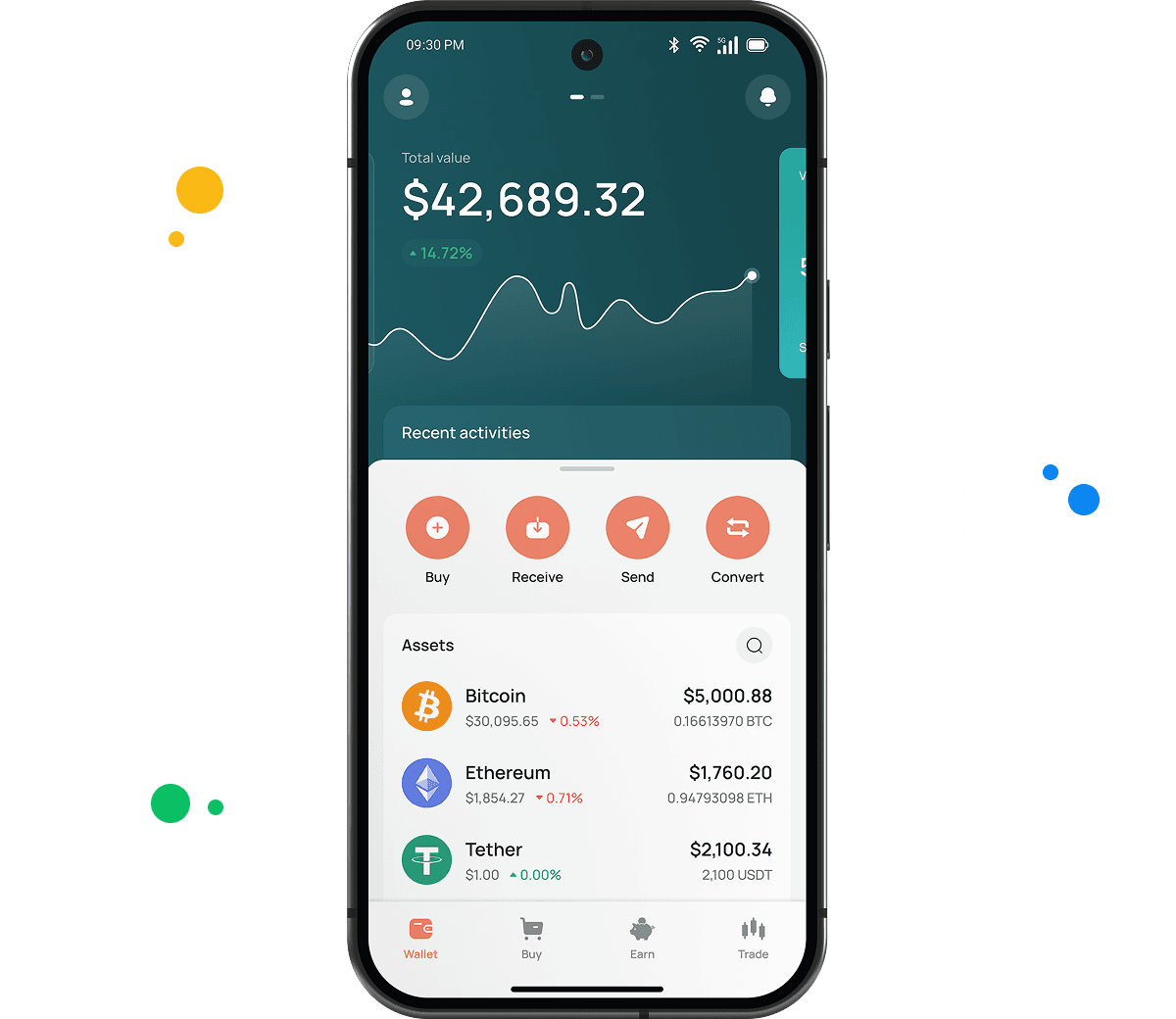
Your CEX.IO account looks the same in a browser tab, on an Android phone, and on an iPhone. A USDT purchase you make on one screen shows up on the others, and Ethereum remains a network option for every transfer.
Types of USDT ERC20 Wallets
Three formats lead into the CEX.IO USDT wallet, and all of them share one account.
- Desktop wallet. You open it from any computer and manage USDT ERC20 without a download. A large screen helps when you compare Ethereum addresses character by character.
- CEX.IO App for Android. Google Play delivers the app to Android phones and tablets. With it you can buy USDT, read a QR code from another wallet, and approve an ERC-20 withdrawal on the spot.
- CEX.IO App for iOS. The Apple App Store carries the same app for iPhone and iPad, with the full set of wallet functions and live prices.
CEX.IO USDT ERC20 Wallet
CEX.IO runs this crypto wallet in custody, and buying tether happens in the same place. The platform keeps the private keys, and your login, password, and two factor authentication give you access. That model leaves you with no seed phrase to guard on your own.
Inside the account, USDT counts as one asset whatever network brought it in. Ethereum comes into play at two moments, when you pick a deposit network and when you pick a withdrawal network. Because of that, USDT that you pay for with a card can leave as ERC-20, and USDT that arrived on another chain can go out through Ethereum too.
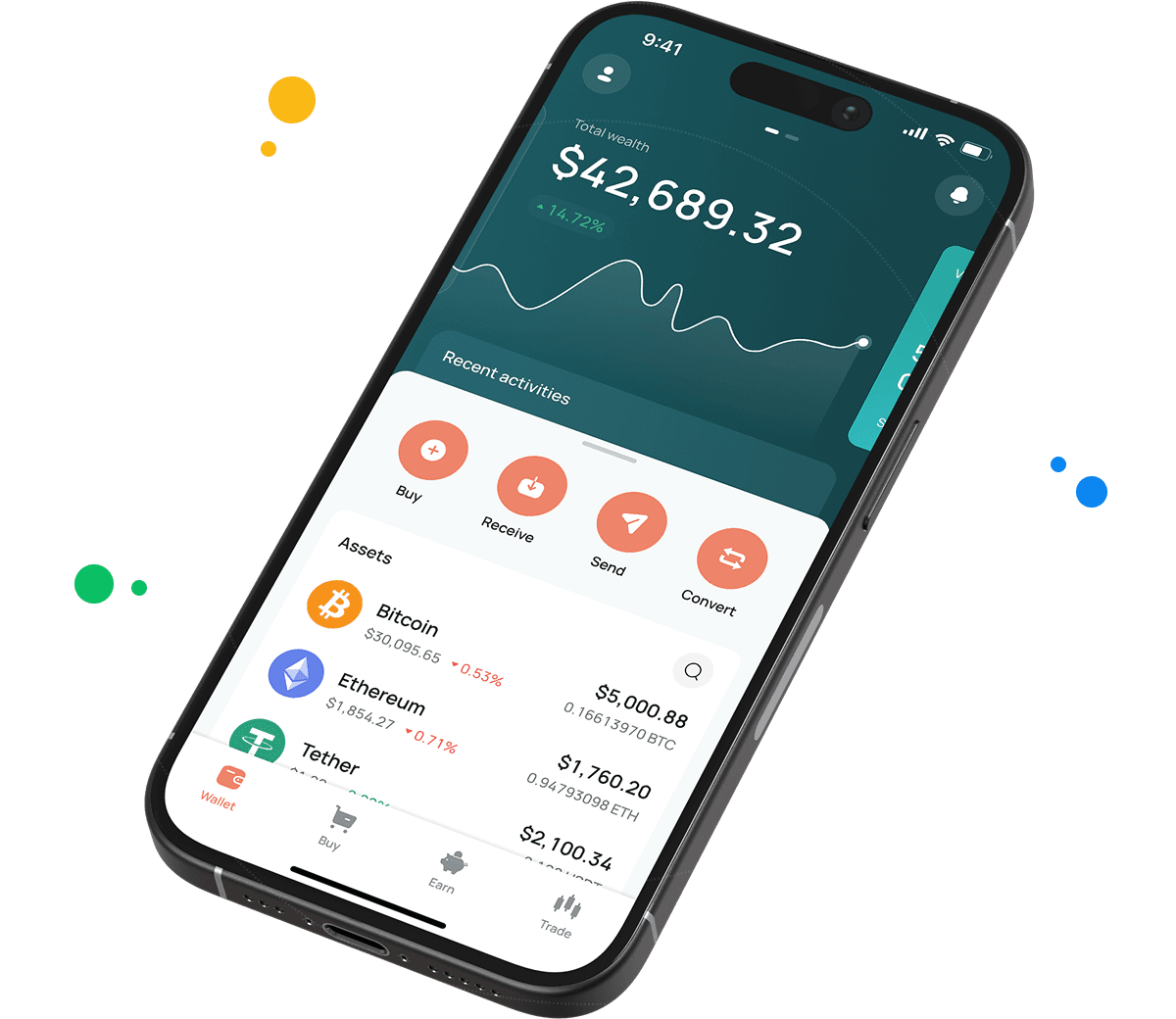
How to Set Up a USDT ERC20 Wallet for Mobile and Desktop
Creating the account also creates your tether wallet, so no separate wallet setup exists. From the first login, you can buy crypto, store it, and send it.
- Your first stop is the CEX.IO Wallet page, where a click on Create your wallet brings up the registration screen.
- The form takes an email address, a fresh password, and your country, and these details shape the services your account can use.
- After you agree to the Terms of Use and the Privacy Policy, CEX.IO emails you a code, and typing it in links the account to your inbox.
- Fill in your personal details and pass identity verification. Once verification clears, you can buy, deposit, and withdraw USDT.
Mobile users get the CEX.IO App from their app store and register inside it. USDT then shows up in the asset list with Ethereum among its networks.
How to Send and Receive USDT ERC20?
To receive USDT ERC20, the sender needs an Ethereum address from your wallet.
- Find USDT in the wallet and press Add. A list of Tether networks then fills the screen.
- Pick Ethereum. Your ERC-20 address appears, and it begins with 0x.
- Whoever pays you needs that address, so share it as text or as a QR code. Ethereum then has to stack 25 confirmations on top of the transfer before CEX.IO credits it.
To send USDT ERC20 to another wallet, take these steps.
- Inside the USDT screen, tap Send and fill the destination field with a new address or one from your saved list.
- Ethereum has to be the selection in the network field, and the amount goes in below it, with the withdrawal fee listed on the same screen.
- Approve the transfer with your two factor code. Ethereum then processes the transaction, and the recipient sees it after their own confirmation count.
Several networks use addresses that start with 0x, including BNB Smart Chain and Polygon. An address can look correct on the wrong chain, so the network field deserves a second look before every transfer.
How to buy digital currency at CEX.IO wallet
To buy USDT on CEX.IO, you follow the same steps whichever network you plan to use later. You pay with a card or a bank transfer, and CEX.IO credits USDT to your wallet as one asset.
- Open the Buy section and choose USDT from the list of assets you can purchase.
- Type the fiat amount you want to spend, and the app shows how much USDT that buys at the current rate.
- Pick a payment method and look through the fee, since cards and bank transfers vary by country.
- Confirm, and the USDT arrives in your wallet, where you can send it through ERC-20 whenever you need to.

How to sell crypto at CEX.IO Wallet
To sell USDT, you convert it into fiat and receive the money on a card or in a bank account. The Sell section asks for three things, the asset, the amount, and the card or bank account that receives the payout, and USDT goes in as the asset. A summary shows the final figure, and your confirmation completes the sale.
How to use the Exchange option at CEX.IO Wallet?
The Exchange option swaps USDT for another asset with no trip through Ethereum. Two dropdowns frame the swap, the first one for USDT and the second one for the asset you want, and an amount field sits below them. The app quotes the result at the market rate, and your confirmation updates both holdings. No gas fee applies, because the conversion stays inside CEX.IO.
Guide & FAQ
What is USDT ERC20?
Tether issues USDT on Ethereum under the ERC-20 standard, and this version goes by the name USDT ERC20. ERC-20 is the Ethereum standard for fungible tokens, and it lets USDT work with Ethereum wallets, exchanges, and smart contracts. The coin aims to keep a one to one link with the US dollar.
How can I track the value of my USDT ERC20?
The USDT page in the CEX.IO price section answers this. It shows the latest rate, the change over 24 hours, and the market capitalization, and it works without an account.
Which wallet is best for USDT ERC20?
That depends on your routine. People who move USDT ERC20 between DeFi apps and an exchange often keep a browser wallet open, and people who pay on the move lean on the app. The CEX.IO Wallet offers both on one account.
Can I store other cryptocurrencies at CEX.IO?
Yes. Your account keeps USDT ERC20 together with ETH, BTC, USDC, and many other supported coins and tokens.
How to send crypto from CEX.IO wallet
Every outgoing transfer starts from the Send button of the asset, and it needs two inputs from you, a destination address and a network that the receiving wallet supports. If the recipient also uses CEX.IO, a User ID is enough, because CEX.IO Pay moves the funds without a transfer fee in regions where the service operates.
Which is the best mobile USDT ERC20 wallet to use?
On iOS and Android, the CEX.IO App gives you every USDT ERC20 function. It covers buying, selling, exchanging, receiving, and sending, and it mirrors the web wallet.
What are the payment methods at CEX.IO Wallet?
You can fund purchases with Visa or Mastercard cards, Apple Pay, Google Pay, and bank transfers. PayPal works for US residents. Residence rules decide which of them you can use.
Where to find the safest crypto wallet?
A provider's security controls tell you more than its marketing. At CEX.IO, the share of digital funds in offline cold wallets reaches 98%, and nobody can log in or move funds without two factor authentication plus email confirmation.
Is it necessary to have a wallet to trade crypto?
Yes. Crypto you trade needs an address to live at, and your CEX.IO wallet provides one for each supported asset.
How to check a USDT ERC20 transaction?
Take the transaction hash from your transfer details and search for it on Etherscan. Etherscan then reports whether the transfer went through, how many blocks confirm it, and which addresses took part.